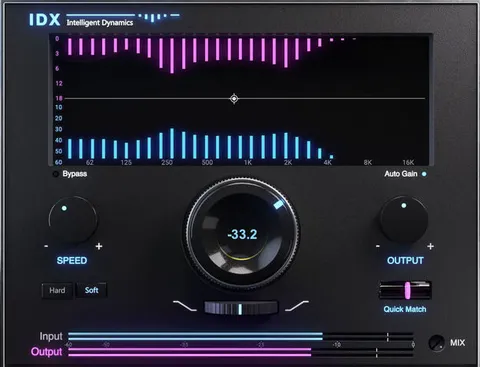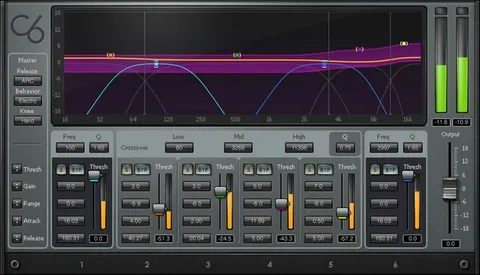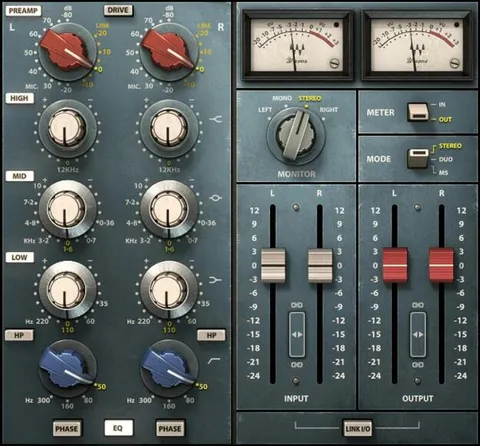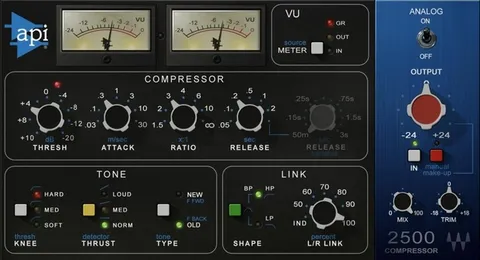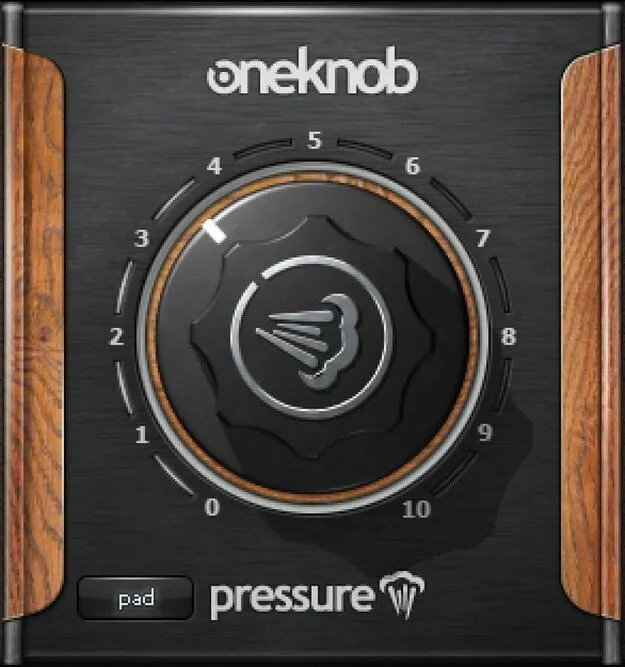
OneKnob Pressure by Waves compressor plugin interface

OneKnob Pressure: One-Knob Compressor by Waves

OneKnob Pressure is a compressor plugin from Waves that offers 10 preset compressor settings selected with a single knob. It ranges from subtle dynamic control to aggressive squashing.

VST2AUAAXWindowsmacOS
AVAILABLE ATPlugin Boutique
Opens the store in a new tab
01Overview

OneKnob Pressure is built around a simple idea: instead of adjusting several compressor parameters, you turn one knob to choose among 10 optimized compressor settings. The developer says the range covers everything from light parallel compression to heavy squashing. Because the settings are chosen by ear, it suits producers who want to move quickly through dynamics processing and keep their focus on the performance rather than on menus and parameter trade-offs.

Best for

  • Vocal dynamics control
  • Acoustic guitar polish
  • Drum squashing
  • Stereo bus lift
  • Parallel compression
  • Tracking with compression
Developer
Waves
Category
Compressors
Store
Plugin Boutique
02Key features

What you get

  • Ranges from subtle compression to aggressive squashing
  • Switch between 10 compressor settings with one knob
  • Evens out vocal dynamics for improved intelligibility
  • Helps acoustic guitar and piano stand out in a mix
  • Add processing during tracking without stopping to tweak
  • Input pad, unity and boost button for input level
03In depth

Sound range and compression character

Waves describes the 10 settings as covering a wide span, from gentle compression that adds lift on a stereo bus to aggressive squashing that pulverizes drums. Between those poles, the settings are intended for smoothing vocal dynamics and for making instruments such as acoustic guitar and piano sit forward in a mix.

Because each step on the knob is a complete compressor setting, you hear the change immediately. That makes it easy to audition a few options and commit to the one that fits the part.
Workflow for tracking and mixing

OneKnob Pressure is meant to be used without interrupting the creative flow. You can add processing while you are recording, so the sound you hear in the room is closer to the one you will mix with.

An input pad, unity and boost button sets the input level before the compression stage. This helps you keep the signal at a workable level when you are setting up a track.

04Specs

Will it run?

Formats, systems and requirements as listed by Plugin Boutique. Missing details are left out, not guessed.

DeveloperWaves
TypePlugin
CategoryCompressor
FormatsVST2, AU, AAX
Operating systemsWindows, macOS
05FAQ

Questions, answered

What is OneKnob Pressure?

OneKnob Pressure is a compressor plugin from Waves. It uses one knob to select among 10 optimized compressor settings, covering light to heavy compression.

What formats and operating systems does OneKnob Pressure support?

OneKnob Pressure is available in VST2, AU and AAX formats. It runs on Windows and macOS.

What do I need to run OneKnob Pressure?

Waves lists macOS Monterey 12, Ventura 13, Sonoma 14 or Sequoia 15 for Mac, and Windows 10 or later for PC. Mac versions are offered as VST, AU and AAX, and PC versions as VST and AAX.

07Developer

More from Waves

All Waves products →