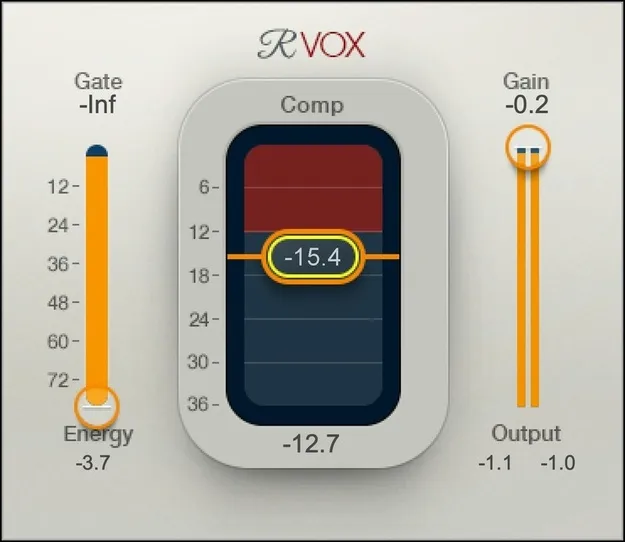
Renaissance Vox vocal compressor plugin interface by Waves

Renaissance Vox: Vocal Compressor Plugin by Waves

Rated 4.6/5 on Plugin Boutique (23 ratings)

Renaissance Vox is a vocal compressor plugin by Waves with three main controls, designed to add power and body to voice recordings for mixing vocals, voice-overs and podcasts.

VST2AUAAXWindowsmacOS
AVAILABLE ATPlugin Boutique
Opens the store in a new tab
01Overview

Renaissance Vox is a compressor plugin from Waves focused on voice. Its interface is kept deliberately small, with three controls for the gate, compression and output gain, so you can dial in a vocal sound without working through a dense parameter list. The developer positions it as a fast route to a polished vocal sound, and it includes smart metering that shows where the compression is working most effectively. It is offered in VST2, AU and AAX formats for Mac and Windows.

Best for

  • Vocal mixing
  • Voice-over processing
  • Podcast recording
  • Lead vocal compression
  • Spoken word levels
Developer
Waves
Category
Compressors
Store
Plugin Boutique
02Key features

What you get

  • Compression optimized for vocals, voice-overs and podcasts
  • Three controls: gate, compression and output gain
  • Adds power and body so vocals stand out in the mix
  • Smart metering shows the compression sweet spot
  • Ultra-fast setup for quick vocal processing
  • Presets from producers and engineers included
  • Light, dark and legacy interface skins
03In depth

Compression built for vocals and voice

Waves designed Renaissance Vox specifically for voice rather than as a general-purpose compressor. The developer says the internal parameter values are calculated in real time for particular vocal styles, which means the three controls work within settings already suited to the source.

The result, according to the developer, is extra power and body in a vocal track, helping it sit forward in the mix. The plugin is also aimed at voice-overs and podcast recording, where consistent level and clarity matter.
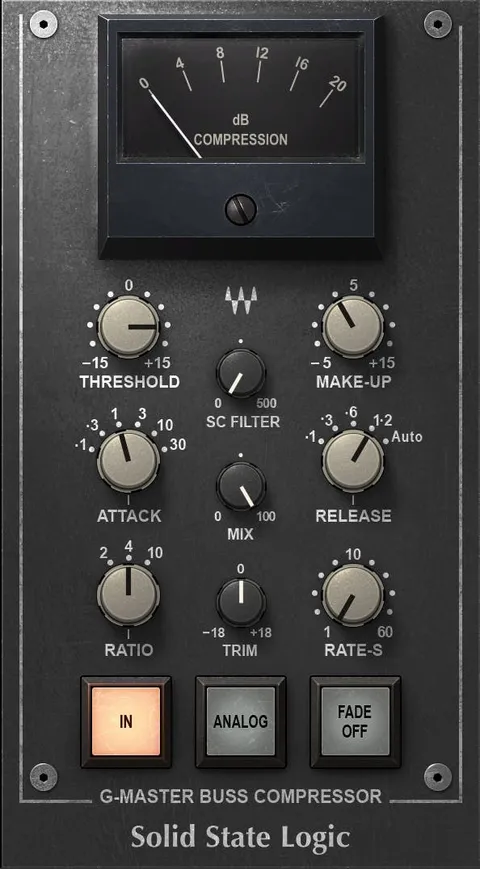
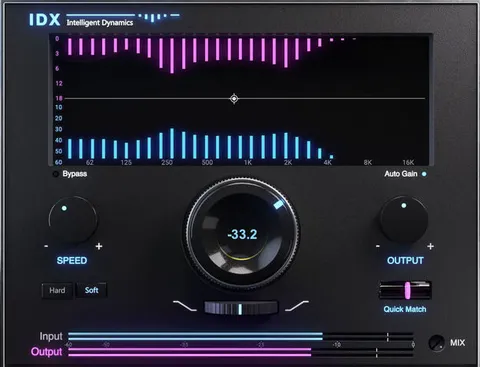
Fast setup, simple controls and metering

The plugin focuses on quick setup. With only three controls, you adjust the gate, the compression amount and the output gain, rather than navigating a larger set of parameters.

Smart metering shows the compression's sweet spot, so you can see at a glance how hard the signal is being compressed. A choice of light, dark or legacy skins lets you pick the interface look you prefer. Presets from producers and engineers are included as starting points.

04Specs

Will it run?

Formats, systems and requirements as listed by Plugin Boutique. Missing details are left out, not guessed.

DeveloperWaves
TypePlugin
CategoryCompressor
FormatsVST2, AU, AAX
Operating systemsWindows, macOS
05FAQ

Questions, answered

What is Renaissance Vox used for?

Renaissance Vox is a compressor designed for vocals, voice-overs and podcasts. Its three controls cover the gate, compression and output gain.

What formats does Renaissance Vox support?

Renaissance Vox is available in VST2, AU and AAX formats.

Which operating systems does Renaissance Vox run on?

Renaissance Vox runs on Windows and macOS. The listed system requirements include macOS Monterey 12 through Sequoia 15 and Windows 10 or later.

Does Renaissance Vox include presets?

Yes. Presets from producers and engineers are included to use as starting points.

07Developer

More from Waves

All Waves products →