Doubling and widening controls
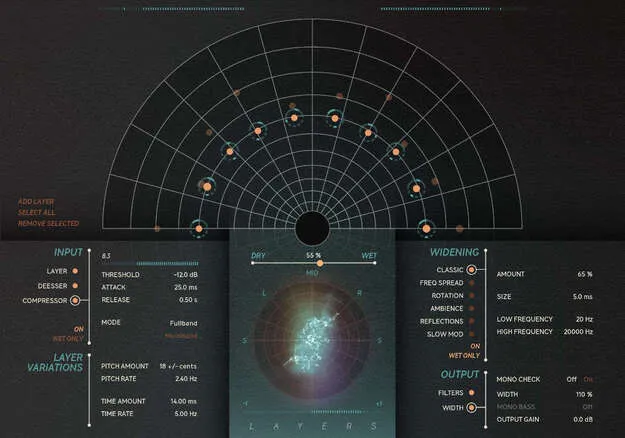
Layers provides up to ten doubles, which Softube calls layers. You can move each one around the stereo field, and placement adds depth and panorama. Level and Pitch can be adjusted directly on each layer, or you can open a pop-up for more detailed editing.
Modulation is handled by a source that Softube describes as tuned to add organic movement. Raising the Pitch and Time variation adds modulation to all layers, while the Variation Amount control reduces it on a single layer.
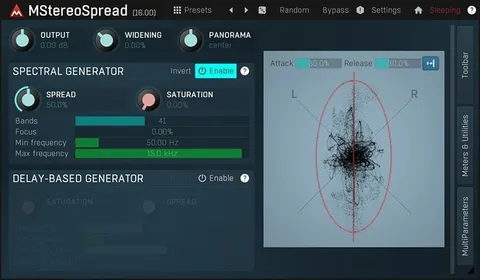
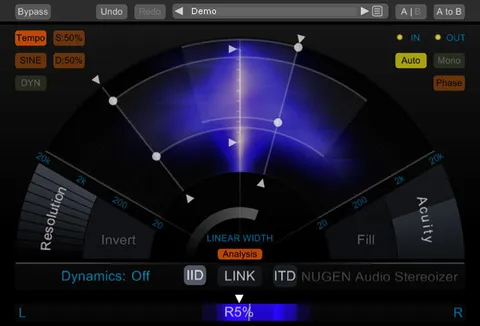
For widening, Layers offers six algorithms: Classic, Frequency Spread, Rotation, Ambience, Reflections and Slow Mod. Classic, Frequency Spread, Rotation, Ambience and Reflections are ported from Softube's Widener plug-in. Visualizations show the doubles so you can check for unwanted artifacts.