Sound Shaping and Drum Kit Control
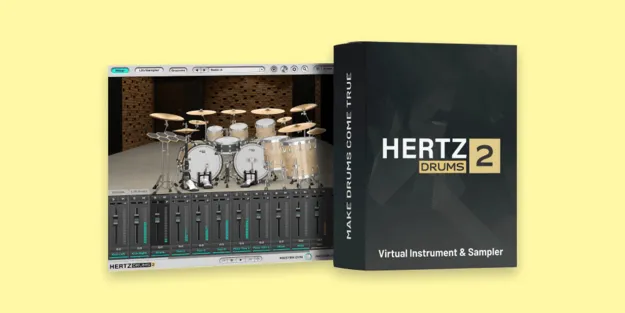
Hertz Drums 2 gives you control over each kit piece. An ADSR envelope shaper is available for every instrument or separate mic, so you can change attack and decay per element. The Ambience panel sets the balance between room and reverb for each instrument, and the Follow switch lets you position stereo placement for the DI signal alone or together with the overhead, room and reverb outputs.
The Flip button mirrors the stereo image, switching between the drummer's perspective and the audience's. A Reverse button plays the selected sample backward. Per-kit-piece mixing and routing make it possible to build a mix without leaving the plugin window.