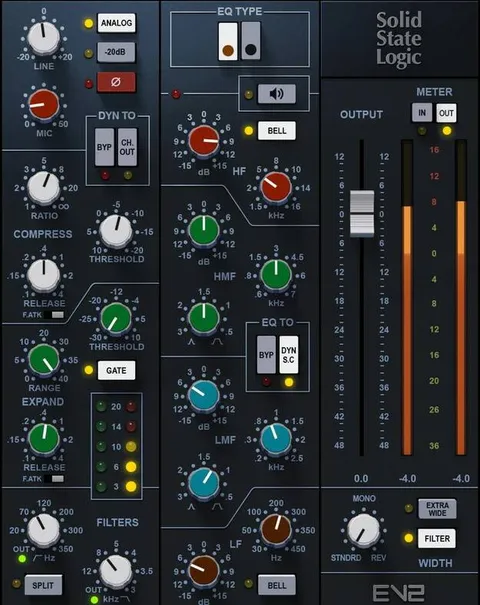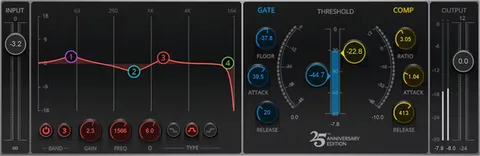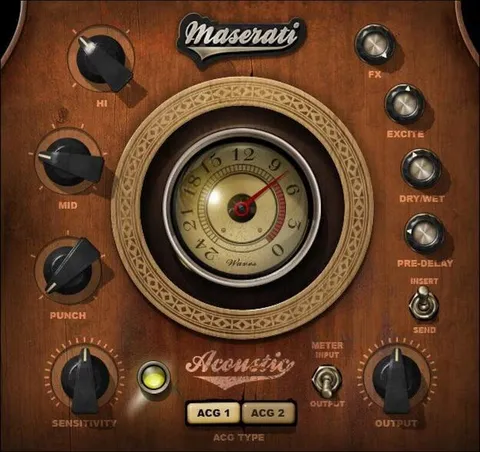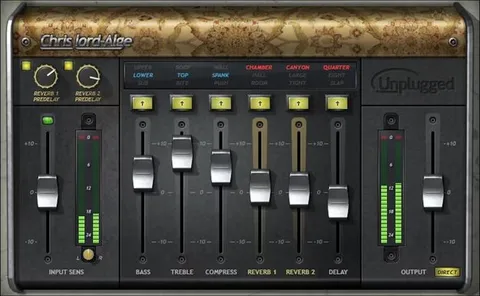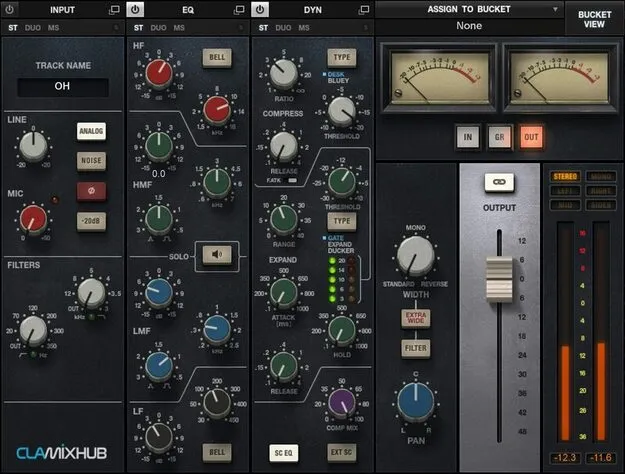
CLA MixHub by Waves channel strip plugin interface

CLA MixHub: Channel Strip Plugin by Waves

CLA MixHub is a channel strip plugin from Waves that models the console channel strips of mix engineer Chris Lord-Alge. It lets you process up to 64 channels in one plugin window, in groups of eight.

VST2AUAAXWindowsmacOS
AVAILABLE ATPlugin Boutique
Opens the store in a new tab
01Overview

CLA MixHub brings channel strip processing modeled on Chris Lord-Alge's personal console into a DAW. Rather than opening a separate plugin for every track, you work across eight buckets of eight channels from a single interface. Each channel has expandable Input, Dynamics, EQ and Output modules, and you can reorder the chain inside each channel. The plugin runs on Windows and macOS in VST2, AU and AAX formats.

Best for

  • Full mix channel processing
  • Drum bus and group mixing
  • Vocal chain tweaking
  • Console-style mixing in the DAW
  • Batch EQ and dynamics across tracks
Developer
Waves
Store
Plugin Boutique
02Key features

What you get

  • Models the channel strips of Chris Lord-Alge's personal console
  • Processes 64 channels from one plugin interface in buckets of eight
  • Expandable Input, Dynamics, EQ and Output modules per channel
  • Switch between bucket view and single-channel view at any time
  • Reorder the processing chain freely within each channel
  • Extra insert per channel for any Waves plugin
  • Dynamics with sidechaining, super-gate and 1176 Bluey modes
  • Includes CLA MixHub Lite for lower CPU load
03In depth

Console-Style Channel Processing

The Input section models the line amp from Chris's console, and each channel's Dynamics module includes sidechaining along with CLA's super-gate and 1176 Bluey compression modes.

Each channel also has an extra insert slot, so you can add any Waves plugin to that channel's chain alongside the built-in modules.
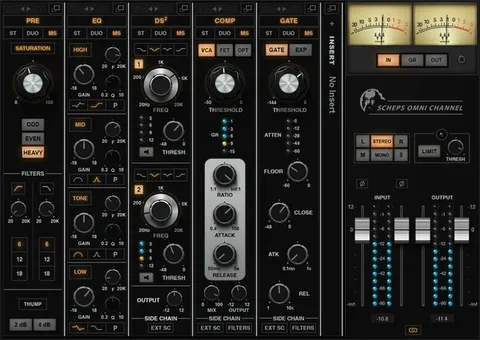
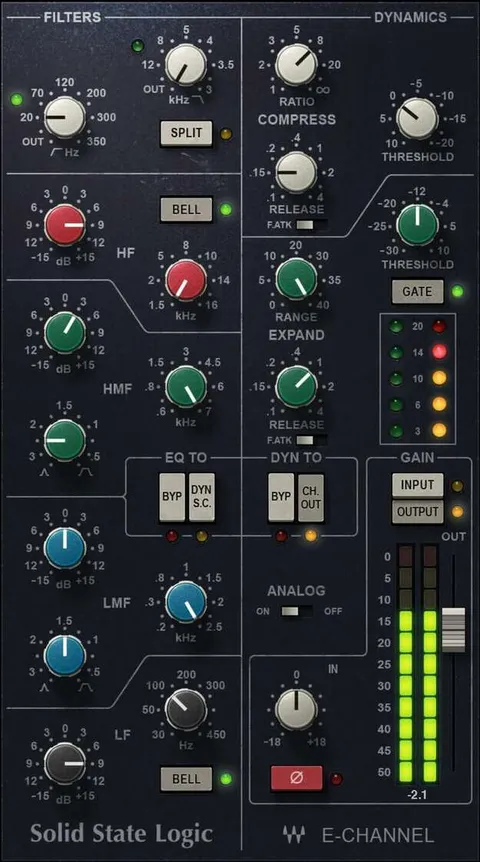
Workflow for Mixing Multiple Tracks

CLA MixHub is built around grouped mixing. You can view eight channels at once in bucket view, then switch to single-channel view to focus on one track. This makes it practical to adjust the EQ and dynamics of several tracks while hearing them in context with each other.

The bundled CLA MixHub Lite is included for lighter CPU use. The plugin also ships with over 240 presets by CLA and contributors including Dave Pensado and Greg Wells.

04Specs

Will it run?

Formats, systems and requirements as listed by Plugin Boutique. Missing details are left out, not guessed.

DeveloperWaves
TypePlugin
CategoryChannel Strip
FormatsVST2, AU, AAX
Operating systemsWindows, macOS
05FAQ

Questions, answered

What formats and operating systems does CLA MixHub support?

CLA MixHub is available in VST2, AU and AAX formats. It runs on Windows and macOS.

What are the system requirements for CLA MixHub?

On Mac, it supports macOS Monterey 12, Ventura 13, Sonoma 14 and Sequoia 15 in VST, AU and AAX. On PC, it supports Windows 10 and later in VST and AAX.

How many channels can CLA MixHub process?

A single CLA MixHub interface can mix 64 channels, organized into eight buckets of eight channels each.

What is CLA MixHub Lite?

CLA MixHub Lite is a lighter version included with the plugin for reduced CPU consumption.

07Developer

More from Waves

All Waves products →