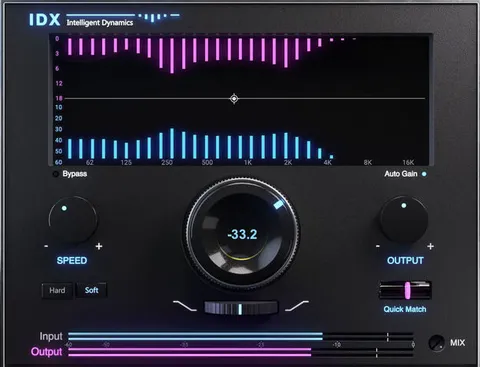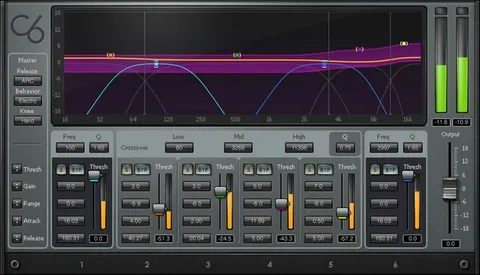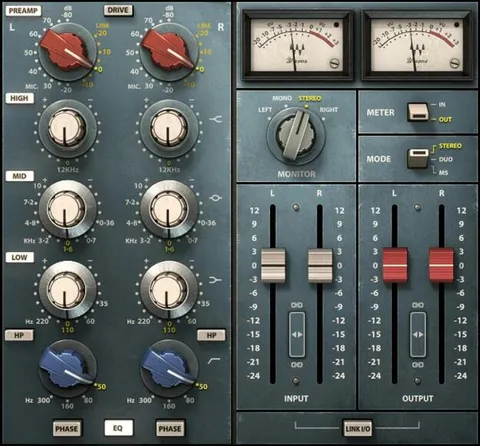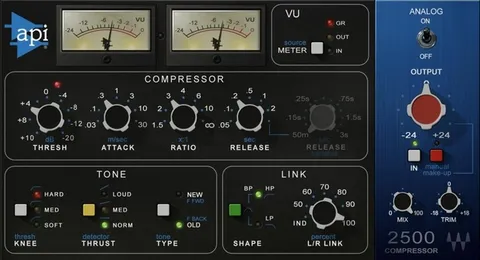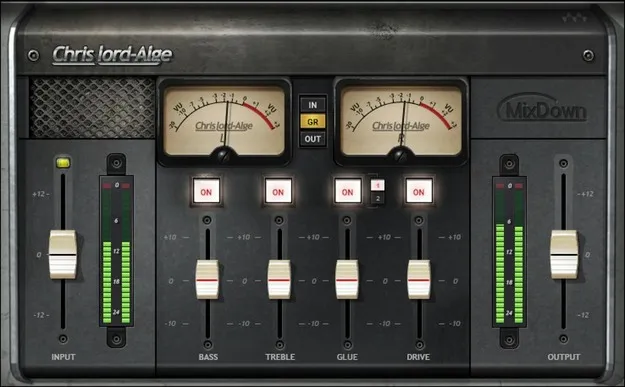
CLA MixDown mix bus plugin interface by Waves

CLA MixDown: Mix Bus Compressor and Processing Plugin by Waves

CLA MixDown is a mix bus effects plugin from Waves that combines glue compression, console overdrive and EQ in one interface. It is designed for processing the final stage of a mix before mastering.

VST2AUAAXWindowsmacOS
AVAILABLE ATPlugin Boutique
Opens the store in a new tab
01Overview

CLA MixDown brings together the processors many engineers place on the mix bus: a glue compressor, bass and treble shaping, and console-style coloration. Waves built it around the mix bus chains developed with engineer Chris Lord-Alge, who is credited as the source of its design. The plugin can sit on a master bus, on a master aux, or at the end of a session. Its four modules are meant to work together with a simple interface.

Best for

  • Mix bus processing
  • Master bus glue compression
  • Console-style mix coloration
  • Final mix polish
  • Mixing with a master aux
Developer
Waves
Category
Compressors
Store
Plugin Boutique
02Key features

What you get

  • Two flavors of glue compression for mix bus dynamics
  • Four modules providing mix bus processing in one plugin
  • Overdriven SSL-style console emulation for color or grit
  • Designed to help create mixes prepared for mastering
  • Simple interface for processing without deep setup
  • Can be used during mixing or added as a final step
03In depth

Compression and Console Color on the Mix Bus

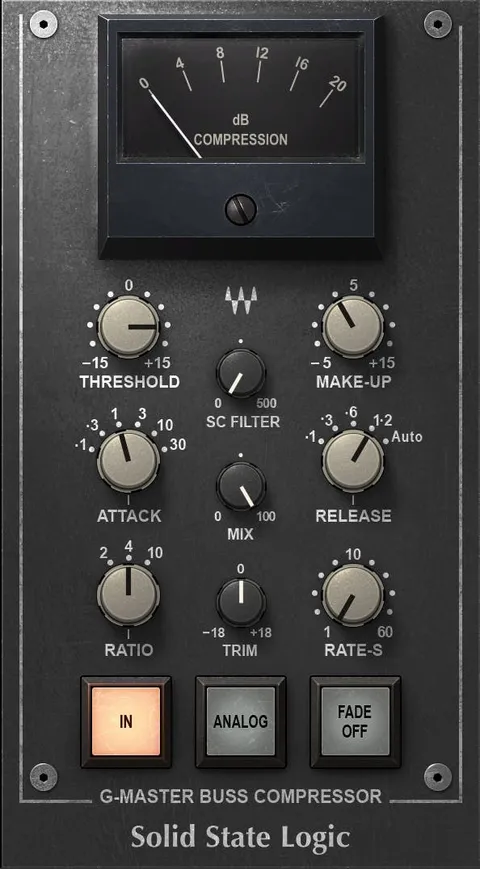
MixDown includes two flavors of glue compression, which the developer presents as a way to add dynamics control that holds a mix together. An overdriven SSL-style console emulation adds color, and you can push it further when you want more grit.

The console stage is the main tool for shaping character. Use it gently for warmth and cohesion, or drive it harder for a rougher, more aggressive sound. Both compression options can be tuned to suit the level of control your mix needs.
Workflow: Inserting MixDown in a Session

Waves suggests two ways to use MixDown. You can insert it early, before mixing begins, and mix through it as the balance develops. Or you can add it as a final step after the mix is finished.

Placement is flexible. The plugin can run on a master bus or a master aux, so you can choose the routing that fits your session. The interface is intentionally simple, which keeps the focus on the sound rather than on deep parameter editing.

04Specs

Will it run?

Formats, systems and requirements as listed by Plugin Boutique. Missing details are left out, not guessed.

DeveloperWaves
TypePlugin
CategoryCompressor
FormatsVST2, AU, AAX
Operating systemsWindows, macOS
05FAQ

Questions, answered

What formats does CLA MixDown support?

CLA MixDown is available in VST2, AU and AAX formats.

Which operating systems can run CLA MixDown?

CLA MixDown supports Windows and macOS. The listed system requirements include macOS Monterey 12 through Sequoia 15 and Windows 10 or later.

Where should I insert CLA MixDown in my session?

Waves suggests inserting MixDown before you start mixing and mixing through it, or adding it after the mix is finished. It can run on a master bus or a master aux.

07Developer

More from Waves

All Waves products →