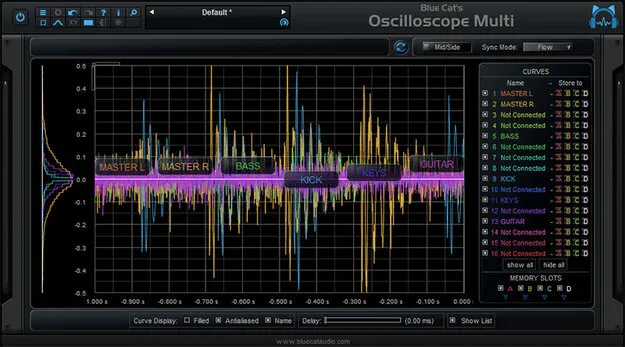
Multi-track waveform comparison and measurement
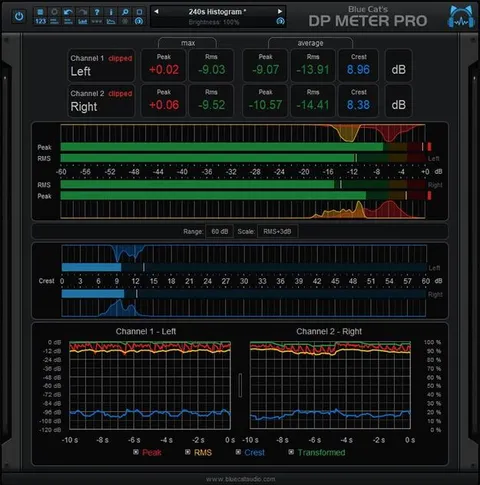
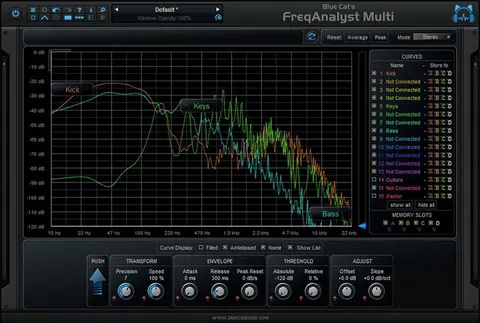
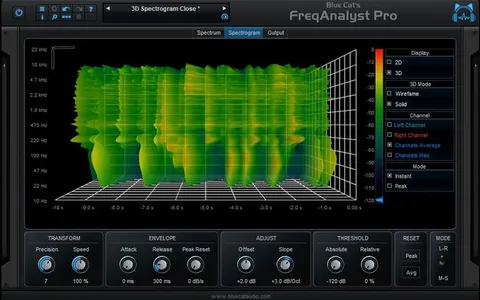
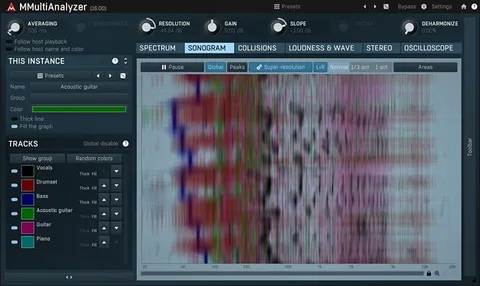
The plugin renders several audio tracks on the same screen, which makes it easy to compare their waveforms directly. Waveforms can be displayed in loop, flow or trigger modes, and a histogram view shows how values are distributed across the waveform, including an idea of average peak level.
Zoom is animated across all displays, and precise measurement tools let you examine details closely. Latency compensation can align waveforms from different sources, and you can save curves, name each one and use them for A/B comparison.