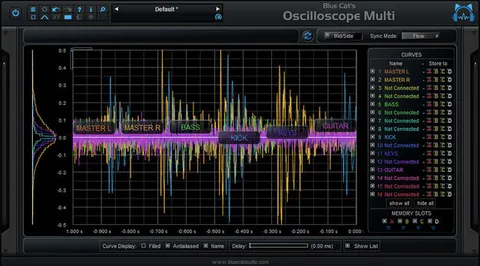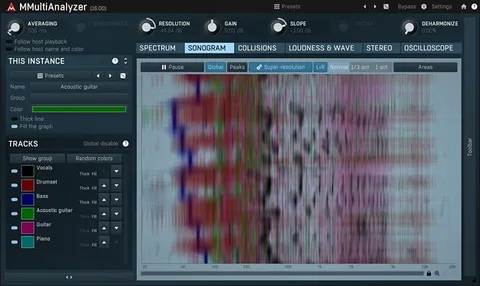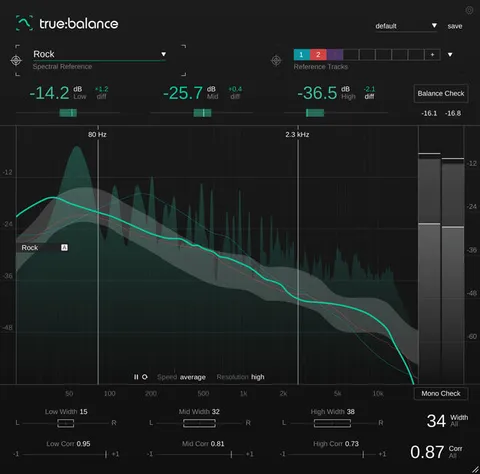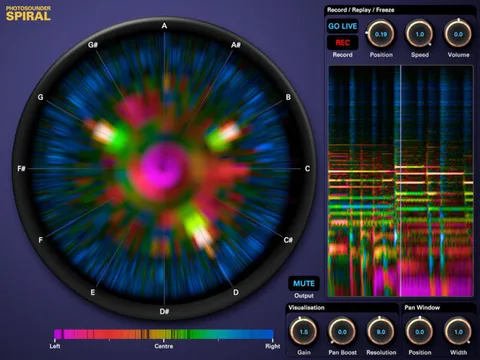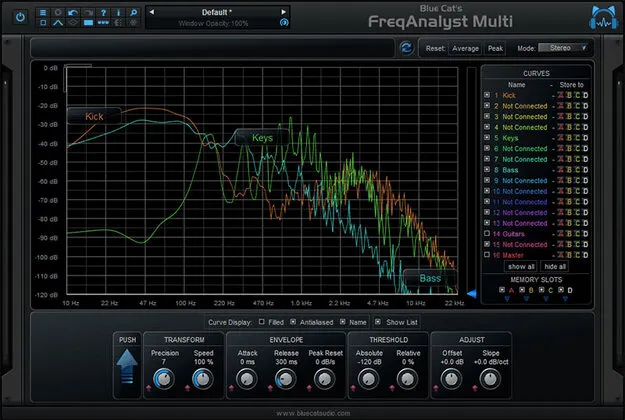
Blue Cat's FreqAnalyst Multi spectrum analyzer plugin interface

Blue Cat's FreqAnalyst Multi: Multi-Track Spectrum Analyzer by Blue Cat Audio Free Download

Rated 5.0/5 on Plugin Boutique (23 ratings)

Blue Cat's FreqAnalyst Multi is a multi-track real-time spectrum analyzer effect plugin by Blue Cat Audio. It displays the spectra of several audio tracks on the same screen, with a Diff view for comparing curves.

VST3VST2AUAAXWindowsmacOS64-bit
AVAILABLE ATPlugin Boutique
Free trial available from the developer
01Overview

Blue Cat's FreqAnalyst Multi is built for mixing work where you need to see how tracks share the frequency range. It can display up to 16 curves at once, each set to instant, peak or average response. Zooming and coordinate readouts help you measure a spectrum precisely, and four memory slots let you store curves for A/B comparison between setups or sections of a project. The plugin is available in VST3, VST2, AU and AAX formats for Windows and macOS.

Best for

  • Mixing frequency overlap
  • EQ matching between tracks
  • Response curve measurement
  • Comparing mix sections
  • Mixing vocals and instruments
Store
Plugin Boutique
02Key features

What you get

  • Real-time spectrum view of mono, stereo or mid/side tracks on one screen
  • Up to 16 curves displayed at once for comparison
  • Instant, peak and average display modes for each track
  • Diff view shows the difference between spectra for EQ matching
  • Zooming, coordinate readouts and note info for precise measurement
  • Four memory slots to store and A/B compare curves
  • Custom absolute and relative threshold control
  • Full MIDI control, automation and MIDI Learn
  • Shuts processing down on silence to reduce CPU load
  • Smooth bypass and undo/redo
03In depth

Spotting Frequency Overlap Across Tracks

The core feature is a real-time spectrum view that can show mono, stereo or mid/side signals from several tracks at once. Each track can use its own analysis settings through the advanced routing, so every signal is measured in the way that suits it.

For each curve you can choose instant, peak or average display, and set custom absolute and relative thresholds. Slope and offset correction give you control over how the analysis is shown. A smart interpolation algorithm keeps the display smooth, and note information appears in the spectrum view to help link peaks to pitches.

Named curves and the Diff view make it easier to compare spectra, whether you are matching the EQ of one sound to another or measuring a response curve.
Workflow, Sharing and Interface Control

Curves can be named and saved, so you can A/B compare them later or share a specific view with a collaborator. The interface offers multiple display sizes, zoom, opacity control and layout customization. The developer also notes that a custom interface can be built with its skinning language.

For session use, the plugin includes undo and redo, an integrated presets manager, and copy and paste of plugin state between instances through the system clipboard. Full MIDI control and automation support, with MIDI Learn and zipper-free parameter updates, are included.

The plugin uses native DSP code and, when fed silence, shuts its processing down to reduce CPU load. Smooth bypass switches it on and off without noise. Blue Cat Audio also notes multi-core processor support through its data sharing technology.

04Specs

Will it run?

Formats, systems and requirements as listed by Plugin Boutique. Missing details are left out, not guessed.

DeveloperBlue Cat Audio
TypePlugin
CategorySpectral Analysis
FormatsVST3, VST2, AU, AAX
Operating systemsWindows, macOS
Architecture64-bit
Free trialYes
05FAQ

Questions, answered

What formats and operating systems does FreqAnalyst Multi support?

It is available in VST3, VST2, AU and AAX formats. It runs on Windows and macOS, and is 64-bit.

What do I need to run FreqAnalyst Multi?

On macOS it needs an Intel or Apple Silicon (M1) processor and OS 10.9 or newer. On Windows it supports Windows 7, 8 and 10. You also need a VST, VST3, Audio Unit or AAX compatible DAW, depending on your format.

Can I compare the spectra of several tracks at once?

Yes. The analyzer can show up to 16 curves on the same graph, and the Diff view displays the difference between curves for EQ matching.

Is there a trial version?

Yes, a trial is available.

07Developer

More from Blue Cat Audio

All Blue Cat Audio products →