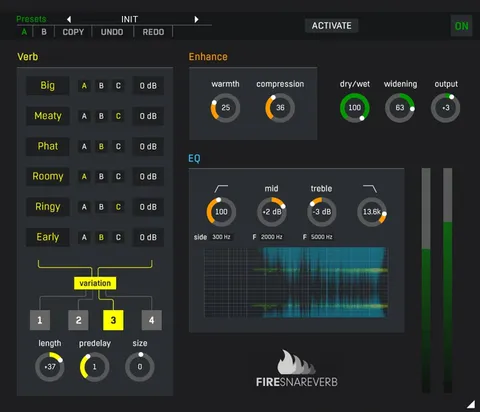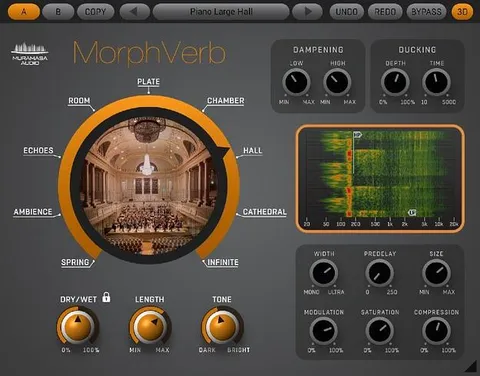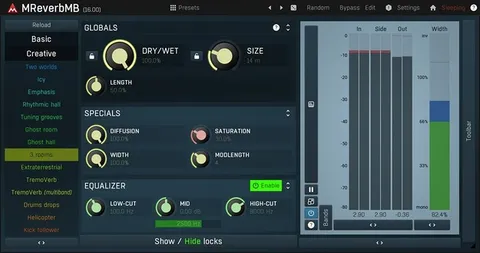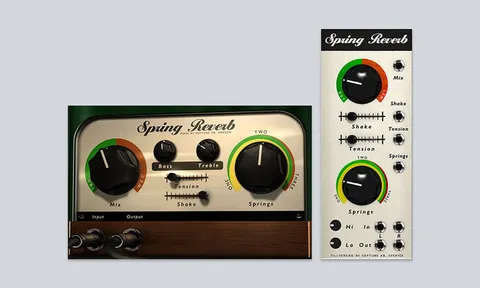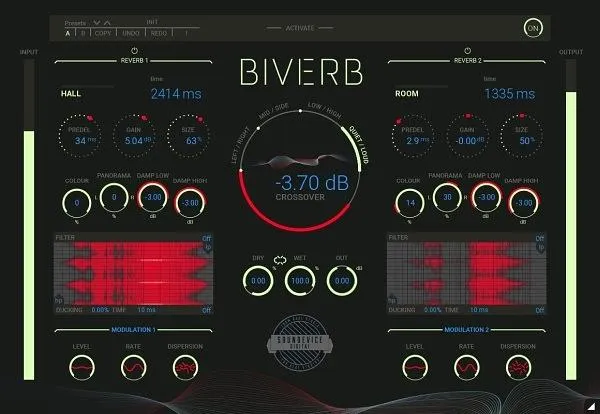
Biverb dual reverb effect plugin interface by United Plugins

Biverb: Dual Reverb Plugin by United Plugins Free Download

Rated 4.7/5 on Plugin Boutique (199 ratings)

Biverb is a dual reverb effect plugin by United Plugins that runs two independent reverb units in one plugin. It offers Spring, Room, Plate, Chamber, Hall and Shimmer algorithms, with four ways to split the signal between them.

VST3VST2AUAAXWindowsmacOS64-bit
AVAILABLE ATPlugin Boutique
Free trial available from the developer
01Overview

Biverb by United Plugins is built around a simple idea: two reverbs can do what one cannot. Each of its two reverb units has its own set of algorithms, and a crossover determines how the incoming signal is divided between them. The split can follow frequency, volume, stereo position or mid/side content. Each reverb also has its own modulation section and ducker, so the two sides of a mix can be treated differently. Biverb is available as a plugin for Windows and macOS in VST3, VST2, AU and AAX formats.

Best for

  • Layered reverb textures
  • Mid/side reverb processing
  • Low and high frequency reverb
  • Ducked vocal reverb
  • Ambient sound design
  • Loud and quiet section reverb
Category
Reverbs
Store
Plugin Boutique
02Key features

What you get

  • Two independent reverb units in one plugin
  • Spring, Room, Plate, Chamber, Hall and Shimmer algorithms
  • Crossover split by frequency, volume, stereo or mid/side
  • Separate modulation section for each reverb
  • Independent ducker on both reverb units
  • Internal 64-bit processing at any sampling rate
  • License-file activation with no iLok or dongle
  • Smart bypass with latency compensation
03In depth

Two Reverb Units and Four Split Modes

Biverb gives you two independent reverb units, each with Spring, Room, Plate, Chamber, Hall and Shimmer algorithms. You can blend them to layer reverb textures or keep them separate for contrast.

The crossover decides which reverb receives which part of the signal. Frequency mode splits the audio around an adjustable frequency, so low and high content can get different reverbs. Volume mode routes quieter and louder passages to different units. Stereo mode sends left and right to separate reverbs, and Mid/Side mode treats the center and the sides independently. The developer says the Mid/Side approach is rare in reverb plugins.
Modulation, Ducking and Bypass

Each reverb has its own modulation section, which lets you shape the two sides differently, for example with modulation on the sides and none on the mids.

Both reverbs include an independent ducker. When a new dry signal arrives at the input, the ducker lowers the wet level so the direct sound keeps its punch and attack. Smart bypass is designed to avoid clicks or noise when you automate the parameter, and it compensates for latency so the bypassed and active signals stay in sync.

04Specs

Will it run?

Formats, systems and requirements as listed by Plugin Boutique. Missing details are left out, not guessed.

DeveloperUnited Plugins
TypePlugin
CategoryReverb
FormatsVST3, VST2, AU, AAX
Operating systemsWindows, macOS
Architecture64-bit
Free trialYes
05FAQ

Questions, answered

What formats does Biverb support?

Biverb is available in VST3, VST2, AU and AAX formats. It runs on Windows and macOS.

What do I need to run Biverb?

On macOS you need 10.10 or later, with support for M1 Silicon Macs and macOS 11 Big Sur, and 64-bit only. On Windows you need Windows 8 to 10, 32-bit or 64-bit. Both platforms need an Intel or AMD processor with SSE2 support and a VST2, VST3, AAX or AU compatible host.

Does Biverb require an iLok or internet connection?

No. The developer states that no iLok, dongle or internet access is needed for activation, which uses license files. You can use the purchased software on all your computers as long as you are the user.

Is there a trial version?

Yes, Biverb offers a trial.

07Developer

More from United Plugins

All United Plugins products →