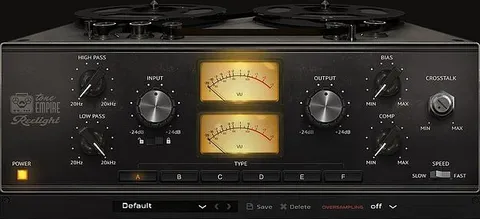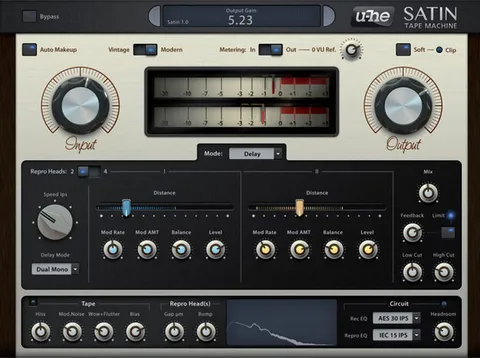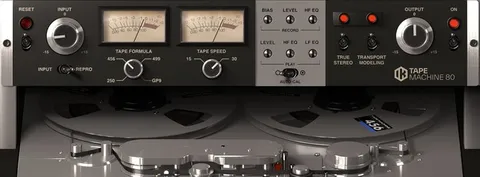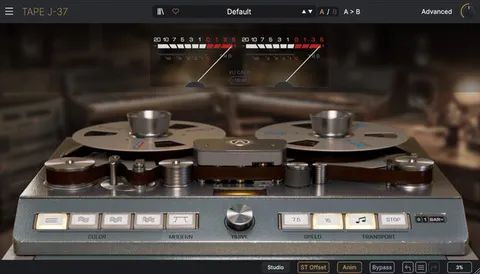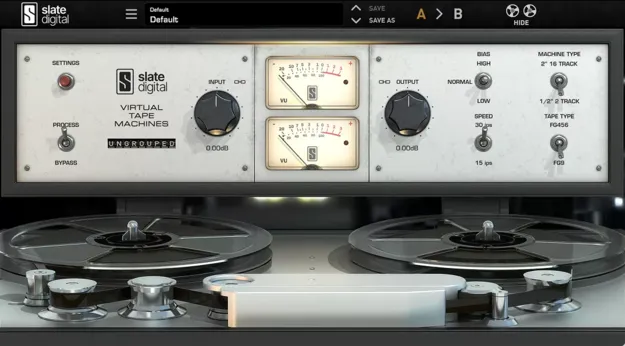
Virtual Tape Machines tape emulation plugin interface by Slate Digital

Virtual Tape Machines: Analog Tape Emulation Plugin by Slate Digital

Rated 4.7/5 on Plugin Boutique (20 ratings)

Virtual Tape Machines is a tape emulation plugin from Slate Digital that models two classic analog tape machines. It adds analog warmth, punch and depth to tracks and mixes, with control over bias, tape type and speed.

VST3VST2AUAAXWindowsmacOS64-bit
AVAILABLE ATPlugin Boutique
Opens the store in a new tab
01Overview

Virtual Tape Machines (VTM) is an effects plugin from Slate Digital in the tape emulation category. It models a 16-track 2-inch machine and a 1/2-inch stereo mastering deck, two tape recorders the developer describes as legendary. Slate Digital says the goal was to reproduce tape behavior closely, so that processed signals pick up the analog character associated with magnetic tape. The plugin is aimed at producers who want that color inside a DAW.

Best for

  • Mix bus warmth
  • Vocal tape saturation
  • Drum tape color
  • Bass low-end shaping
  • Mastering-style tape processing
Developer
Slate Digital
Store
Plugin Boutique
02Key features

What you get

  • Emulates a 16-track 2-inch and a 1/2-inch stereo mastering deck
  • Analog tape warmth, punch, depth and musicality
  • Two classic tape formulations with different tonal flavors
  • Switchable 15 ips and 30 ips tape speeds
  • Distinct bass response per tape speed
  • Bias, tape type, speed and bass alignment controls
  • Bass alignment slider in the Settings module
03In depth

Tape Character, Speed and Tape Stock

VTM gives you two tape machines to choose from, along with two classic tape formulations. The developer notes that different formulations have different properties and headroom, which leads to different sonic results.

Tape speed is a major part of the sound. VTM emulates both 15 ips and 30 ips, the two most common speeds. Slate Digital says the bass response can differ a great deal between them, so the choice can depend on the material being processed. A bass alignment slider in the Settings module lets you refine the low end further.
Bias, Tape Type and Workflow Controls

Beyond machine and speed selection, VTM includes extra controls for bias, tape type, speed and bass alignment. These let you shape the saturation and low-end response in the same plugin window rather than through separate tools.

The plugin is available as VST3, VST2, AU and AAX, so it can be loaded in a range of hosts on both Windows and macOS.

04Specs

Will it run?

Formats, systems and requirements as listed by Plugin Boutique. Missing details are left out, not guessed.

DeveloperSlate Digital
TypePlugin
CategoryTape Emulation
FormatsVST3, VST2, AU, AAX
Operating systemsWindows, macOS
Architecture64-bit
05FAQ

Questions, answered

What formats is Virtual Tape Machines available in?

Virtual Tape Machines is available in VST3, VST2, AU and AAX formats. It runs on Windows 10 or 11 and macOS 13 or later.

What do I need to use Virtual Tape Machines?

You need a host that supports the plugin format you choose, a 64-bit host for AAX, and a free iLok license manager account, which is required to run Slate Digital software. The system requirements list 4GB RAM on both platforms.

Which tape speed should I choose?

VTM offers 15 ips and 30 ips, and Slate Digital says the two speeds have distinct bass responses. The better choice depends on the material you are processing, and the bass alignment slider can refine the result.

07Developer

More from Slate Digital

All Slate Digital products →