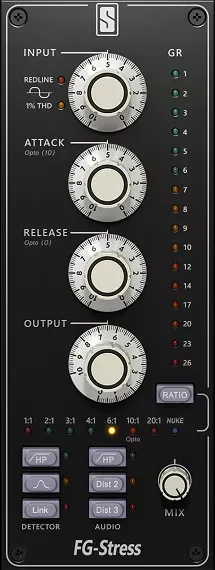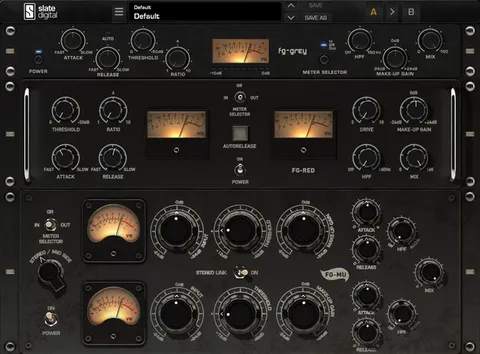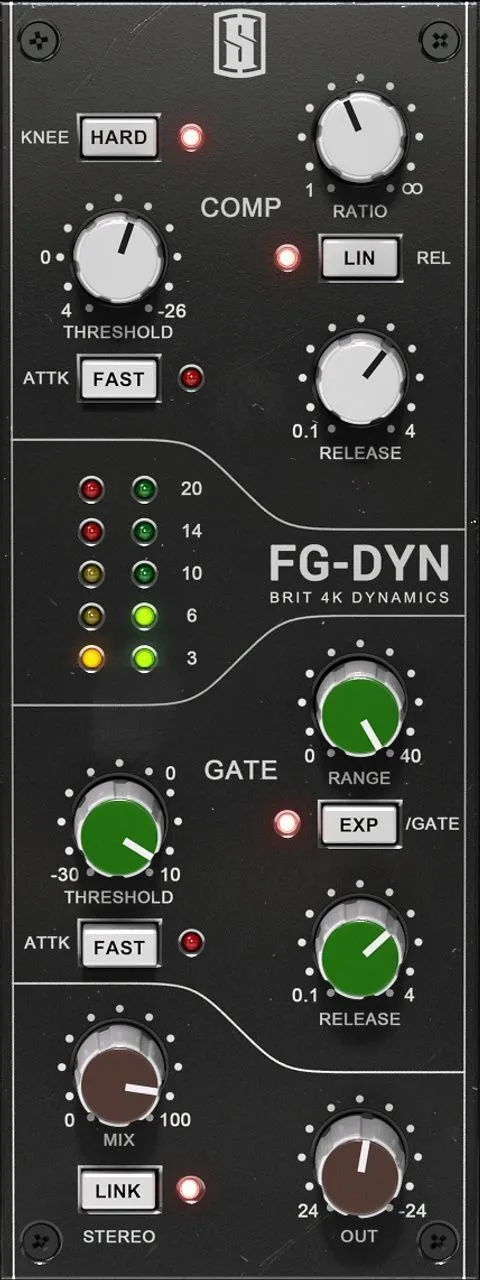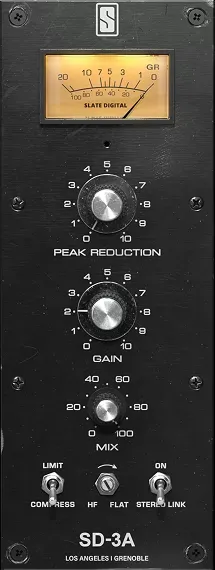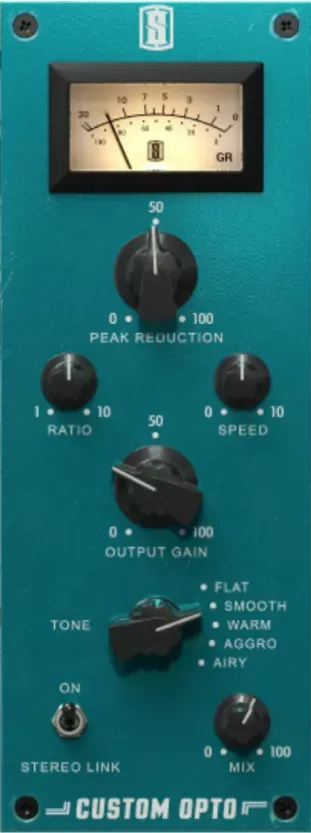
Custom Opto by Slate Digital compressor plugin interface

Custom Opto: Opto-Style Compressor Plugin by Slate Digital

Rated 4.6/5 on Plugin Boutique (11 ratings)

Custom Opto is a compressor plugin from Slate Digital that models a modern take on a classic Opto compressor. It adds adjustable Speed and Ratio controls and four tone modes.

VST3VST2AUAAXWindowsmacOS64-bit
AVAILABLE ATPlugin Boutique
Opens the store in a new tab
01Overview

Custom Opto is built around the Opto-style compression character that many producers associate with smooth, musical gain reduction. Slate Digital adds adjustable timing through a Speed control and a Ratio control, so you can set how quickly the circuit responds and how much compression is applied. A Tone control selects one of four modes, each shaping the sound in a different direction. The plugin is aimed at vocals, drums, instruments and mix bus work.

Best for

  • Vocal compression
  • Drum bus compression
  • Instrument processing
  • Mix bus glue
  • Adding punch to drums
  • Taming harsh highs
Developer
Slate Digital
Category
Compressors
Store
Plugin Boutique
02Key features

What you get

  • Modern take on a classic Opto compressor
  • Adjustable Speed control for response timing
  • Ratio control for setting compression amount
  • Four tone modes: Airy, Smooth, Aggro and Warm
  • Airy mode opens up the top end
  • Smooth mode tames harsh frequencies
  • Aggro mode adds snap and punch
  • Warm mode adds vintage fatness
  • Suitable for vocals, drums, instruments and mix bus
03In depth

Compression Character and Tone Modes

Custom Opto pairs its Speed and Ratio controls with a Tone knob that switches between four modes. Airy opens up the top end. Smooth reduces harsh frequencies. Aggro adds snap and punch, and Warm adds vintage fatness.

Because each mode changes the tonal balance as well as the compression, you can use the Tone control to decide whether a track needs brightness, softness, attack or warmth. This makes the plugin useful when you want the compressor to do some of the tonal shaping in the same step.
Workflow for Vocals, Drums and Mix Bus

The Speed and Ratio controls let you tailor the compressor to the source. Slower or faster timing and a higher or lower ratio can be dialed in to suit a vocal, a drum bus or a full mix.

Slate Digital also describes Custom Opto as working inside its Virtual Mix Rack environment. There you can place it alongside EQs, saturators and other VMR modules to build a mix chain. The plugin is listed as suitable for vocals, drums, instruments and mix bus duties.

04Specs

Will it run?

Formats, systems and requirements as listed by Plugin Boutique. Missing details are left out, not guessed.

DeveloperSlate Digital
TypePlugin
CategoryCompressor
FormatsVST3, VST2, AU, AAX
Operating systemsWindows, macOS
Architecture64-bit
05FAQ

Questions, answered

What is Custom Opto?

Custom Opto is a compressor plugin from Slate Digital. It is a modern take on a classic Opto compressor with adjustable Speed and Ratio controls and four tone modes.

What formats and operating systems does Custom Opto support?

Custom Opto is available in VST3, VST2, AU and AAX formats. It runs on Windows and macOS and is a 64-bit plugin.

What do I need to use Custom Opto?

On macOS you need macOS 13 or later with an Intel or Apple Silicon processor and 4GB RAM. On Windows you need Windows 10 or Windows 11 with an Intel or AMD processor and 4GB RAM. A free iLok license manager account is required to run Slate Digital software.

07Developer

More from Slate Digital

All Slate Digital products →