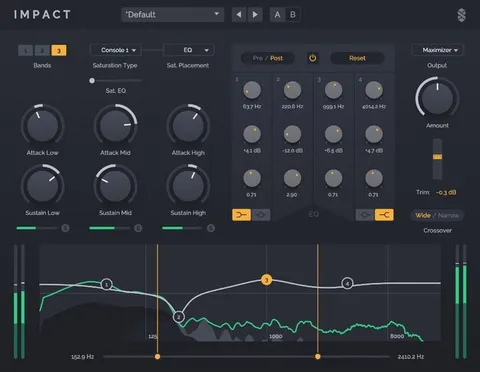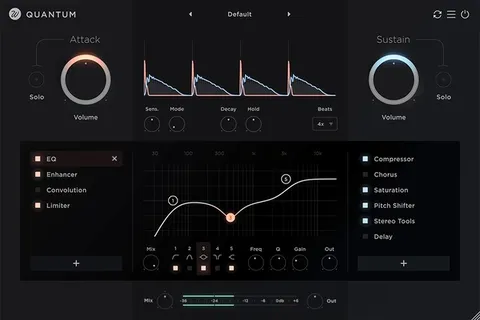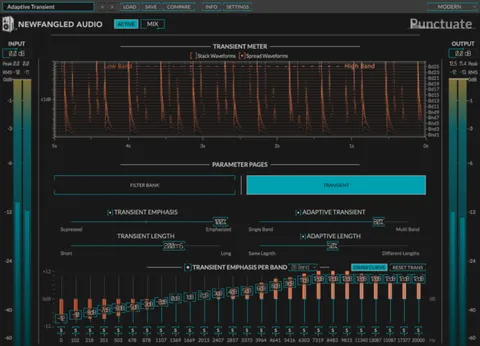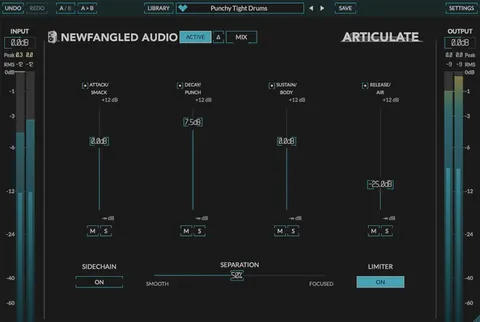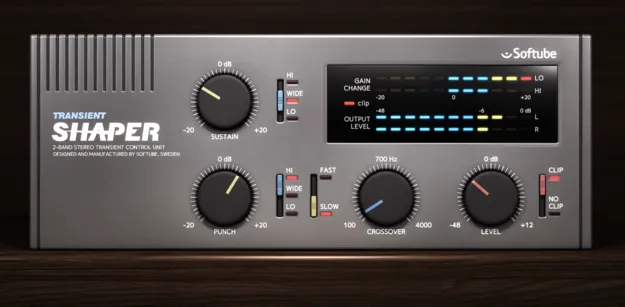
Transient Shaper by Softube dual-band transient processing plugin interface

Transient Shaper: Dual-Band Transient Processor by Softube

Rated 4.7/5 on Plugin Boutique (4,004 ratings)

Transient Shaper is a dual-band transient processing plugin from Softube that adds or reduces punch and sustain on any sound. It can affect the full frequency range or only the highs or lows.

VST3VST2AUAAXRTASWindowsmacOS64-bit
AVAILABLE ATPlugin Boutique
Opens the store in a new tab
01Overview

Transient Shaper is an effects plugin for controlling the attack and decay of a sound. Its dual-band design lets you apply Punch and Sustain processing to the full spectrum, only the high frequencies, or only the low frequencies. A user-selectable crossover frequency sets where the bands divide. An optional Clip section adds output distortion. Softube developed the plugin for mixing work on any sound source.

Best for

  • Drum overhead shaping
  • Vocal presence boost
  • Bass punch control
  • Darker vintage tones
  • Electronic drum shaping
  • Piano and guitar mixing
Developer
Softube
Store
Plugin Boutique
02Key features

What you get

  • Dual-band transient processing for Punch and Sustain
  • Add or reduce punch and/or sustain on any sound
  • Process the full spectrum, highs only, or lows only
  • User-selectable crossover frequency between bands
  • Selectable Fast or Slow Punch behavior
  • Clip section adds output distortion
  • Available in VST3, VST2, AU, AAX and RTAS formats
03In depth

Dual-Band Transient Control for Mixing

Transient shaping lets you sharpen or soften the onset of a sound and lengthen or shorten its decay. Transient Shaper adds a dual-band layer to this technique. Softube says this lets you affect only the treble or bass portion of a sound, with separate controls for Sustain and Punch, while leaving the rest untouched.

The crossover frequency is user selectable, so you decide where the split between bands falls. The Punch behavior can also be set to Fast or Slow, which changes how the processing responds to the transient.
Using Frequency Focus on Drums and Other Sources

On drum overheads, you can raise Sustain with the frequency control set to Wide to stretch the room sound and cymbals together. Setting the switch to Hi limits the Sustain processing to the high frequencies, so the cymbals and room change while the toms stay as they are. Setting it to Lo applies the effect only to the low end of the toms.

The same frequency focus applies beyond percussion. Softube suggests adding high-frequency Punch to a vocal track for more presence, or reducing Punch for a darker, rounder tone. The developer lists piano, bass, guitar and electronic drums among the sources it works on.

04Specs

Will it run?

Formats, systems and requirements as listed by Plugin Boutique. Missing details are left out, not guessed.

DeveloperSoftube
TypePlugin
CategoryTransient Shaper
FormatsVST3, VST2, AU, AAX, RTAS
Operating systemsWindows, macOS
Architecture64-bit
05FAQ

Questions, answered

What is Transient Shaper used for?

Transient Shaper is used to add or reduce punch and sustain on a sound. Its dual-band design lets you target the full spectrum, only the high frequencies, or only the low frequencies.

Which formats and operating systems does Transient Shaper support?

Transient Shaper is available in VST3, VST2, AU, AAX and RTAS formats on Windows and macOS. It is a 64-bit plugin.

What do I need to use Transient Shaper?

You need a Softube account and an iLok account, plus a 64-bit VST, VST3, AU or AAX compatible host application. Softube says the plugin is officially tested in the latest versions of Pro Tools, Logic Pro, Cubase, Ableton Live, Studio One and Reaper. Softube recommends the VST3 format.

07Developer

More from Softube

All Softube products →