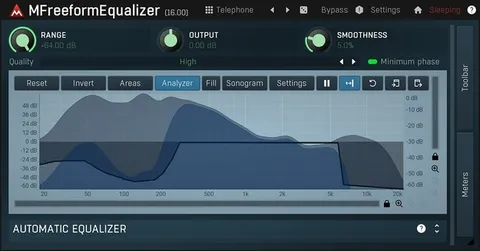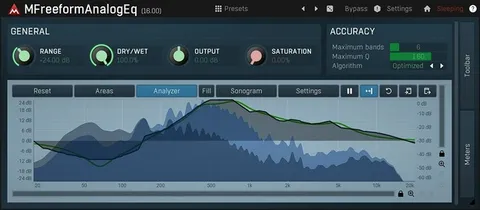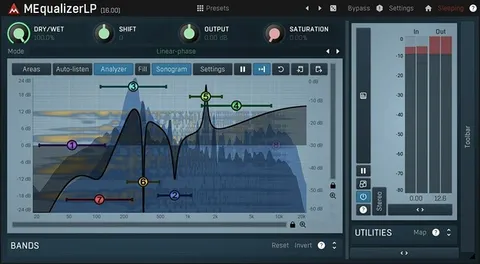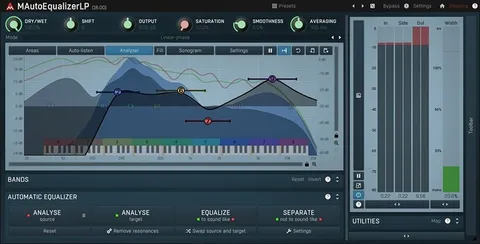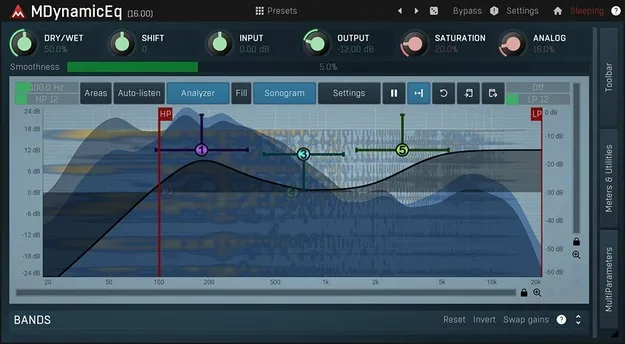
MDynamicEq by MeldaProduction dynamic equalizer plugin interface

MDynamicEq: Dynamic Equalizer Plugin by MeldaProduction Free Download

Rated 4.6/5 on Plugin Boutique (3,419 ratings)

MDynamicEq is a dynamic equalizer plugin by MeldaProduction for Windows and macOS. It has five bands with variable-slope filters and can apply EQ dynamically, including side-chain control, for tasks such as de-essing and ducking.

VST3VST2AUAAXWindowsmacOS64-bit
AVAILABLE ATPlugin Boutique
Free trial available from the developer
01Overview

MDynamicEq is the smaller sibling of MAutoDynamicEq, built around equalization that responds to the signal over time. Each of its five bands can act as a dynamic filter, so the same tool can handle corrective EQ, de-essing, compression-style control and expansion. The interface is designed for quick work, with a simplified four-knob view for common jobs and a fuller view with an integrated analyzer and sonogram when you need detail.

Best for

  • De-essing vocals
  • Bass drum enhancement
  • Ducking bass under kick
  • Corrective mixing EQ
  • Surround mix processing
Category
EQ
Store
Plugin Boutique
02Key features

What you get

  • Five bands with variable-slope dynamic filters
  • Simplified four-knob interface for common tasks
  • Side-chain processing for ducking-style EQ
  • Integrated analyzer, sonogram and spectrum display
  • Adjustable up-sampling from 1x to 16x
  • M/S, single-channel and up to 8-channel surround processing
  • Automatic gain compensation and a safety limiter
  • MIDI learn support and smart randomisation
03In depth

Dynamic Filters and Sound Character

The five bands use variable-slope filters, which the developer says avoid unwanted resonances and allow precise surgical cuts. Because each band is dynamic, it can reduce or boost frequencies only when they become problematic or prominent, rather than applying a fixed change across the whole track.

High-pass and low-pass filtering is included as well, which keeps low-end and top-end cleanup within the same plugin. This suits mixing sessions where you want to shape a sound in several steps without switching tools.
Workflow, Side-Chain and Visualisation

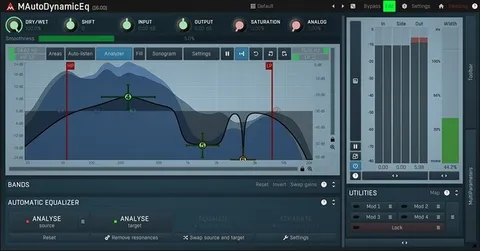
A side-chain input lets one signal control the EQ applied to another. A typical example is attenuating a bass guitar when the bass drum plays. The visualisation engine includes classic meters, time graphs, a spectrum display and a sonogram, so you can see what the processing is doing.

The interface can be styled and resized, and it uses GPU acceleration. MIDI controllers with MIDI learn let you map parameters to hardware.

04Specs

Will it run?

Formats, systems and requirements as listed by Plugin Boutique. Missing details are left out, not guessed.

DeveloperMeldaProduction
TypePlugin
CategoryEQ
FormatsVST3, VST2, AU, AAX
Operating systemsWindows, macOS
Architecture64-bit
Free trialYes
05FAQ

Questions, answered

What formats does MDynamicEq support?

MDynamicEq is available in VST3, VST2, AU and AAX formats. It runs on Windows and macOS.

What do I need to run MDynamicEq?

You need a 64-bit VST, VST3 or AAX compatible host on Windows 8, 10 or 11, or an AU, VST or VST3 host on macOS 10.14 or newer. An Intel or AMD processor with SSE2 support is required, and Apple Silicon is supported natively on macOS.

Does MDynamicEq require a dongle or internet connection to activate?

No. The developer states that no dongle or internet access is required for activation.

Does MDynamicEq include a trial?

Yes, a trial version is available.

07Developer

More from MeldaProduction

All MeldaProduction products →