Level-matched A/B testing for mixing and mastering
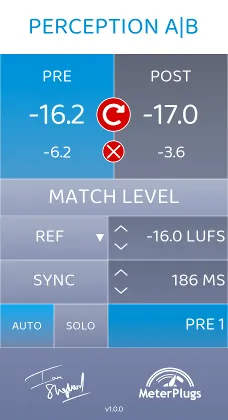
The core workflow uses two instances. Insert the plugin before the chain you want to test and set it to Pre, then insert another at the end of the chain and set it to Post. Click Match Level, and you can toggle between the unprocessed and processed audio at matched loudness.
Plugin delay compensation keeps the two versions aligned in time, so the comparison reflects the sound of the processing rather than a timing offset. Multiple loudness matching modes and easy bulk insertion help when you are working through several tracks or channels.