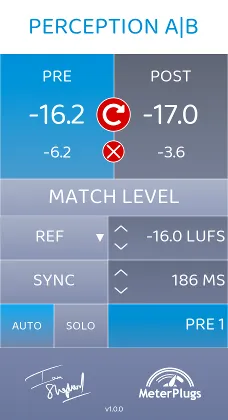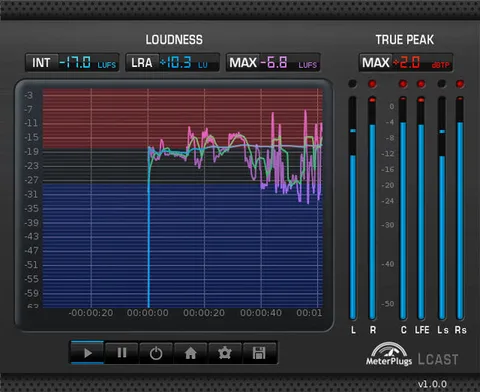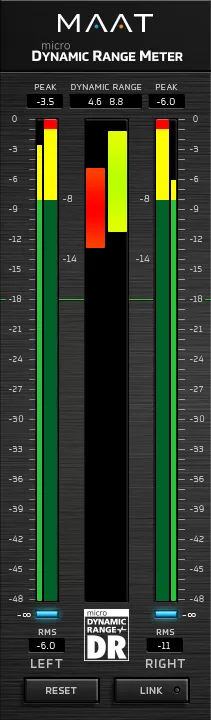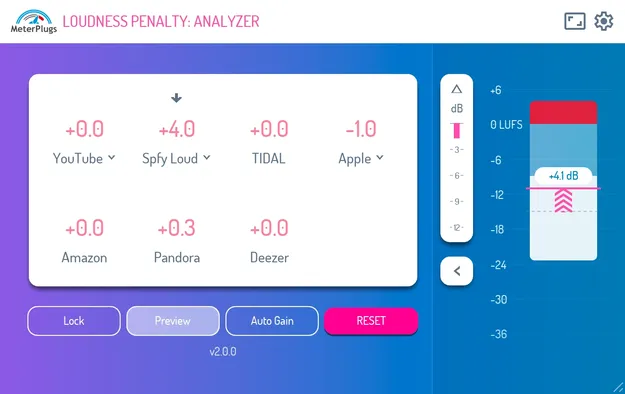
Loudness Penalty 2 by MeterPlugs metering plugin interface

Loudness Penalty 2: Streaming Loudness Meter Plugin by MeterPlugs

Loudness Penalty 2 is a metering plugin from MeterPlugs that shows how much YouTube, Spotify, Apple Music, Amazon Music, TIDAL, Deezer and Pandora will turn down your music during playback.

VST2AUAAXWindowsmacOS64-bit
AVAILABLE ATPlugin Boutique
Opens the store in a new tab
01Overview

Loudness Penalty 2 is built for producers who want to check a mix against online playback before they upload it. It reads your audio inside the DAW and reports the penalty each major streaming service applies to loud material. The plugin adds realtime block readings for max true peak, integrated loudness and loudness range, so you can see where peaks and level changes are heading. Version 2 adds a Spotify Loud limiter emulation that lets you hear what that limiter removes from your track.

Best for

  • Mastering loudness checks
  • Pre-upload streaming previews
  • Client loudness reviews
  • Comparing Spotify Loud output
  • Finding peaks before release
Developer
MeterPlugs
Category
Metering
Store
Plugin Boutique
02Key features

What you get

  • Realtime Loudness Penalty scores for major streaming services
  • Realtime block view of max true peak, integrated loudness and loudness range
  • Spotify Quiet, Normal and Loud modes
  • YouTube Music and YouTube Video modes
  • Spotify Loud limiter emulation with delta preview
  • Lock button to freeze measurements
  • Resizable interface with compact list view
  • Faster-than-realtime processing in Pro Tools Audio Suite
03In depth

Streaming Loudness Penalty Scores in Your DAW

The core function of Loudness Penalty 2 is its realtime Loudness Penalty scores. The plugin supports Spotify Quiet, Normal and Loud modes, plus YouTube Music and YouTube Video modes, so you can compare how the same mix is treated across services.

A lock button freezes the measurements, which helps when you want to compare a passage or a revision without the readings drifting. The plugin also points out the parts of a song that trigger the largest penalty, so you can adjust the material that causes it.

Developers describe the plugin as a way to find out when there is room to turn your music up without incurring a penalty.
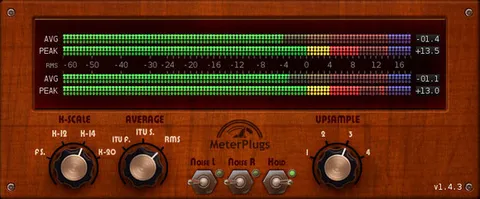
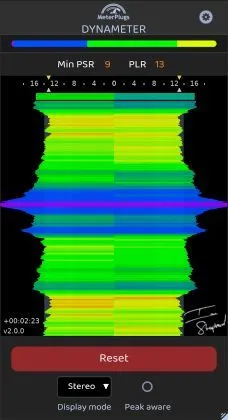
Spotify Limiter Preview and Interface Options

Loudness Penalty 2 includes Spotify Loud limiter emulation with a delta preview. The delta button lets you hear only the material the limiter removes, which gives you a direct way to judge the result before publishing.

The interface is fully resizable and responsive, and a compact list view fits into busy sessions. In Pro Tools, the plugin processes faster than realtime in the Audio Suite.

04Specs

Will it run?

Formats, systems and requirements as listed by Plugin Boutique. Missing details are left out, not guessed.

DeveloperMeterPlugs
TypePlugin
CategoryMetering
FormatsVST2, AU, AAX
Operating systemsWindows, macOS
Architecture64-bit
05Upgrades

Upgrade and crossgrade options

06FAQ

Questions, answered

What formats and operating systems does Loudness Penalty 2 support?

Loudness Penalty 2 is available in VST2, AU and AAX formats, and runs on Windows and macOS. It is a 64-bit plugin.

What do I need to run Loudness Penalty 2?

The developer lists macOS 10.7 or later (64-bit Intel or Apple Silicon) and Windows XP SP3 or later (32/64-bit). It loads as a plugin in a compatible DAW that supports VST2, AU or AAX.

Which streaming services does Loudness Penalty 2 cover?

The plugin supports YouTube, Spotify, Apple Music, Amazon Music, TIDAL, Deezer and Pandora, with Spotify Quiet, Normal and Loud modes and YouTube Music and YouTube Video modes.

08Developer

More from MeterPlugs

All MeterPlugs products →