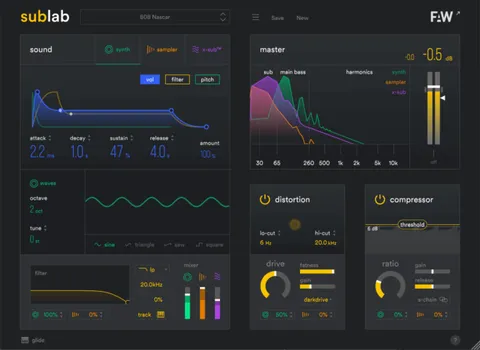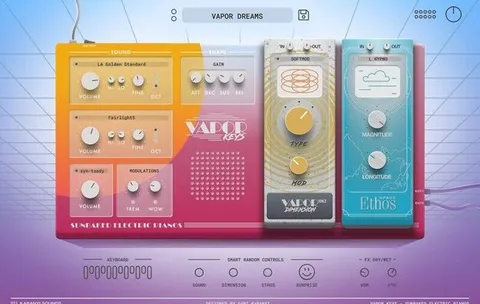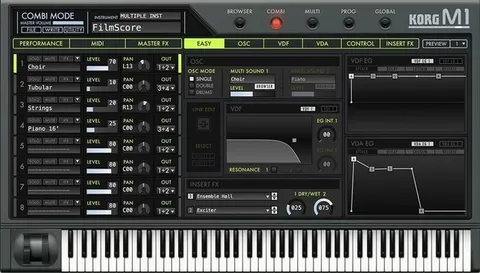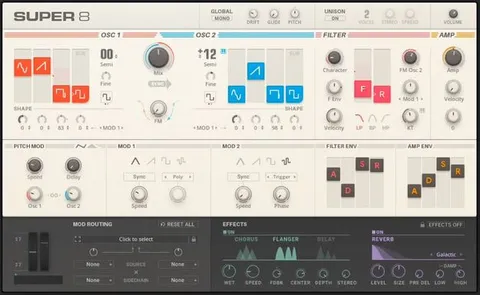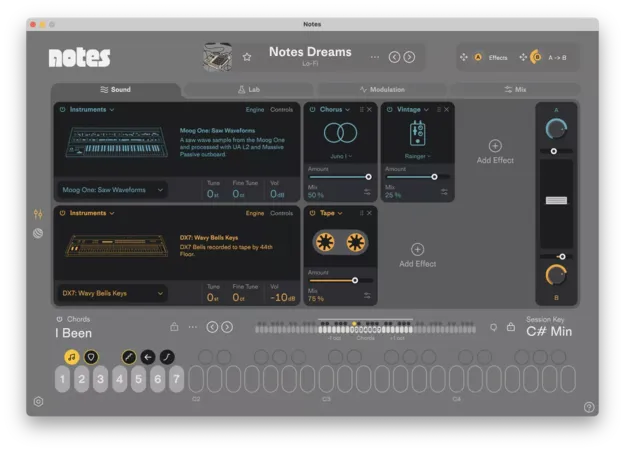
Notes by Future Audio Workshop synth plugin interface with chord palettes

Notes: Chord-Based Ideas Machine Synth Plugin by Future Audio Workshop

Rated 4.6/5 on Plugin Boutique (156 ratings)

Notes is a chord-based instrument plugin from Future Audio Workshop that combines chord palettes, synth and sampler engines, and effects to help producers move from idea to finished track.

VST3VST2AUWindowsmacOS64-bit
AVAILABLE ATPlugin Boutique
Opens the store in a new tab
01Overview

Notes is a synth-category plugin from Future Audio Workshop that the developer describes as an Ideas Machine. Each sound comes paired with a playable chord palette, so you can start with harmony rather than a blank grid. Its Lab lets you drop in audio or MIDI to detect chords or type progressions from scratch, with several voicing styles to change the feel. Sound design runs through analog-style synth and sampler engines, a Chromatic engine with multi-sampled instruments, and a broad effects and modulation section.

Best for

  • Chord progression ideas
  • Lo-fi chord production
  • Dark synth pads
  • Guitar-based textures
  • Ambient reverb layers
  • Playable sampled keys
Category
Synths
Store
Plugin Boutique
02Key features

What you get

  • Chord palettes with unique play styles for each preset
  • Black transformer keys for play style, strum, arpeggio, reverse and ramp
  • Lab chord sampler detects chords from dropped MIDI or audio
  • From Scratch mode with multiple voicing styles
  • Analog-style synth engine with supersaw and Super Oscillator
  • Sampler engine with automatic pitch detection and reverse loop
  • Chromatic engine with multi-sampled instruments
  • Macro page with two macros mapped to any parameter
  • Broad effects section including reverbs, delay and compression
  • Pack browsing with favorites and custom pack creation
03In depth

Chord Palettes and Playability

Each preset is paired with a chord palette, and the plugin includes hundreds of palettes. Each palette has its own play style. The white keys play full chords, while the black keys act as transformer keys for play style, strum, arpeggio, reverse, and ramp. These transformer keys can be assigned and used like a mod wheel, so you can change how a chord plays in real time.

The Lab is built for building your own harmony. The chord sampler detects chords from dropped MIDI or audio, and the From Scratch mode lets you type chords and choose voicing styles such as Wide, Pop, Ghibli, R&B, House, Dilla, and Caesar.
Sound Engines, Sampled Instruments and Effects

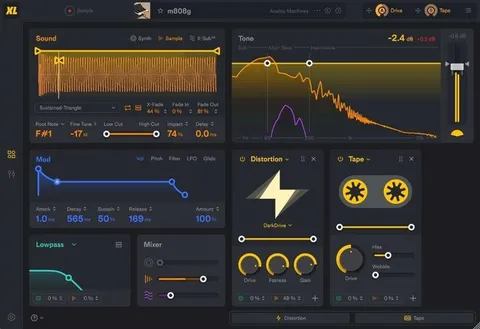
The Synth Engine offers sine, triangle, sawtooth, square, and supersaw waveforms, with a Super Oscillator for varied supersaws and controls for unison layering, tuning, detuning, dry/wet mix, and widening. The Sampler Engine provides automatic pitch detection, root note and fine tune settings, X-fade for removing clicks, and reverse loop. The Chromatic engine offers playable multi-sampled instruments, including synths recorded at the Berlin Synthesizer Museum and classical guitar.

The effects section includes chorus, distortion, phaser, noise and vintage-style guitar pedal emulations, along with master effects such as delay, EQ, an OTT compressor, and several reverbs and a shimmer effect. Two LFOs with BPM sync and a macro page with two macros help shape movement.

04Specs

Will it run?

Formats, systems and requirements as listed by Plugin Boutique. Missing details are left out, not guessed.

DeveloperFuture Audio Workshop
TypePlugin
CategorySynth
FormatsVST3, VST2, AU
Operating systemsWindows, macOS
Architecture64-bit
05FAQ

Questions, answered

What formats and operating systems does Notes support?

Notes is available as VST2, VST3, and AU, and runs on Windows and macOS. The developer lists compatibility with Mac OS 10.12 and higher and Windows 10 and higher.

What do I need to use Notes?

Notes runs as a plugin inside a DAW. The developer lists testing in FL Studio, Ableton Live, and Logic. It can be used offline, but an internet connection is required to activate it on your machines.

Can I create my own chord progressions in Notes?

Yes. The Lab lets you drop in audio or MIDI so Notes detects the chords and assigns them to keys, or you can type chords from scratch and choose a voicing style.

07Developer

More from Future Audio Workshop

All Future Audio Workshop products →