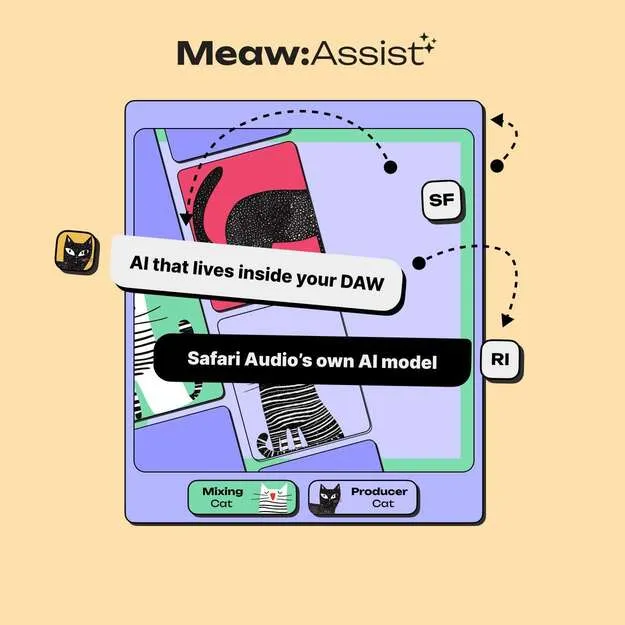
Meaw: Assist - AI Assistant by Safari Audio AI plugin interface

Meaw: Assist - AI Assistant by Safari Audio: AI Mixing Plugin

Rated 4.5/5 on Plugin Boutique (25 ratings)

Meaw: Assist - AI Assistant is an AI plugin from Safari Audio that runs inside your DAW and offers creative direction and focused mix suggestions based on your audio and prompts.

VST3AUAAXWindowsmacOS64-bit
AVAILABLE ATPlugin Boutique
Opens the store in a new tab
01Overview

Meaw: Assist - AI Assistant is built around Safari Audio's own in-house Meaw AI model, designed for music production and mixing workflows. It offers two modes: Producer Cat for creative direction and Engineer Cat for focused mix decisions. You can play, record, or loop sections of your track and receive suggestions in real time while it plays. The developer describes it as the first release in a new line of creative AI tools.

Best for

  • Mix feedback
  • Creative direction
  • Song arrangement ideas
  • Lyric help
  • Real-time track review
Developer
Safari Audio
Category
Utilities
Store
Plugin Boutique
02Key features

What you get

  • Producer Cat mode for creative direction
  • Engineer Cat mode for focused mix decisions
  • Play, record, or loop audio for real-time suggestions
  • Custom in-house Meaw AI model for music production
  • Runs as a plugin in VST3, AU and AAX formats
  • Supports 64-bit hosts on Windows and macOS
  • Prompt-based input for ideas and direction
03In depth

Two Modes for Creative and Mix Decisions

Meaw: Assist splits its guidance into two modes. Producer Cat is aimed at creative direction, helping you decide where a track or idea could go next. Engineer Cat focuses on mix decisions, giving more targeted input on the sound of your mix.

Because the plugin runs like a regular plugin, you can keep it in your session and switch between modes as your work moves from writing to mixing.

Working With Audio in Real Time

Meaw: Assist can take audio directly. You can play a section of your track, record into the plugin, or loop a part you are working on, and receive suggestions while the audio runs.

This makes it useful for checking a section as you go rather than stopping to export or describe your mix in text.

04Specs

Will it run?

Formats, systems and requirements as listed by Plugin Boutique. Missing details are left out, not guessed.

DeveloperSafari Audio
TypePlugin
CategoryUtility
FormatsVST3, AU, AAX
Operating systemsWindows, macOS
Architecture64-bit
05FAQ

Questions, answered

What formats does Meaw: Assist support?

Meaw: Assist is available in VST3, AU and AAX formats. VST3 and AAX are listed for Windows 64-bit, and VST3, AU and AAX for macOS.

What operating systems are supported?

Meaw: Assist runs on Windows and macOS. The listed requirements are Mac OS X 10.15 or later, and Windows 8 and above.

What do I need to run Meaw: Assist?

The listed minimum is a 2 GHz Intel dual-core or AMD equivalent processor and 8GB of RAM, with 16GB recommended. The plugin is 64-bit.

What is the difference between Producer Cat and Engineer Cat?

Producer Cat is for creative direction, while Engineer Cat is for focused mix decisions. You can use either mode depending on whether you are writing or mixing.

07Developer

More from Safari Audio

All Safari Audio products →