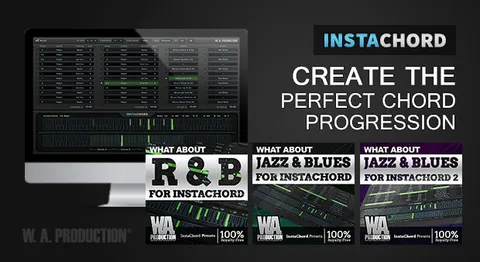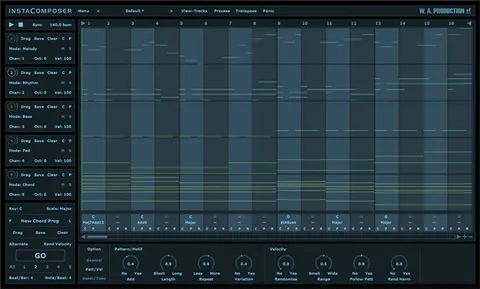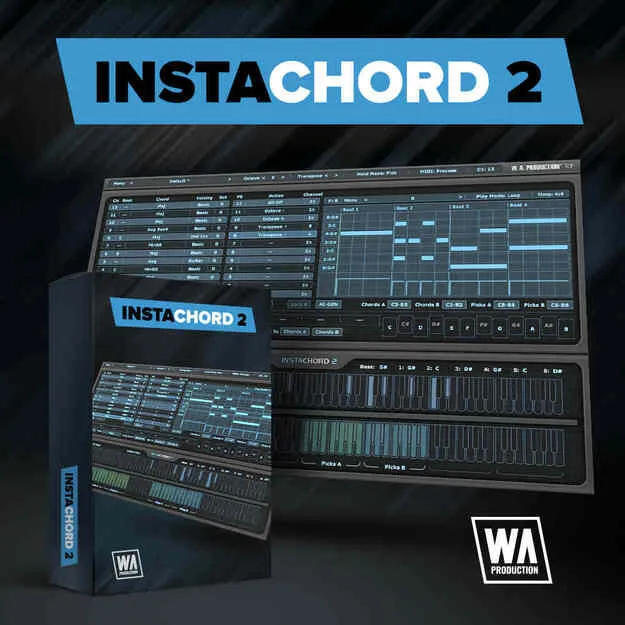
InstaChord 2 Upgrade from InstaChord 1 MIDI chord plugin interface

InstaChord 2 Upgrade from InstaChord 1: MIDI Chord and Pattern Processor

Rated 4.5/5 on Plugin Boutique (639 ratings)

InstaChord 2 Upgrade from InstaChord 1 is a MIDI chord, strum and pattern processor plugin by W. A. Production, offered as an upgrade for owners of the original InstaChord.

VST3VST2AUAAXWindowsmacOS64-bit
AVAILABLE ATPlugin Boutique
Opens the store in a new tab
01Overview

InstaChord 2 Upgrade from InstaChord 1 is aimed at existing owners of the original InstaChord. W. A. Production describes it as a chord creator and mini-sequencer that adds a Pattern Editor, an AI-based generation button, more playback modes and custom chord building. It runs as a MIDI processor, so it sends chord and pattern data to other instruments rather than producing sound on its own. The developer also states that all InstaChord 1 presets are compatible with InstaChord 2.

Best for

  • Chord progression ideas
  • Synth arpeggios
  • Piano chord patterns
  • Guitar riffs
  • Live chord switching
  • Songwriting sketches
Store
Plugin Boutique
02Key features

What you get

  • MIDI processor for chords, strums and patterns
  • Connects to any sequencer that supports MIDI routing
  • Advanced Pattern Editor with drag-and-drop notes
  • AI chord sequence and pattern generation
  • Five playback modes for holding and toggling chords
  • Custom chord creation from selected intervals
  • Over 60 chord shapes with multiple voicings
  • MIDI drag and drop into your DAW
  • Resizable interface and factory presets
03In depth

Chord, Strum and Pattern Control

The Pattern Editor is the main addition. You draw and drag notes in a window that works much like your DAW's piano roll, and you can set time signature, play mode and velocity. Strum programming is handled with its own editing controls.

The chord keys can hold up to 24 chords and switch between them, and the action keys transpose chords by octave or semitone during playback. Individual notes of a chord can also be played separately, which allows manual arpeggios or strums.

The generate button, adapted from the developer's InstaComposer plugin, produces new riffs from the current scale. These can be edited like your own patterns.
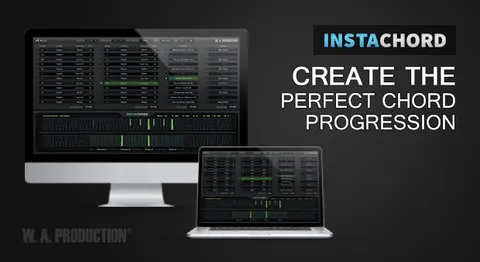
Custom Chords and Playback Modes

Users can edit existing chord shapes or build their own by choosing intervals between notes. Playing notes on a MIDI keyboard can also teach the plugin new chord shapes.

The plugin includes more than 60 chord shapes with multiple voicings. Five playback modes control how notes are held and how chords toggle, which the developer says suits different instruments.

MIDI can be dragged from the Pattern Editor directly into your DAW, and the interface can be resized.

04Specs

Will it run?

Formats, systems and requirements as listed by Plugin Boutique. Missing details are left out, not guessed.

DeveloperW. A. Production
TypePlugin
CategoryMusic Theory Tools
FormatsVST3, VST2, AU, AAX
Operating systemsWindows, macOS
Architecture64-bit
05FAQ

Questions, answered

Is InstaChord 2 an upgrade for InstaChord 1 owners?

Yes. This listing is the upgrade version for owners of the original InstaChord. The developer also offers a full version of InstaChord 2.

Are InstaChord 1 presets compatible with InstaChord 2?

Yes. The developer states that all InstaChord 1 presets are compatible with InstaChord 2.

What formats and operating systems does InstaChord 2 support?

It is listed in VST3, VST2, AU and AAX formats for Windows and macOS. The system requirements list macOS 10.13 and later (64-bit only) and Windows 8 and later (32/64-bit).

What do I need to use InstaChord 2?

InstaChord 2 is a MIDI processor, so it needs a host that supports VST/VST3 plugins with MIDI routing or AU/AAX MIDI effect type. Listed compatible hosts include FL Studio 12, Cubase 9.5, Studio One 3, Ableton Live 9/10, Pro Tools 11+ and Logic Pro X, with Reason listed as not compatible. The developer notes possible issues on Apple Silicon Macs and recommends checking compatibility before buying.

07Developer

More from W. A. Production

All W. A. Production products →