Chord Creation and Pattern Editing
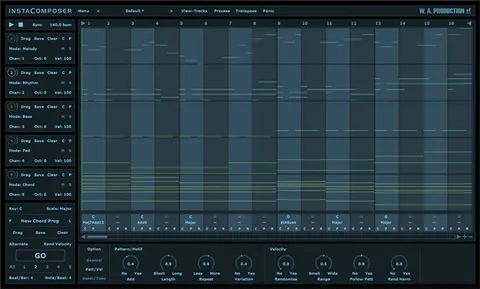
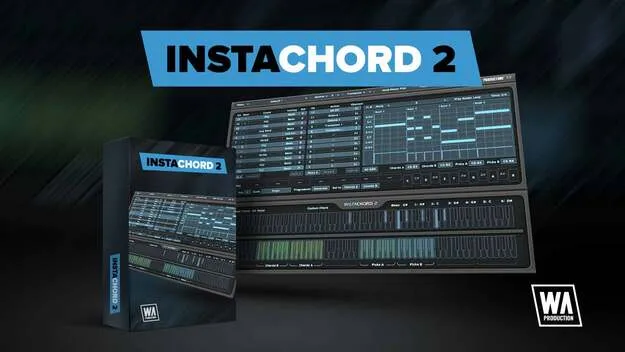
The Pattern Editor is the main new window in InstaChord 2. You create patterns by dragging notes in the same way you would in your DAW, and you control time signature, play mode and velocity. Strum programming can be edited in detail, so you can build arpeggios, piano chord patterns or guitar-style picked riffs.
The plugin holds up to 24 chords that you switch between using the chord keys, and you can transpose the current chords to another key. Action keys can transpose by octave or semitone, which is useful for moving chords while playing live.
The AI Generation button creates new riffs from the current scale. You can edit these generated patterns in the same way as your own.