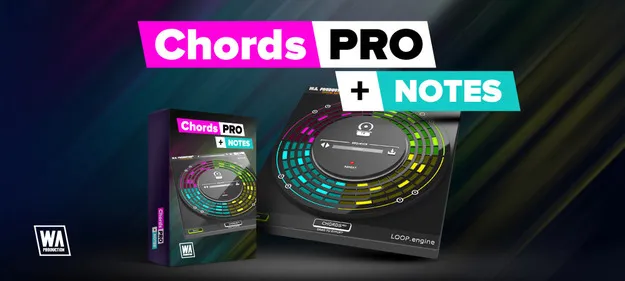
CHORDS PRO + NOTES Upgrade From CHORDS MIDI chord and arp plugin interface by W. A. Production

CHORDS PRO + NOTES Upgrade From CHORDS: MIDI Chord and Arp Plugin Free Download

Rated 4.5/5 on Plugin Boutique (22 ratings)

CHORDS PRO + NOTES Upgrade From CHORDS is a MIDI effect plugin by W. A. Production that generates chord progressions and arpeggios, with a Notes mode for partitioning each chord. It is offered as an upgrade for owners of CHORDS.

AAXWindowsmacOS64-bit
AVAILABLE ATPlugin Boutique
Free trial available from the developer
01Overview

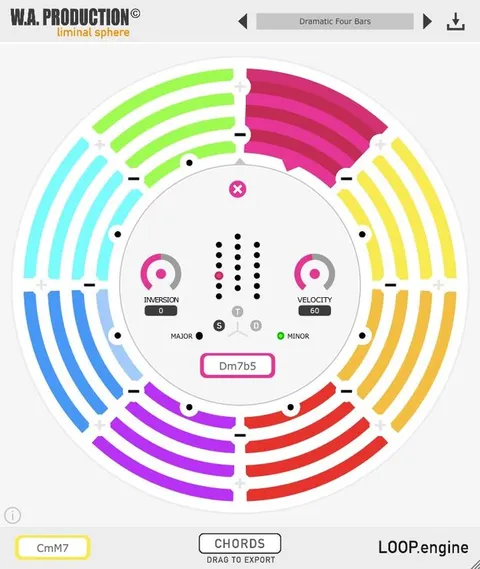
This upgrade builds on the original CHORDS plugin, which the developer designed for EDM production but which it says suits a range of genres. The plugin sits in front of any MIDI-triggered instrument and creates looped chords and arpeggios of up to eight chords in a circular interface. You can start from a simple idea, use the create function to generate new material, or edit each segment by hand. Finished MIDI can be dragged straight into your project.

Best for

  • EDM chord progressions
  • Piano melody sketching
  • Trance-gate chord patterns
  • Arpeggio programming
  • Harmonic idea generation
Store
Plugin Boutique
02Key features

What you get

  • MIDI effect that places chords and arpeggios ahead of any instrument
  • 30 chord types across Tonic, Subdominant and Dominant
  • Up to 8 chord segments, each with up to 8 note partitions
  • Inversions from -6 to +6 for each segment
  • Create button for randomized, harmonically based progressions
  • A/B toggle with copy and paste for comparing sequences
  • Drag-and-drop MIDI export into your DAW
  • Factory presets for chords and sequences
  • Resizable interface and PDF manual with tutorial video
03In depth

Chord Creation and Editing Workflow

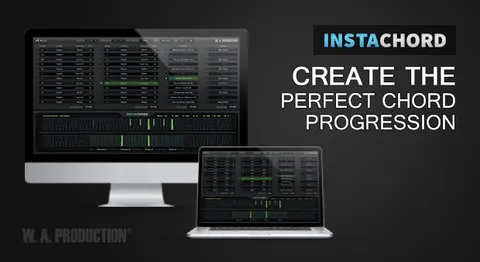
The plugin works as a MIDI effect. Place it ahead of an instrument, press play in your DAW, and it outputs looped chord progressions synced to the host tempo. Global controls adjust inversions, length, speed and root key across the whole sequence. Clicking a segment gives finer control over chord shape, individual inversions and velocity.

Chord types are grouped as Tonic, Subdominant and Dominant, with 30 chord types in total. The developer says the plugin finds the correct notes for related chords automatically. The create button randomizes one or more chords based on the starting chords, and the A/B toggle lets you keep a sequence while you experiment with another version.
Notes Mode for Arpeggios and Melodies

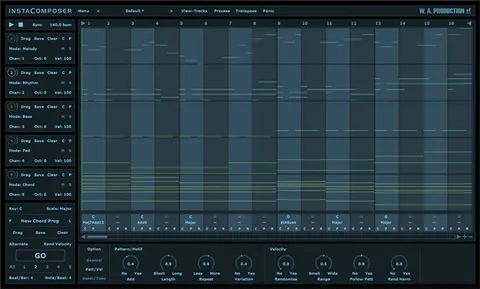
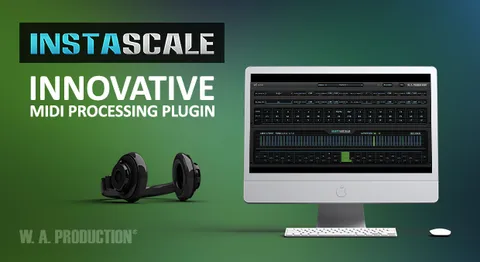
Notes mode is a separate page that works as a note-pattern editor inside the chord playback. Each chord can be split into up to eight partitions, with independent control over each note. The developer lists piano melodies, plucked arpeggios and trance-gate chords as example uses.

Copy and paste controls and repeat functions allow you to sketch a pattern on one chord and apply it to the others. Factory presets for chords and sequences give you starting points that you can edit.

Who It Is For

The plugin suits producers who want quick harmonic ideas or a faster way to build arpeggio patterns. Because it outputs MIDI rather than audio, it can be used with any MIDI-triggered instrument in a DAW. The export function lets you take the results into your own project and edit, transpose or rework them.

04Specs

Will it run?

Formats, systems and requirements as listed by Plugin Boutique. Missing details are left out, not guessed.

DeveloperW. A. Production
TypePlugin
CategoryMusic Theory Tools
FormatsAAX
Operating systemsWindows, macOS
Architecture64-bit
Free trialYes
05FAQ

Questions, answered

What do I need to use CHORDS PRO + NOTES Upgrade From CHORDS?

The plugin is a MIDI effect that works with any DAW. It is available in AAX format, which requires Pro Tools 11 or higher, and it is intended for owners of CHORDS who are upgrading.

Which operating systems and formats are supported?

The plugin is available in the AAX format for Windows 8 and later (64-bit) and macOS 10.13 and later (64-bit). The developer notes that older operating system versions may not run it properly.

Can I export the chords and arpeggios as MIDI?

Yes. You can drag the MIDI from the plugin directly into your DAW project and then edit it there.

Is there a trial version?

Yes, a demo is available. The developer notes that a working demo does not guarantee the full version will run properly on the same system.

07Developer

More from W. A. Production

All W. A. Production products →