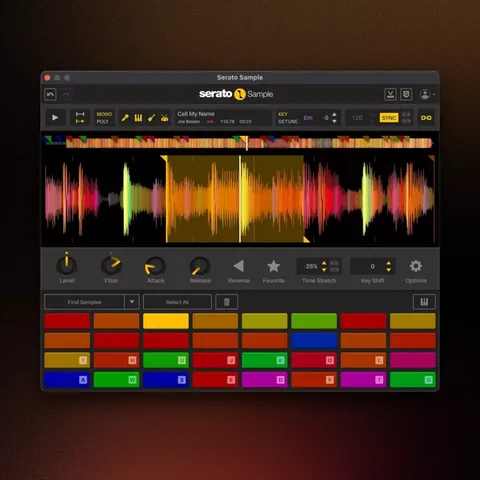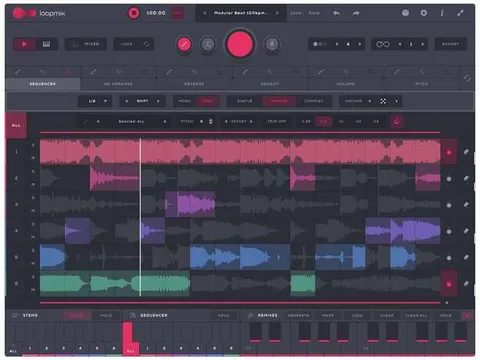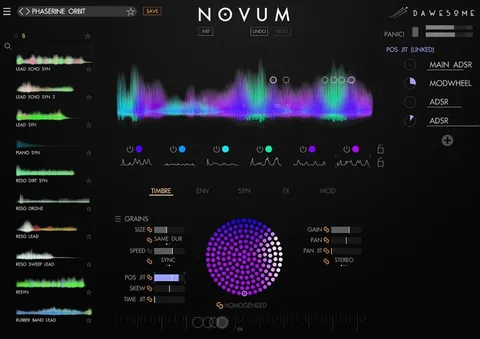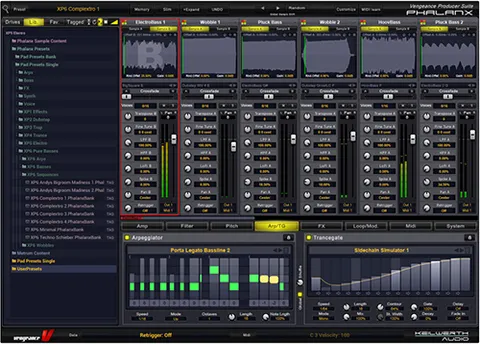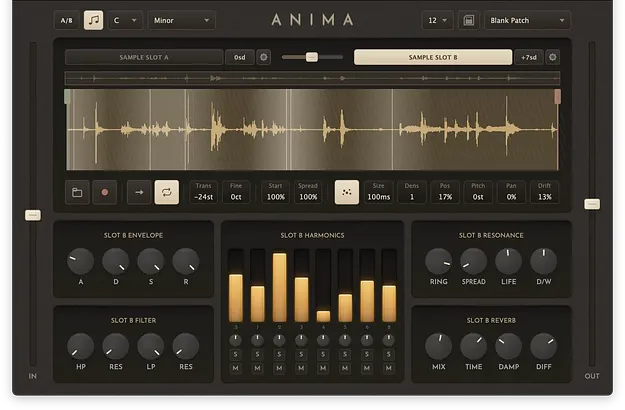
Anima by Sequins sampler plugin interface with resonant harmonic filters

Anima: Sampler Instrument by Sequins for Field Recordings

Anima is a sampler plugin by Sequins that uses resonant harmonic filters to extract pitched, playable instruments from broadband recordings such as rain, traffic or household sounds.

VST3AUCLAPStandaloneWindowsmacOSLinux
AVAILABLE ATPlugin Boutique
Opens the store in a new tab
01Overview

Anima is built around the idea that noisy, pitchless sounds contain every pitch. Its eight resonant harmonic filters pull tone out of field recordings and other textures, so the frequencies you boost become the pitch and the rest falls away. Dual sample slots let you blend two recordings, one for attack and one for sustain, with independent filter banks and envelopes. The plugin runs as VST3, AU, CLAP or Standalone on Windows, macOS and Linux.

Best for

  • Field recording instruments
  • Ambient pads and drones
  • Percussion from noise
  • Microtonal and world scales
  • Textured sound design
Developer
Sequins
Category
Samplers
Store
Plugin Boutique
02Key features

What you get

  • Eight resonant harmonic filters with per-harmonic gain, pan, mute and solo
  • Eight materials, including five acoustic-ratio types and three noise types
  • Dual sample slots with independent filter banks, envelopes and real-time crossfade
  • Live capture from your DAW directly into the sample buffer
  • The Life knob for independent harmonic drift, from wow to flutter
  • Transient snap with markers and loop start snapping to detected hits
  • MPE support with scale-aware pitch bend and pressure-controlled amplitude
  • 72 scale modes with per-slot transposition by scale degree
  • Concert pitch from A=400 to 480 Hz with 432, 415 and 444 presets
  • Configurable polyphony of 1, 4, 8, 12 or 16 voices
03In depth

Sound Design With Harmonic Filters and Materials

Anima's core is eight resonant harmonic filters, each with its own gain, pan, mute and solo. Shaping these filters changes which partials of a recording sound, turning texture into a held, pitched voice.

The material selector sets how those harmonics are arranged. String, Membrane, Bar, Plate and Bell use harmonic ratios based on acoustic physics. The three Noise materials shape noise in a vocoder-like way, so clicks and taps can come out as hats, shakers and breaths.

The Life knob makes each harmonic drift independently, from slow, tape-like wow to fast flutter, so held chords move and wander rather than sitting still.
Workflow, Playing and Scale Control

Live capture records audio straight from your DAW into the sample buffer, so you can work without bouncing files. Transient snap marks detected attacks on the waveform and moves the loop start to the nearest hit.

MPE support adds scale-aware per-note pitch bend that stays on the correct semitone, with pressure controlling amplitude. The plugin includes 72 scale modes, from Major and minor to Hijaz, Pelog, Darbari and Ethiopian Tezeta, with per-slot transposition by scale degree.

Tuning options cover concert pitch from A=400 to 480 Hz, including 432, 415 (Baroque) and 444 presets. Polyphony is configurable at 1, 4, 8, 12 or 16 voices.

04Specs

Will it run?

Formats, systems and requirements as listed by Plugin Boutique. Missing details are left out, not guessed.

DeveloperSequins
TypePlugin
CategorySampler
FormatsVST3, AU, CLAP, Standalone
Operating systemsWindows, macOS, Linux
05FAQ

Questions, answered

What is Anima used for?

Anima turns noisy recordings, such as rain, traffic or household sounds, into pitched, playable instruments. Its resonant harmonic filters pick out tones from the texture.

What formats and operating systems does Anima support?

Anima is available in VST3, AU, CLAP and Standalone formats. It runs on Windows, macOS and Linux. AU is listed for macOS only.

What do I need to run Anima?

Anima runs as a plugin in any DAW that hosts VST3, AU or CLAP. The listed system requirements are macOS 10.15 or later, a universal binary for Apple Silicon and Intel, Windows 10 or later, and Linux on x86_64 and ARM64.

Can I import my own audio into Anima?

Yes. Anima imports WAV, AIFF, MP3, FLAC and OGG files. Presets embed their audio, so sharing a preset also shares the sound.

07Developer

More from Sequins

All Sequins products →