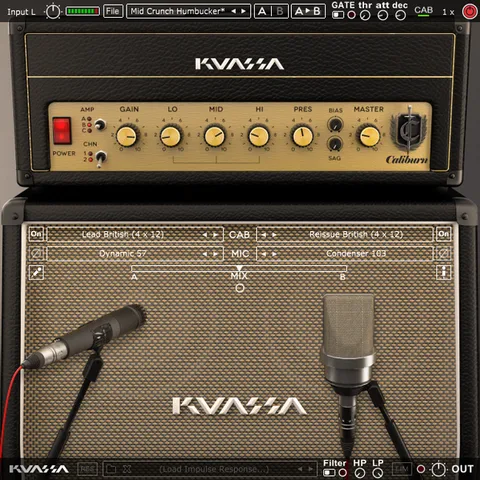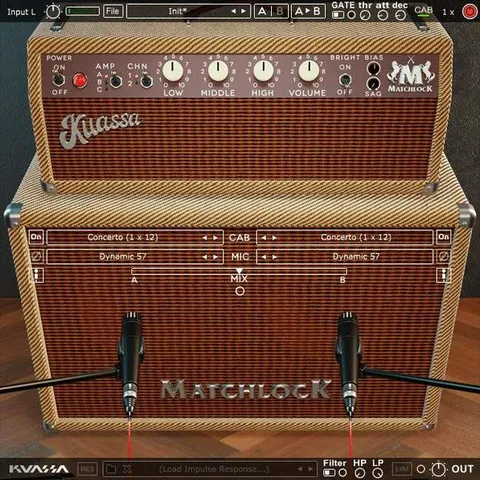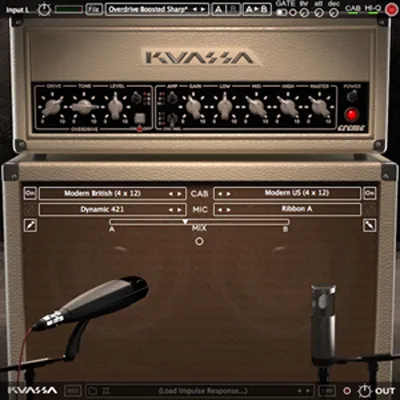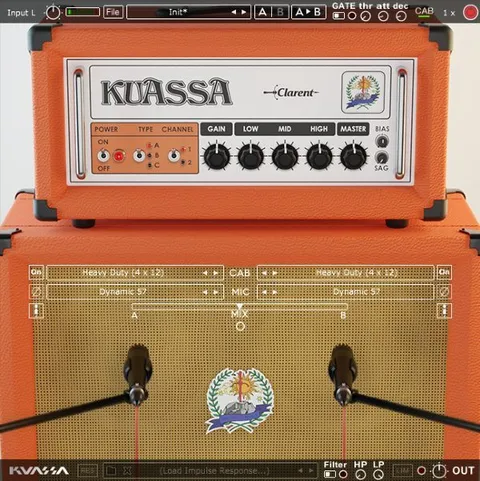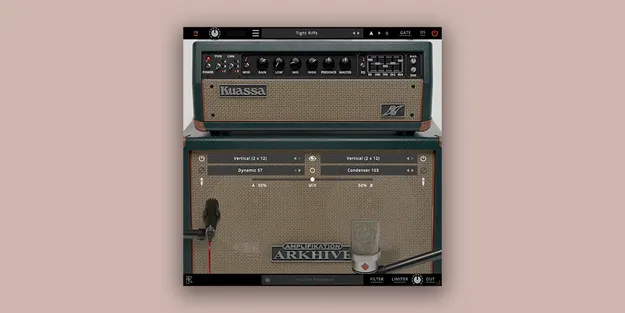
Amplifikation ARKHIVE by Kuassa amp simulator plugin interface

Amplifikation ARKHIVE: Amp Simulator Plugin by Kuassa Free Download

Amplifikation ARKHIVE is an amp simulator plugin from Kuassa, modeled on the MK5 amplifier. It has three amps with three channels each, five cabinet types and a five-band equalizer for guitar and bass tone shaping.

VST3VST2AUAAXWindowsmacOS64-bit
AVAILABLE ATPlugin Boutique
Free trial available from the developer
01Overview

Amplifikation ARKHIVE is built around three amp models, each with its own set of channels and voicings. Amp A covers clean tones with voicings such as Clean, Fat and Tweed, Amp B focuses on aggressive sounds with Edge, Crunch and an overdrive tone, and Amp C is aimed at heavy high-gain playing with an extreme mode. Each amp also has a Mod setting that changes its voicing. The plugin is available in VST3, VST2, AU and AAX formats for Windows and macOS.

Best for

  • Clean guitar tones
  • Crunch and overdrive rhythm
  • High-gain metal guitar
  • Recording with virtual mics
  • Amp simulation in DAW sessions
Developer
Kuassa
Store
Plugin Boutique
02Key features

What you get

  • Three amps with three channels each
  • Amp A voicings: Clean, Fat and Tweed
  • Amp B voicings: Edge, Crunch and classic Overdrive
  • Amp C high-gain sounds with an extreme mode
  • Five-band equalizer for tonal shaping
  • Sag and Bias controls on the power amp section
  • Five cabinet types with impulse responses
  • Nine microphone types with dual-mic setups
  • Built-in noise gate and limiter
  • Supports up to 8x oversampling
03In depth

Amp Channels, Voicings and Tone Shaping

The three amps give you a wide range from clean to high gain. Amp A is the cleanest of the three, with Clean, Fat and Tweed voicings. Amp B moves into more aggressive territory with Edge, Crunch and classic Overdrive tones. Amp C handles heavy high-gain sounds and includes an extreme mode for the most aggressive settings.

A five-band equalizer lets you shape the tone after the amp stage. The power amp section includes Sag and Bias controls for adjusting how the power stage responds. Low pass and high pass filters help you trim unwanted frequencies before they reach the rest of your mix.
Cabinets, Microphones and Recording Options

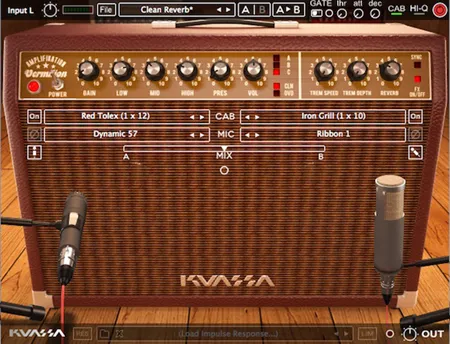
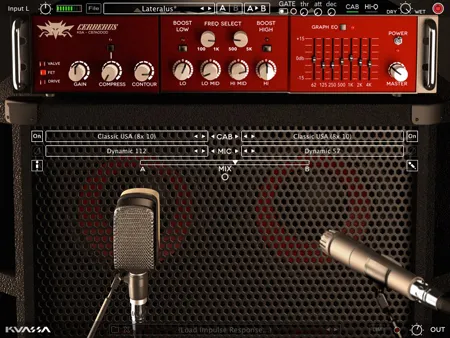
ARKHIVE includes five cabinet types with impulse responses derived from matching cabinets. You also get nine microphone types. The dual-microphone setup can be adjusted freely, with mono or stereo output options and a mix control for blending the two mics, which mirrors a typical guitar recording session.

A built-in noise gate and limiter help control unwanted noise and peaks. The plugin supports up to 8x oversampling, and its interface is a single screen, which keeps the signal chain easy to follow.

04Specs

Will it run?

Formats, systems and requirements as listed by Plugin Boutique. Missing details are left out, not guessed.

DeveloperKuassa
TypePlugin
CategoryAmp Simulator
FormatsVST3, VST2, AU, AAX
Operating systemsWindows, macOS
Architecture64-bit
Free trialYes
05FAQ

Questions, answered

What formats does Amplifikation ARKHIVE support?

ARKHIVE is available in VST3, VST2, AU and AAX formats. It runs on Windows and macOS, and the plugin is 64-bit only.

What do I need to run Amplifikation ARKHIVE?

On Windows you need Windows 7 or later with at least 4 GB of RAM and a VST or VST3 compatible host. On macOS you need macOS 10.11 or later, an Intel Core 2 Duo or Apple Silicon M1 or better, at least 4 GB of RAM, and a VST, VST3 or Audio Units compatible host. AAX requires Pro Tools 11 or later.

Does ARKHIVE include cabinets and microphones?

Yes. It includes five cabinet types with impulse responses derived from matching cabinets and nine types of microphones, with a dual-mic setup that offers mono or stereo output.

Is there a trial version?

Yes, a trial version is available.

07Developer

More from Kuassa

All Kuassa products →