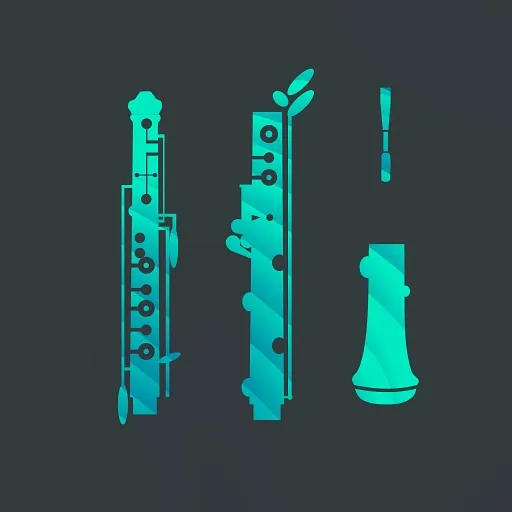
Orchestral Oboe 1 by Dreamtonics oboe expansion for Instrument X

Orchestral Oboe 1: Oboe Expansion for Instrument X by Dreamtonics

Orchestral Oboe 1 is an instrument expansion from Dreamtonics that adds an oboe to the Instrument X engine. It is designed for composers writing both solo oboe lines and blended ensemble parts.

REQUIRESInstrument XHost synth sold separately
All presets for Instrument X
AVAILABLE ATPlugin Boutique
Opens the store in a new tab
01Overview

Orchestral Oboe 1 is built for composers who need a convincing oboe in their scores. It runs on Instrument X, a modeling engine that generates legato, breath and room behavior in real time inside your DAW rather than triggering static recordings. The expansion covers solo writing as well as ensemble blends. Its performance tools include an Automatic Smart Articulation system, a Unified Articulation Editor, Predictive Dynamics and AI Retakes for regenerating phrases you are not happy with.

Best for

  • Solo oboe lines
  • Woodwind section doubling
  • Orchestral mockups
  • Film score cues
  • Notation import workflows
Developer
Dreamtonics
Requires
Instrument X
Store
Plugin Boutique
02Key features

What you get

  • Solo oboe and blended ensemble writing with Instrument X
  • Unison up to 16 voices to build sections from one part
  • AI Retakes for regenerating alternative phrase performances
  • Automatic Smart Articulation with a Unified Articulation Editor
  • Predictive Dynamics with a manual override lane
  • MusicXML import preserving tempo, meter, articulation and dynamics
  • ARA support in compatible DAWs
  • 100% local rendering with no internet connection required
  • About 160MB of storage per instrument
03In depth

Articulations, Dynamics and Performance Control

The Unified Articulation Editor puts performance techniques in one interface, so you can manage articulations without switching between separate patches. Automatic Smart Articulation handles technique choices for you, and the editor gives you deep manual control when you want it.

Predictive Dynamics assigns dynamics based on the notes and performance flow of your part. You can then adjust them by hand. The developer describes the dynamics as shaping the instrument's timbre and response, not only its volume.

AI Retakes generate alternative takes of a phrase, which helps when a line feels stuck. You can regenerate a full section or work on a single phrase.


Ensemble Writing and Score Import

Unison supports up to 16 voices, so a single oboe track can be expanded into a section. This is useful for doubling lines and building a wider woodwind texture.

MusicXML support lets you bring notation from other programs into the instrument. The developer notes that tempos, time signatures, articulations and dynamics carry over into the performance data. ARA is available in supported DAWs.

Rendering happens entirely on your computer, so no internet connection is needed for playback. Each instrument takes about 160MB of storage.

04Specs

Will it run?

Formats, systems and requirements as listed by Plugin Boutique. Missing details are left out, not guessed.

DeveloperDreamtonics
TypePreset pack / expansion
CategoryExpansion Packs
RequiresInstrument X
05FAQ

Questions, answered

What do I need to use Orchestral Oboe 1?

Orchestral Oboe 1 requires Instrument X. Instrument X can run in your DAW or standalone and is included for free with any Dreamtonics Instrument Expansion.

Which operating systems and hardware does it support?

It runs on Windows 10 or 11, or macOS 11 and later, with an Intel or AMD x64 CPU or Apple Silicon. It needs 4 GB of RAM minimum, 8 GB recommended, and 2 GB of free disk space.

Does it need an internet connection?

No. Rendering is 100% local, so no internet connection is required.

Can I import my scores from notation software?

Yes. MusicXML import brings in tempos, time signatures, articulations and dynamics as performance data.

07Developer

More from Dreamtonics

All Dreamtonics products →