Automatic and manual low-end cutting
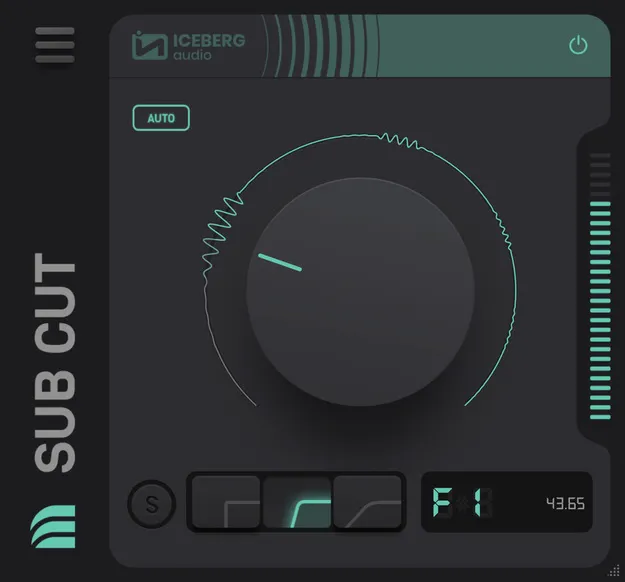
In AUTO mode, Sub Cut analyses the incoming audio in real time and follows the notes of the source material. The cutoff moves to remove as much low-frequency energy as possible. Iceberg Audio offers Fast, Default and Slow settings so you can match the response to how quickly your material changes.
If you prefer manual control, you can choose from three roll-off frequencies. You can also select cutoffs by note, such as G2, so the roll-off starts only below that pitch. This helps keep the musical content of a bass line intact while removing the unwanted low end beneath it.