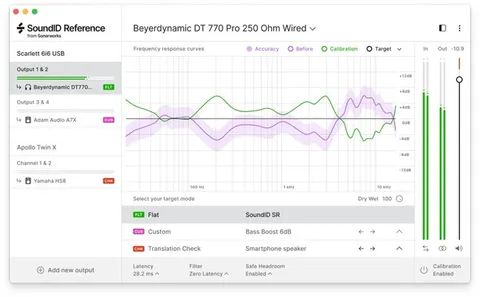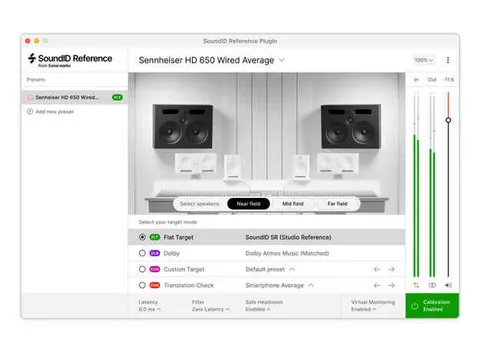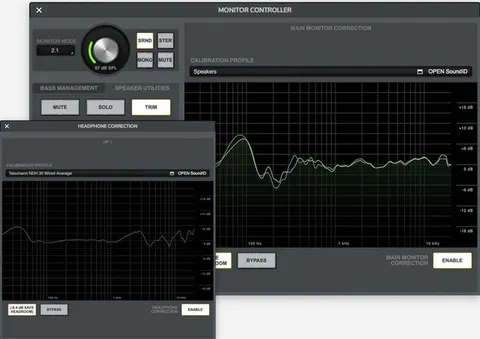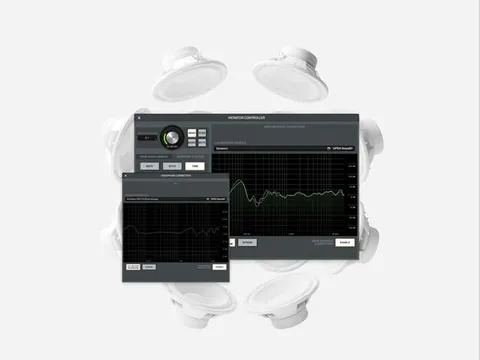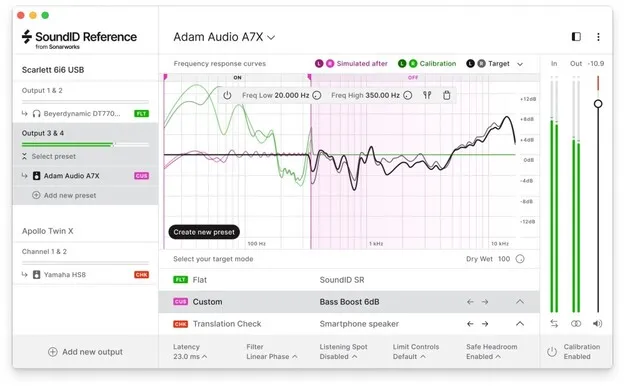
Sound ID Reference for Speakers & Headphones calibration plugin interface by Sonarworks

Sound ID Reference for Speakers & Headphones: Calibration Plugin by Sonarworks Free Download

Rated 4.5/5 on Plugin Boutique (16 ratings)

Sound ID Reference for Speakers & Headphones is a calibration plugin from Sonarworks that corrects the frequency response of studio speakers and headphones. It runs as a DAW plugin or as a standalone systemwide app.

VST2AUAAXStandaloneWindowsmacOS64-bit
AVAILABLE ATPlugin Boutique
Free trial available from the developer
01Overview

Sound ID Reference for Speakers & Headphones from Sonarworks is built around one goal: a consistent reference sound across the monitoring setups you use. The developer describes it as a way to keep mixes translating between speakers, headphones and rooms. It is offered as a plugin in VST2, AU and AAX formats, plus a standalone app, for Windows and macOS. Note that speakers and headphones are not included.

Best for

  • Speaker calibration
  • Headphone mixing
  • Mix translation checks
  • Remote collaboration
  • Systemwide audio correction
Developer
Sonarworks
Store
Plugin Boutique
02Key features

What you get

  • DAW plugin and systemwide calibration app
  • Custom target curve adjustable in real time
  • Selectable frequency range for calibration
  • Three filter modes: zero latency, mixed, linear phase
  • Library of 20 translation check simulations
  • Presets for more than 500 headphone profiles
  • Supports VST2, AU, AAX and Standalone formats
  • 64-bit on Windows 10 or later and macOS 10.14 to 13
03In depth

How speaker and headphone calibration works

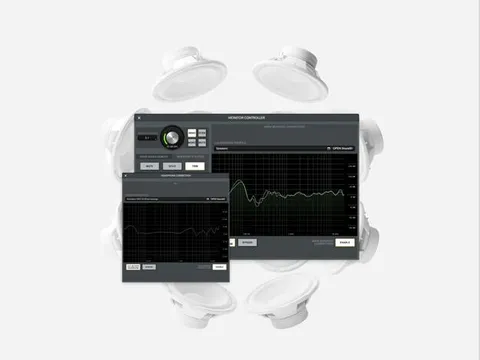
Speaker calibration requires a measurement microphone. Sonarworks recommends treating your room before calibrating, because the software is not a substitute for acoustic treatment. The measurement process takes about 15 minutes. After you save the speaker profile, you can apply the correction in your DAW as a plugin, or use the standalone app to correct audio from any source on your computer.

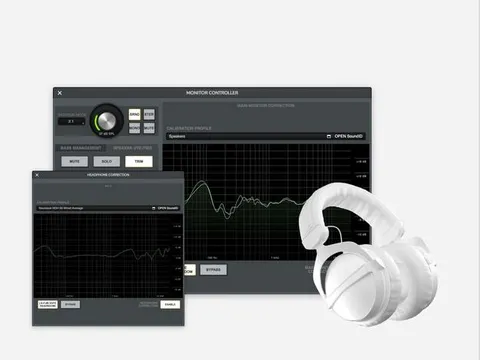
For headphones, the software applies a correction profile to bring the frequency response toward a flat target, designed to emulate neutral-sounding speakers. The product includes presets covering more than 500 headphone calibration profiles, and the supported headphone list is extensive.
Key controls and workflow options

The custom target lets you adjust the target curve in real time and choose the frequency range the calibration is applied to. Three filter modes are available: zero latency for live tracking, and mixed or linear phase for higher clarity. A translation check library provides 20 predefined simulations of different listening environments, which helps you check a mix against other playback conditions.

04Specs

Will it run?

Formats, systems and requirements as listed by Plugin Boutique. Missing details are left out, not guessed.

DeveloperSonarworks
TypePlugin
CategoryReferencing Tools
FormatsVST2, AU, AAX, Standalone
Operating systemsWindows, macOS
Architecture64-bit
Free trialYes
05FAQ

Questions, answered

What formats does Sound ID Reference support?

Sound ID Reference is available in VST2, AU and AAX plugin formats, and as a Standalone app. It runs on 64-bit systems only.

Which operating systems are supported?

The software supports Windows 10 or later (64-bit) and macOS 10.14 to 13 (64-bit only).

What do I need to use Sound ID Reference?

You need an audio interface with +48V phantom power and 44.1 kHz sample rate capability, 2 GB RAM and a 1024 x 768 display. Speaker calibration requires an omnidirectional measurement microphone, such as the SoundID Reference microphone. Headphones are not included, and you need Sonarworks supported or individually calibrated headphones.

Is a trial available?

Yes, the product offers a trial.

07Developer

More from Sonarworks

All Sonarworks products →