Sequencer, Mixer and Sample Shaping
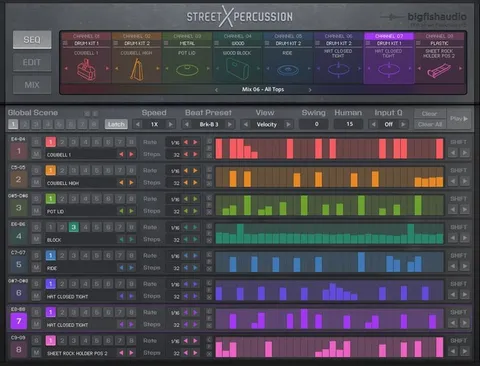
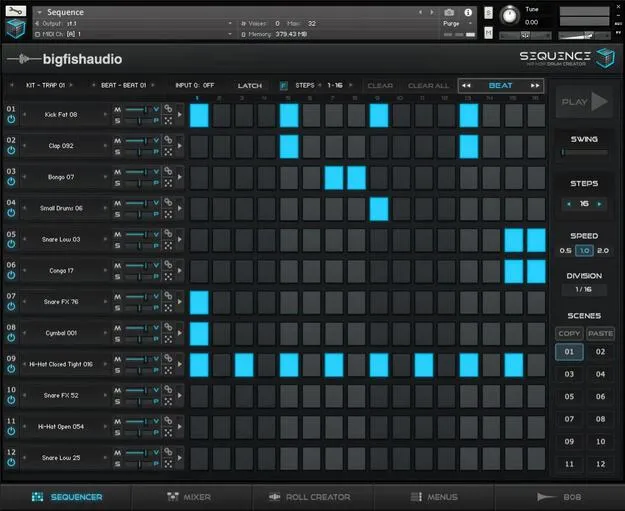
The sequencer has twelve channels and supports up to 64 steps per sequence. A sample can be switched on or off at each step, and each step has its own volume, pitch, pan and sample length controls, which allows for detailed, expressive drum parts.
The Mixer page adjusts volume and pan for all channels and hosts fourteen FX that can be applied to individual channels or the master output. Sample Edit controls shape the sound of each loaded sample.
A Menus page lets you preview the sample library across sixty-two banks of drum sounds and assign any sample to a sequencer channel or the Roll Creator with one action.