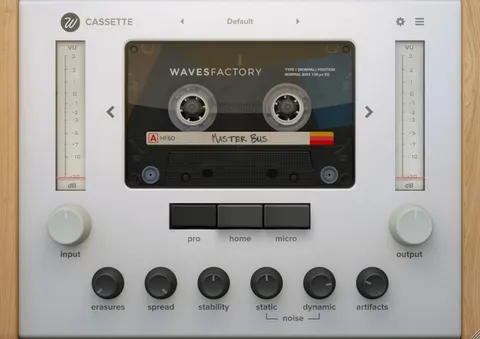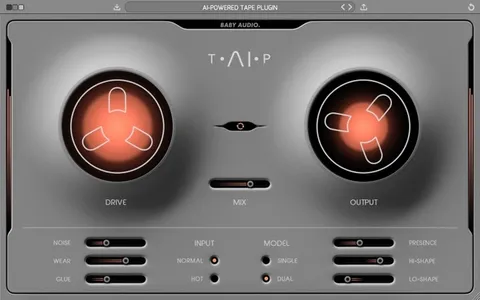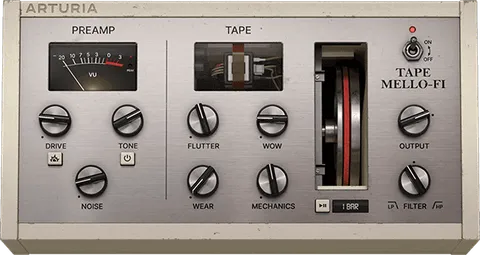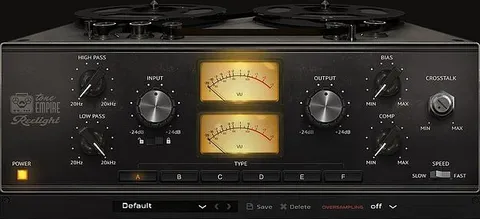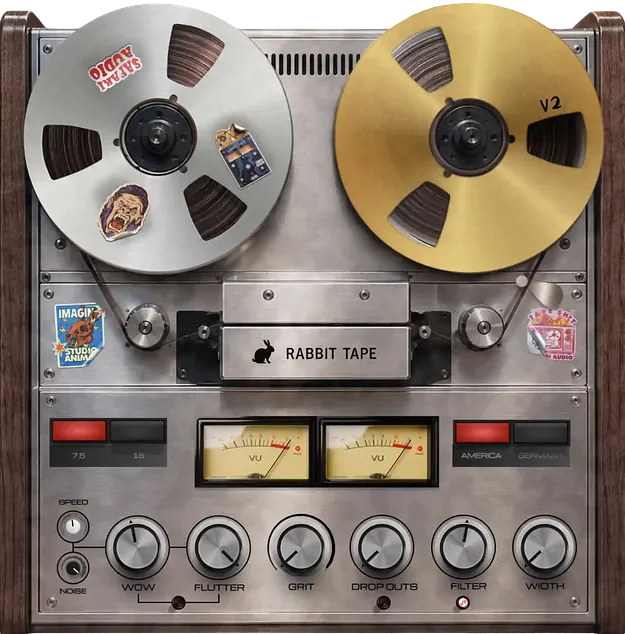
Rabbit Tape V2 tape emulation plugin interface by Safari Audio

Rabbit Tape V2: Tape Emulation Plugin by Safari Audio

Rabbit Tape V2 is a tape emulation audio plugin by Safari Audio. It models vintage tape machine character, including saturation, wow, flutter and drop outs, with America and Germany machine options.

VST3AUAAXWindowsmacOS64-bit
AVAILABLE ATPlugin Boutique
Opens the store in a new tab
01Overview

Rabbit Tape V2 is built around the imperfect character of vintage tape. Safari Audio lets you choose between two machine models, America or Germany, and pick either 7.5 or 15 IPS tape speed. Wow, flutter, grit, drop outs and tape noise can be dialed in separately, so you can aim for subtle warmth or heavier degradation. The V2 release adds a redesigned interface and a new preset system.

Best for

  • Full mix tape saturation
  • Drum tape coloration
  • Vocal analog warmth
  • Bass tape character
  • Nostalgic lo-fi textures
Developer
Safari Audio
Store
Plugin Boutique
02Key features

What you get

  • Machine selection between America and Germany models
  • Tape speed selection of 7.5 or 15 IPS
  • Wow, Flutter, Grit and Drop Outs for tape instability
  • Tape Noise and Speed character controls
  • Custom Filter and Width controls for shaping output
  • Smart Gain and Link Gain for level matching
  • A/B compare and short-term LUFS readout
  • New oversampling algorithm and redesigned V2 interface
03In depth

Tape Character and Machine Controls

The core of Rabbit Tape V2 is its machine and speed selection. Choosing America or Germany changes the tonal flavor of the tape path, and the 7.5 or 15 IPS setting shifts how the tape responds at the top and bottom of the spectrum.

From there, the Wow, Flutter, Grit and Drop Outs controls add the timing instability and surface damage that define tape. Tape Noise and Speed character controls let you fine-tune the overall texture without rebuilding the sound from scratch.
Level Matching, Filtering and Metering

Custom Filter and Width controls give you a way to shape the processed signal after the tape stage, which helps when the effect is pushing too much of one frequency range. Smart Gain and Link Gain are included for level matching, so you can compare the processed and unprocessed signal at similar loudness.

A/B compare, a short-term LUFS readout and a new oversampling algorithm round out the V2 toolset for judging the result accurately.

04Specs

Will it run?

Formats, systems and requirements as listed by Plugin Boutique. Missing details are left out, not guessed.

DeveloperSafari Audio
TypePlugin
CategoryTape Emulation
FormatsVST3, AU, AAX
Operating systemsWindows, macOS
Architecture64-bit
05Upgrades

Upgrade and crossgrade options

06FAQ

Questions, answered

What formats and operating systems does Rabbit Tape V2 support?

Rabbit Tape V2 is available in VST3, AU and AAX formats. It runs on Windows and macOS and is a 64-bit plugin.

What do I need to run Rabbit Tape V2?

The listed requirements are a 2 GHz Intel dual-core processor or AMD equivalent, at least 8GB of RAM (16GB recommended), macOS 10.15 or later, or Windows 8 and above. The Windows version supports VST3 and AAX, and the macOS version supports VST3, AU and AAX.

What are the two machine models in Rabbit Tape V2?

You can choose between America and Germany machine models. Safari Audio positions the America setting for classic glow and the Germany setting for more precise character.

08Developer

More from Safari Audio

All Safari Audio products →