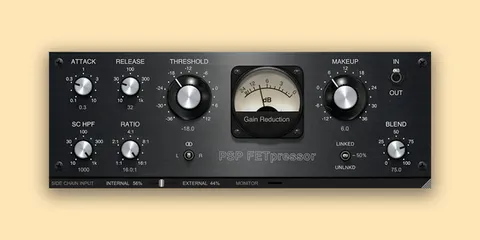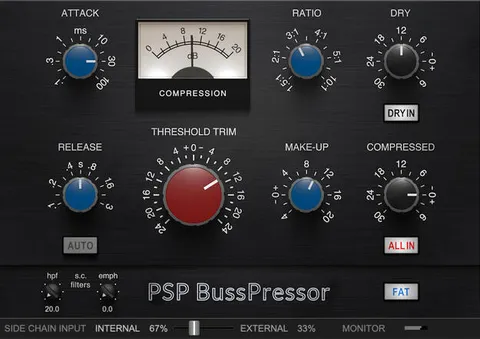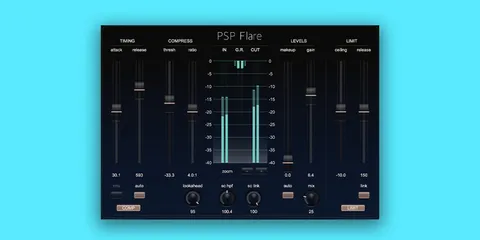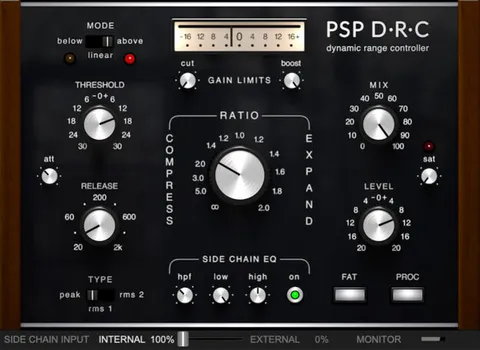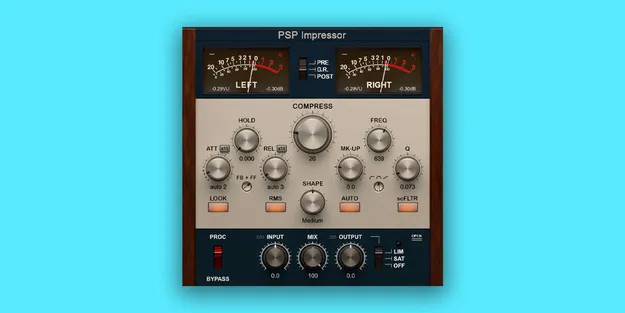
PSP Impressor compressor plugin interface by PSP Audioware

PSP Impressor: Compressor Plugin by PSP Audioware

Rated 4.8/5 on Plugin Boutique (98 ratings)

PSP Impressor is a compressor plugin from PSP Audioware for processing whole mixes, busses and single tracks. It is available in VST3, VST2, AU and AAX formats for Windows and macOS.

VST3VST2AUAAXWindowsmacOS
AVAILABLE ATPlugin Boutique
Opens the store in a new tab
01Overview

PSP Impressor is a compressor built for mix bus and track-level dynamics work. It offers a wide range of soft knee characteristics, peak or RMS level detection, and an output stage that can act as either a brick wall limiter or a soft saturation algorithm. The developer describes it as emulating the character of classic valve and opto-electronic compressors alongside modern designs. Its side-chain can take an external or internal signal and includes a bell-type filter that shapes how the compressor responds.

Best for

  • Mix bus compression
  • De-essing
  • Kick pumping control
  • Track-level dynamics
  • Analog-style glue
Developer
PSP Audioware
Category
Compressors
Store
Plugin Boutique
02Key features

What you get

  • Wide range of soft knee characteristics
  • Peak or RMS level detection
  • External or internal side-chain signal
  • Bell-type side-chain filter
  • Output algorithm switchable between brick wall limiter and soft saturation
  • Preserves peaks above 0dBFS in limiter mode
  • Designed for mixes, busses and single tracks
03In depth

Side-Chain Filtering and Sound Shaping

The side-chain is central to how PSP Impressor behaves. Its filter changes both the sound and the way the compressor reacts to the signal. Depending on the filter settings, the compressor can be used as a de-esser, or it can reduce the pumping caused by heavy kick drums.

The side-chain can be fed from an external or internal signal, which makes it possible to key compression from a different source than the one being processed. Combined with peak or RMS detection and a range of soft knee settings, this gives you control over how aggressively the compressor engages.
Working With PSP Impressor and PSP Saturator

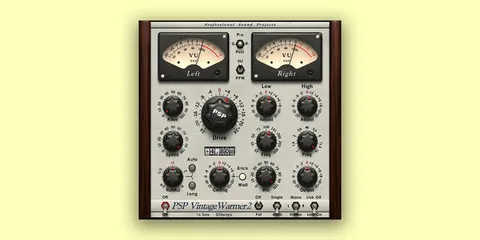
PSP Audioware suggests pairing PSP Impressor with its PSP Saturator. Placing PSP Impressor before PSP Saturator in the signal path, much like a bus compressor ahead of a tape machine, lets both plug-ins work together with subtle settings to give the mix a cohesive sound.

The order can also be reversed, with PSP Saturator placed before PSP Impressor, so you can test both chains on the same material.

04Specs

Will it run?

Formats, systems and requirements as listed by Plugin Boutique. Missing details are left out, not guessed.

DeveloperPSP Audioware
TypePlugin
CategoryCompressor
FormatsVST3, VST2, AU, AAX
Operating systemsWindows, macOS
05FAQ

Questions, answered

What formats is PSP Impressor available in?

PSP Impressor is available in VST3, VST2, AU and AAX formats.

Which operating systems does PSP Impressor support?

It runs on Windows 7 through Windows 11 and on macOS 10.12 through macOS 13 Ventura, with Apple Silicon supported on Mac.

What do I need to use PSP Impressor?

The system requirements call for the latest iLok License Manager application to be installed on your computer.

Can PSP Impressor be used as a de-esser?

Yes. Depending on the side-chain filter settings, the developer says the plug-in can be used as a de-esser.

07Developer

More from PSP Audioware

All PSP Audioware products →