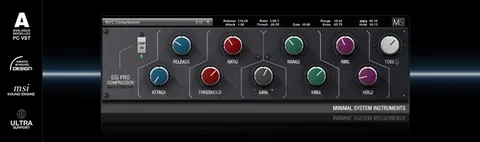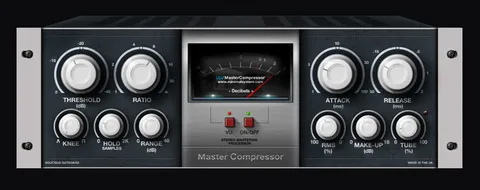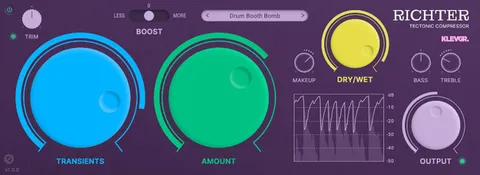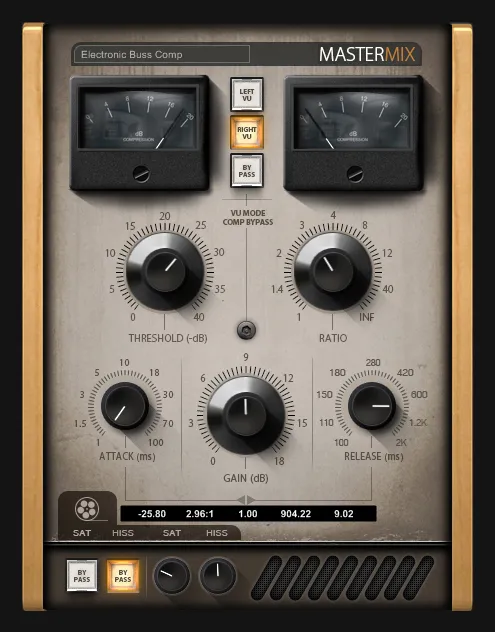
MasterMix Buss Compressor by Minimal System Group VST2 compressor plugin interface

MasterMix Buss Compressor: Analog-Modeled Buss Compressor by Minimal System Group Free Download

Rated 4.4/5 on Plugin Boutique (432 ratings)

MasterMix Buss Compressor is an analog-modeled buss compressor plugin from Minimal System Group, designed for the master bus and sub-groups such as drum groups. It is a VST2 effect for Windows that includes a built-in tape simulator stage.

VST2Windows32-bit only
AVAILABLE ATPlugin Boutique
Free trial available from the developer
01Overview

The MasterMix Buss Compressor is an effect plugin from Minimal System Group, modeled on buss compressors from classic analog consoles. The developer positions it for the final stage of a mix, where it can be placed on the main output or on sub-groups that carry drums or backing vocals. Its tape simulator stage adds hiss and saturation, and the interface is built around visual feedback and simple controls.

Best for

  • Master bus compression
  • Drum group processing
  • Mix bus glue
  • Backing vocal compression
  • Mastering finishing touches
  • Tape-style saturation
Category
Compressors
Store
Plugin Boutique
02Key features

What you get

  • Analog-modeled buss compressor based on classic console designs
  • Designed for the master bus and sub-groups such as drum groups
  • Tape simulator stage with tape hiss and saturation
  • Visual feedback for gain reduction
  • Functional, easy-to-use GUI design
  • Very low CPU usage
  • Shift-drag for fine parameter adjustment
  • Ctrl-click to reset a parameter to default
03In depth

Sound and Character of the Buss Compressor

Minimal System Group models the MasterMix Buss Compressor on classic analog buss compressors. The developer says it is meant to add finishing touches to a track, and it is described as useful for both mixing and mastering.

The plugin includes a tape simulator stage with tape hiss and saturation. This stage lets you add warmth and grit to a signal in the same processing chain as the compressor, without needing a separate tape plugin.
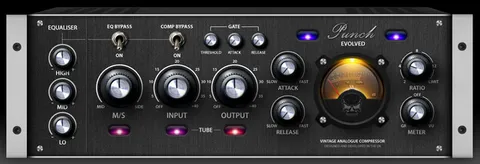
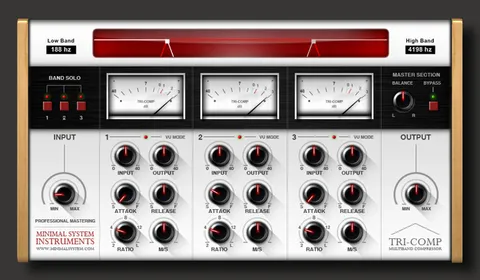
Workflow for Master Bus and Drum Group Processing

The developer suggests placing the compressor on the master bus early in the mixing process, using around 1 to 3 dB of gain reduction. Buss compressors are commonly used on signals with varied frequencies and transients, such as drum kits and backing vocals, so grouping drum elements and placing the compressor on that group is another approach.

Holding Shift while adjusting a parameter gives fine control, and Ctrl-clicking a parameter resets it to its default position. Both shortcuts work across all Minimal System plugins.

04Specs

Will it run?

Formats, systems and requirements as listed by Plugin Boutique. Missing details are left out, not guessed.

DeveloperMinimal System Group
TypePlugin
CategoryCompressor
FormatsVST2
Operating systemsWindows
Architecture32-bit only
Free trialYes
05FAQ

Questions, answered

What formats and operating systems does the MasterMix Buss Compressor support?

It is available as a VST2 plugin and runs on Windows only. The developer notes it is a 32-bit plugin that can run on 64-bit systems using jBridge or the built-in bridging of several 64-bit DAWs.

What do I need to use the MasterMix Buss Compressor?

You need a Windows PC and a VST-compatible DAW or VST host. The developer says it has been tested in Ableton Live, Adobe Audition, Cakewalk Sonar, FL Studio, Energy XT, PreSonus Studio One, Renoise and Cubase.

Is there a trial version?

Yes, a demo is available. The developer recommends trying the demo first to confirm the plugin works with your system and host.

Where should I place the MasterMix Buss Compressor in a mix?

The developer suggests placing it on the master bus early in the mixing process with around 1 to 3 dB of gain reduction, or on a group such as drums or backing vocals.

07Developer

More from Minimal System Group

All Minimal System Group products →