Chord Building and Pattern Editing
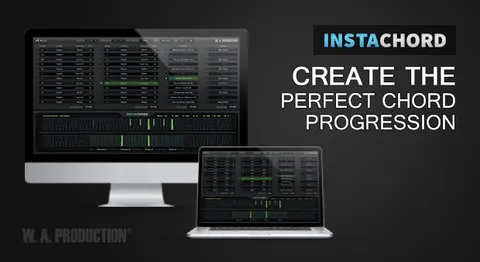
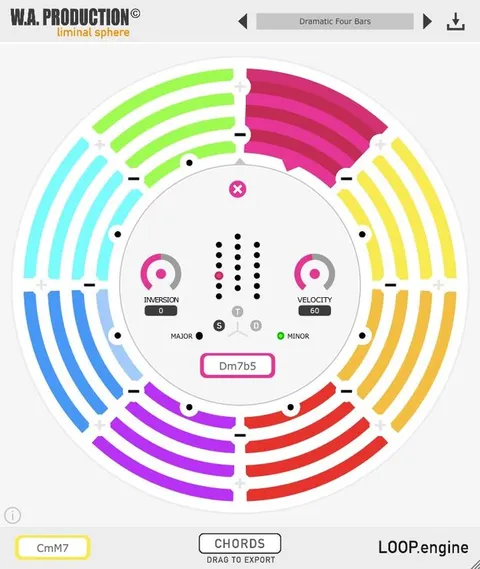
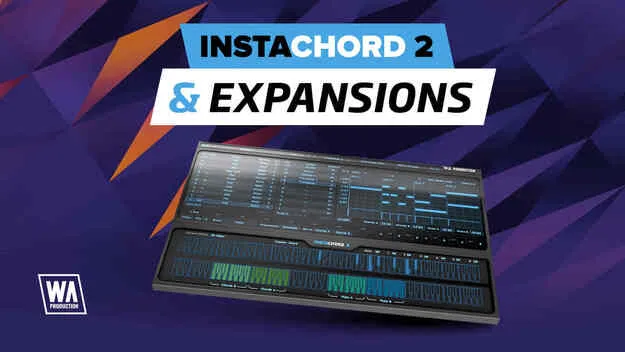
InstaChord 2 offers more than 60 chord shapes with multiple voicings, including inversions, augmentations and extensions. You can set up to 24 chords and switch between them with chord keys, then transpose the current set to another key.
The Pattern Editor is where strums and riffs are shaped. You can drag notes as you would in your DAW, set time signature, play mode and velocity, and assign keys to strum the top three notes of a chord while another key plays a riff on the lower three. Edited patterns can be dragged as MIDI directly into your DAW.
You can also edit existing chords or build custom ones by choosing intervals, or play notes on a MIDI keyboard so the plugin learns your favorite shapes.