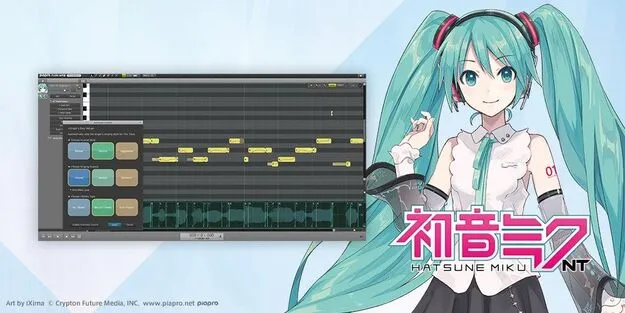
HATSUNE MIKU NT vocal synth plugin interface by Crypton Future Media

HATSUNE MIKU NT: Vocal Synth Plugin by Crypton Future Media

HATSUNE MIKU NT is a vocal synthesis plugin from Crypton Future Media that generates singing vocals from a melody and lyrics. It ships with three Japanese voice libraries: Original, Dark and Whisper.

VST3AUStandaloneWindowsmacOS64-bit
AVAILABLE ATPlugin Boutique
Opens the store in a new tab
01Overview

HATSUNE MIKU NT is the newest release in the Hatsune Miku vocal synth line, built around a new singing voice synthesis engine and the Piapro Studio NT2 editor. It is offered as a plugin in VST3 and AU formats as well as a standalone application. Once you enter a melody and lyrics, the software generates a sung vocal line that you can edit as pitch curves and waveforms. The package focuses on the Japanese voice library, so producers who need English lyrics should look at the separate V4X bundle.

Best for

  • Vocal synth pop tracks
  • Expressive ballad vocals
  • Aggressive shouted lines
  • Raspy or growl vocal effects
  • Japanese-language songwriting
Category
Vocal Synths
Store
Plugin Boutique
02Key features

What you get

  • Three Japanese voice libraries: Original++, Dark++ and Whisper++
  • New singing voice synthesis engine optimized for Piapro Studio NT2
  • Automatic Control 3×3 matrix for singing style and nuance
  • Three vibrato settings: Rich, Natural and No Vibrato
  • Voice Color controls for strength, softness and tone per phoneme
  • Voice Drive, Voice Voltage and Super Formant Shifter effectors
  • Editable pitch curves and waveforms in the graphical editor
  • Available as VST3, AU and standalone on Windows and macOS
03In depth

Voice libraries and expressive control

The package includes three voice libraries, Original++, Dark++ and Whisper++, each tuned for the new engine. Original++ is a bright, charming voice, Dark++ is calmer and somewhat ephemeral, and Whisper++ is sweet and breathy. Each library lists a recommended vocal range, from G2 to E4 for Original++, E2 to D4 for Dark++, and A2 to C4 for Whisper++.

Voice Color lets you shape strength, softness and tonal character for each phoneme. Voice effectors such as Voice Drive, Voice Voltage and Super Formant Shifter can be combined to move the sound toward different tones, from cheerful to raspy.

Automatic Control offers a 3×3 matrix for singing style, nuance and vibrato. Its settings set pitch curves, vibrato depth and Voice Color dynamics automatically, and you can refine every parameter in the editor afterward.
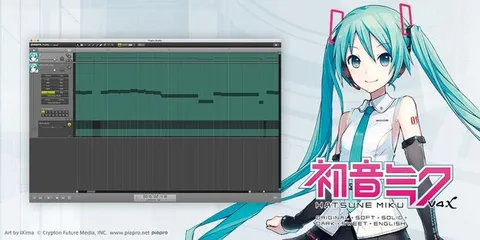
Workflow in Piapro Studio NT2

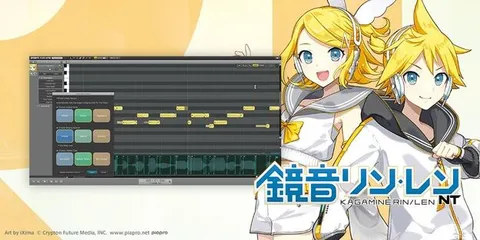
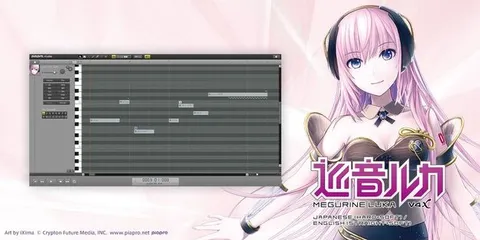
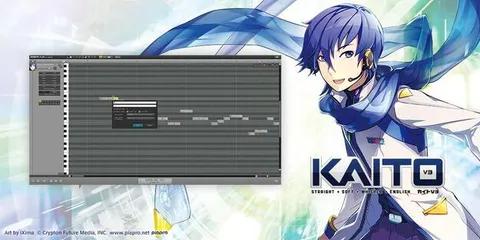
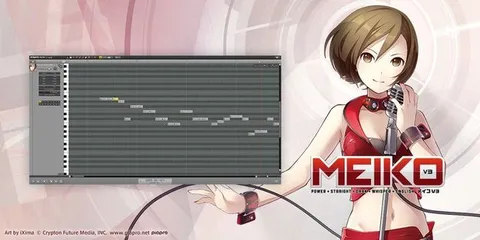
Piapro Studio NT2 displays editable pitch curves and waveforms graphically, so you can adjust phrasing directly on the timeline. You can change parameters and effects in real time while the software is generating vocals.

The Automatic Control matrix is a practical starting point. Choose a singing style such as Aggressive, Natural or Simple, a nuance such as Dynamic, Neutral or Virtual, and a vibrato mode, then fine-tune the result by hand.

04Specs

Will it run?

Formats, systems and requirements as listed by Plugin Boutique. Missing details are left out, not guessed.

DeveloperCrypton Future Media
TypePlugin
CategoryVocal Synth
FormatsVST3, AU, Standalone
Operating systemsWindows, macOS
Architecture64-bit
05FAQ

Questions, answered

What formats does HATSUNE MIKU NT support?

HATSUNE MIKU NT is available as a VST3 and AU plugin and as a standalone application. It runs on Windows and macOS and is 64-bit.

Does HATSUNE MIKU NT support English lyrics?

The package includes only the Japanese voice library. For Japanese and English voices, the developer's HATSUNE MIKU V4X bundle, which includes English, is the relevant product.

What do I need to run HATSUNE MIKU NT?

On Windows, you need Windows 10 or 11 (64-bit), an Intel Core i5 or higher, 4GB or more of RAM (8GB recommended) and at least 8GB of free disk space. On macOS, you need macOS 10.11 through 13, an Intel Core i5 or Apple Silicon (via Rosetta), 4GB or more of RAM and at least 8GB of free space. An always-on internet connection and a screen resolution of 1280x768 or higher are also required on both platforms.

Does it need a host application?

You can use it as a plugin in a compatible DAW through VST3 or AU, or run it as a standalone application.

07Developer

More from Crypton Future Media

All Crypton Future Media products →