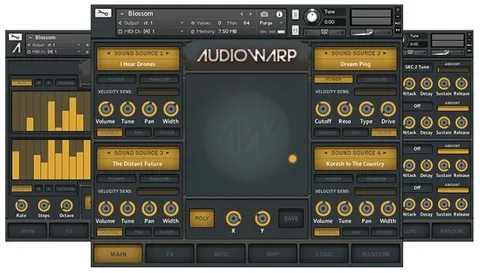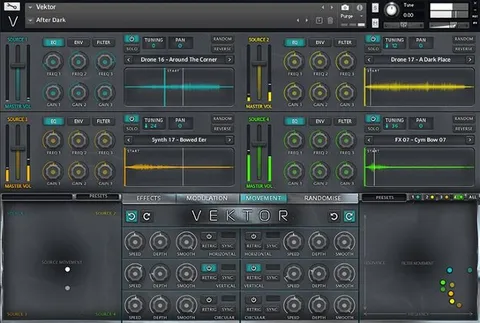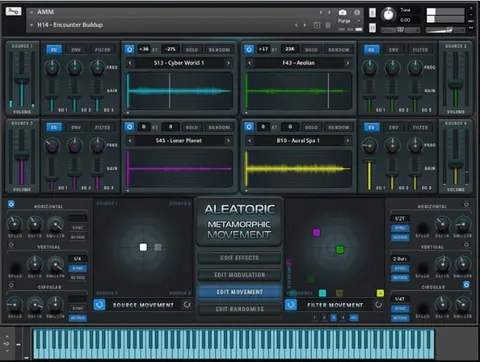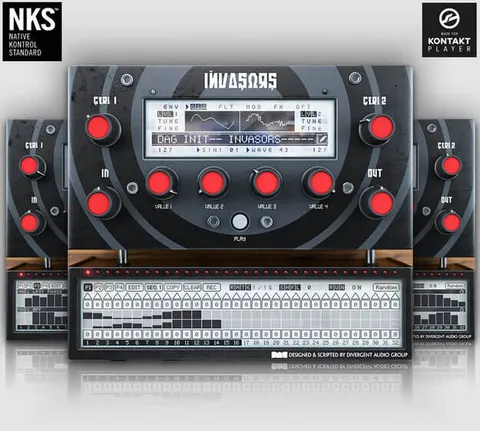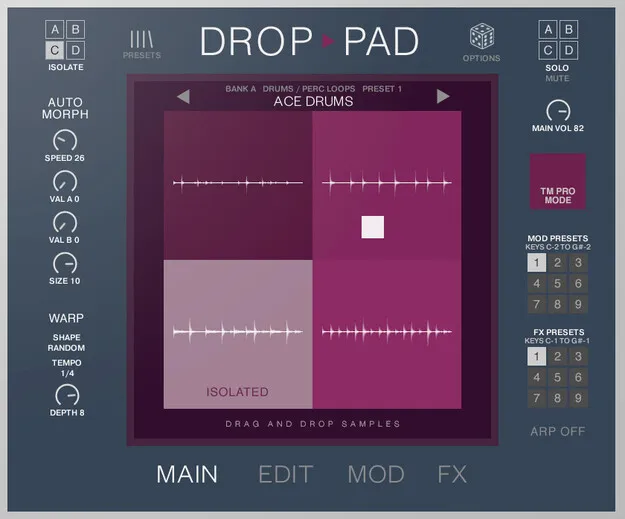
Drop Pad 3 by Loot Audio Kontakt instrument interface

Drop Pad 3: Drag 'n' Drop Kontakt Instrument by Loot Audio

Drop Pad 3 is a Kontakt instrument by Loot Audio for loading, morphing and warping your own samples through a drag-and-drop interface. It runs in Kontakt 8 Player or Kontakt 8 Full on Windows and includes NKS integration.

REQUIRESKontaktHost player sold separately
KontaktWindows
AVAILABLE ATPlugin Boutique
Opens the store in a new tab
01Overview

Drop Pad 3 is a major update to the Drop Pad series and is now an official Kontakt Player instrument. Loot Audio says it adds full hardware support for NKS-compatible keyboards and controllers, so loading, creating and shaping sounds is more convenient. The instrument works with the free Kontakt 8 Player as well as Kontakt 8 Full, and it ships with a 2 GB sound library and a large set of included sound sets.

Best for

  • Sample morphing
  • Textural sound design
  • Drum loop manipulation
  • Rhythmic filter warps
  • Ambient pad creation
  • Live performance with NKS controllers
Developer
Loot Audio
Requires
Kontakt
Store
Plugin Boutique
02Key features

What you get

  • Drag 'n' Drop sample import with pitch detection
  • Four user sample slots with auto and manual morph
  • Low Pass, Peak and High Pass filters driven by Warp LFOs
  • Pan and pitch LFOs
  • Sample randomiser
  • Modular effects with 14 insert/main effects
  • Six delay models and six reverb algorithms
  • Full NKS integration and Nektar Panorama CS12 support
  • 2 GB sound library with drum loops, tonal loops and textures
  • 144 new sound sets plus 293 legacy Drop Pad sound sets
03In depth

Sample Morphing, Warping and Sound Design

Drop Pad 3 gives you four slots for user samples. You can import files by dragging them onto the interface, and pitch detection is included in the import process. Auto and manual morph controls let you move between sources, while Low Pass, Peak and High Pass filters can be driven by warp LFOs. Pan and pitch LFOs add further movement.

The Mod page offers extensive modulation options, including tempo-synced filter warps. A sample randomiser is available for generating unexpected variations quickly.
Workflow, Effects and Preset Management

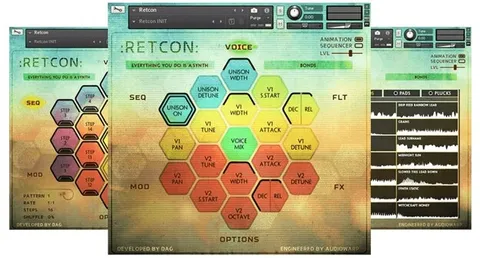
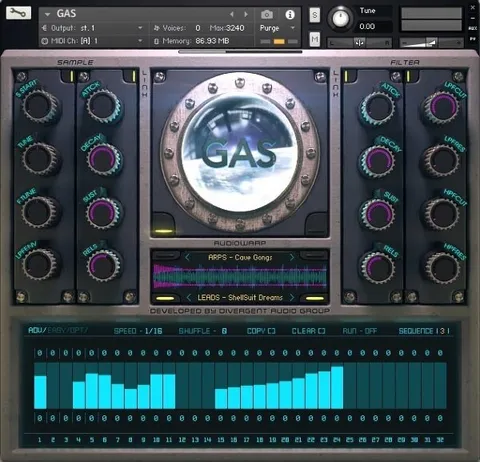
The interface is split into Main, Edit, Mod, FX and Preset Browser windows. The Edit page gives quick access to all sample controls, and the FX page offers nine effects setups that can be recalled in real time. The modular effects section includes 14 insert or main effects, six delay models and six reverb algorithms.

The on-board preset browser lets you load, save and rename presets without leaving the instrument. Host automation is supported, and the instrument integrates with the Nektar Panorama CS12 controller.

04Specs

Will it run?

Formats, systems and requirements as listed by Plugin Boutique. Missing details are left out, not guessed.

DeveloperLoot Audio
TypePlugin
CategoryKontakt Instrument
RequiresKontakt
FormatsKontakt
Operating systemsWindows
05FAQ

Questions, answered

What do I need to use Drop Pad 3?

Drop Pad 3 requires Kontakt. It works with the free Kontakt 8 Player or with Kontakt 8 Full.

Which operating system does Drop Pad 3 support?

Drop Pad 3 is listed for Windows and runs as a Kontakt instrument.

What sounds are included with Drop Pad 3?

The instrument includes a 2 GB sound library with drum loops, tonal loops and textures, plus 144 new sound sets and 293 legacy Drop Pad sound sets.

Does Drop Pad 3 work with hardware controllers?

Yes. It offers full NKS integration and includes integration with the Nektar Panorama CS12.

07Developer

More from Loot Audio

All Loot Audio products →