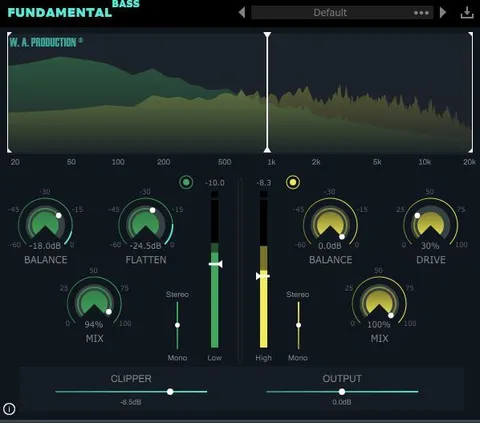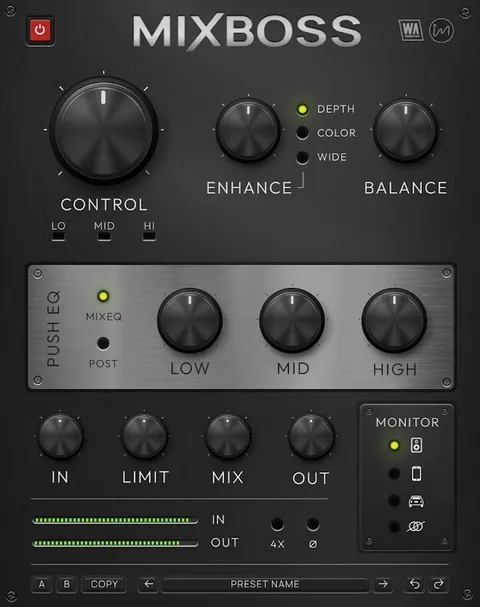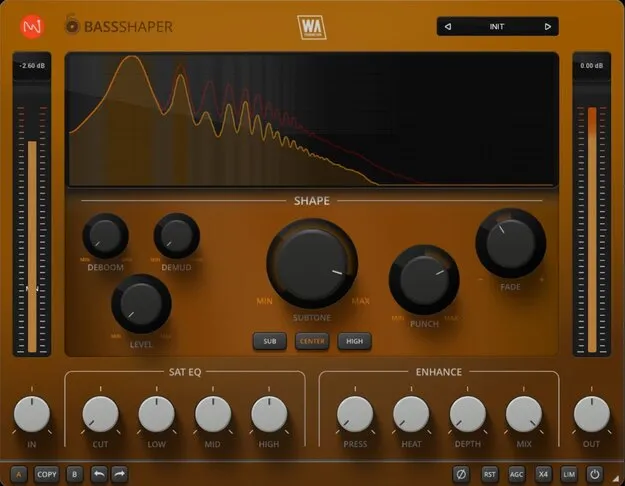
BassShaper bass processing multi effect plugin interface by W. A. Production

BassShaper: Bass Processing Multi Effect Plugin by W. A. Production Free Download

Rated 4.6/5 on Plugin Boutique (371 ratings)

BassShaper is a bass processing multi effect plugin by W. A. Production, built around controls for transient shaping, muddiness reduction, level control, subtone generation and saturation. It is available in AAX format for Windows and macOS.

AAXWindowsmacOS64-bit
AVAILABLE ATPlugin Boutique
Free trial available from the developer
01Overview

BassShaper is aimed at producers who want more control over bass tones without building long processing chains. Its modules cover the common bass problems of muddy midrange, weak sub content and uneven note levels, and the interface includes a resizable layout, AB comparison and undo/redo. The plugin also ships with a set of factory presets across several genres, which can serve as starting points for your own adjustments.

Best for

  • Bass line processing
  • 808 and sub-bass shaping
  • Muddy bass cleanup
  • Club and sound system bass
  • Bass in dense mixes
  • Parallel bass saturation
Store
Plugin Boutique
02Key features

What you get

  • Punch and Fade controls for transient and tail shaping
  • Deboom and Demud for reducing boominess and muddiness
  • Level control driven by a pink noise signal
  • Subtone generator with SUB and HIGH octave options
  • Three-band EQ with broad band gain and saturation
  • Press, Depth, Heat and Mix enhancement controls
  • Live signal display, AB comparison and undo/redo
  • Resizable interface with factory presets across genres
03In depth

Core bass shaping controls

The Punch control targets the transient-heavy start of each bass note and applies compression or expansion to that portion only. Fade works on the tail of the signal, so you can shorten long notes or lengthen short ones.

Deboom reduces boominess based on amplitude, while Demud uses pitch tracking to reduce muddiness caused by note transitions and resonances. Level is driven by a pink noise signal to even out amplitude fluctuations across a track.
Subtone, EQ and enhancement

Subtone generates complementary low frequencies, with SUB adding content an octave below and HIGH adding content an octave above. The EQ section splits audio into three linear bands with band gain and proportional saturation, and offers a gentle Cut control with a 6dB/octave slope.

The enhancement section includes Press, a compressor the developer describes as 670-style; Depth, which applies analog hardware convolution; Heat, for saturation; and Mix, for parallel processing.

04Specs

Will it run?

Formats, systems and requirements as listed by Plugin Boutique. Missing details are left out, not guessed.

DeveloperW. A. Production
TypePlugin
CategoryMulti Effect
FormatsAAX
Operating systemsWindows, macOS
Architecture64-bit
Free trialYes
05FAQ

Questions, answered

What is BassShaper used for?

BassShaper is used for processing bass sounds. Its controls address transient shaping, muddiness and boominess, level consistency, sub-bass generation and saturation.

Which formats and operating systems does BassShaper support?

BassShaper is available in AAX format for Windows and macOS, and it is a 64-bit plugin. The developer lists Windows 8 or higher and macOS 10.10 or higher, with Pro Tools 11 or higher for AAX.

Does BassShaper include presets?

Yes. BassShaper includes factory presets for multiple genres that you can use as starting points for your own bass processing.

Is there a trial version?

Yes, BassShaper has a trial available.

07Developer

More from W. A. Production

All W. A. Production products →