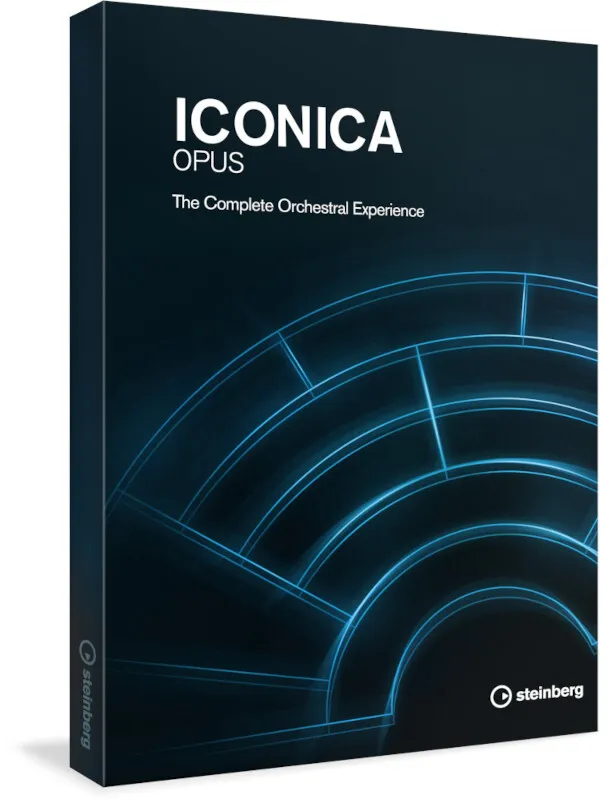
Iconica Opus by Steinberg orchestral virtual instrument interface

Iconica Opus: Orchestral Virtual Instrument by Steinberg

Iconica Opus is an orchestral virtual instrument from Steinberg that combines the Iconica Sections and Players and Iconica Ensembles libraries. It offers up to 190 GB of compressed audio and more than 500 articulations.

VST3AUAAXWindowsmacOS64-bit
AVAILABLE ATPlugin Boutique
Opens the store in a new tab
01Overview

Iconica Opus bundles two Steinberg orchestral collections, Iconica Sections and Players and Iconica Ensembles, into one package. The recordings were made at Funkhaus Berlin with partner Orchestral Tools. Each instrument is captured from several microphone positions, and the set is built on a new mix derived from the original Orchestral Tools recordings. It is aimed at composers who need a full orchestral palette with a wide range of playing techniques.

Best for

  • Orchestral scoring
  • Cinematic cue writing
  • Sample-based arrangements
  • Ensemble and section writing
  • Film and game music
Developer
Steinberg
Store
Plugin Boutique
02Key features

What you get

  • Up to 190 GB of compressed audio
  • Up to 500 articulations across the bundle
  • Combines Iconica Sections and Players with Iconica Ensembles
  • Several microphone positions for each instrument
  • New mix based on original Orchestral Tools recordings
  • Recorded at Funkhaus Berlin with Orchestral Tools
  • Available as VST3, AU and AAX plugin formats
03In depth

Orchestral Sound Library and Articulations

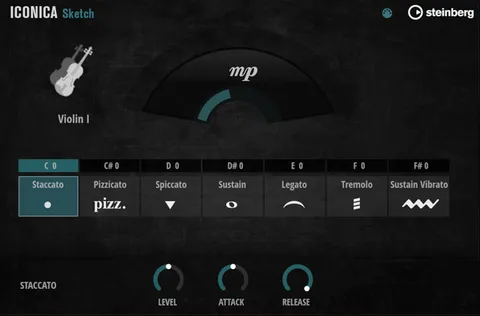
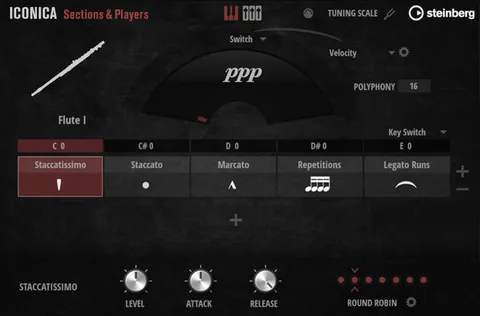
Iconica Opus is built from the Iconica Sections and Players and Iconica Ensembles libraries. Together they offer up to 500 articulations, so a single instrument can cover many playing styles without loading separate patches.

Each instrument is recorded from several microphone positions. Those positions give you control over the balance between the close, intimate sound and the wider room sound when you shape an orchestral arrangement.

The new mix is based on the original Orchestral Tools recordings made for Iconica, so the bundle is presented as a reworked version of the source sessions.
Who Iconica Opus Is For and What You Need to Run It

Iconica Opus suits composers and producers building orchestral scores, cinematic cues or sample-based arrangements that need a broad set of sections and ensembles in one library.

The library is large, with up to 190 GB of compressed audio. Plan for about 190 GB of free disk space before installing. Steinberg notes that the library requires either the free HALion Sonic 7 or the full version of HALion 7, and that additional software is needed for installation. An internet connection is required for activation, download, account setup and product registration.

04Specs

Will it run?

Formats, systems and requirements as listed by Plugin Boutique. Missing details are left out, not guessed.

DeveloperSteinberg
TypePlugin
CategoryVirtual Instruments
FormatsVST3, AU, AAX
Operating systemsWindows, macOS
Architecture64-bit
05Upgrades

Upgrade and crossgrade options

06FAQ

Questions, answered

What formats does Iconica Opus support?

Iconica Opus is available in VST3, AU and AAX plugin formats.

Which operating systems are supported?

Iconica Opus runs on Windows 10 (64-bit) and Windows 11 (64-bit), version 21H2 or higher, and on macOS Big Sur, Monterey, Ventura, Sonoma and Sequoia. On Apple Silicon it runs as a native app or through Rosetta 2.

What do I need to use Iconica Opus?

You need the free HALion Sonic 7 or the full version of HALion 7, about 190 GB of free disk space, and an internet connection for activation, download and registration.

How much storage does Iconica Opus need?

The library uses up to 190 GB of compressed audio, so you should have about 190 GB of free hard drive space.

08Developer

More from Steinberg

All Steinberg products →