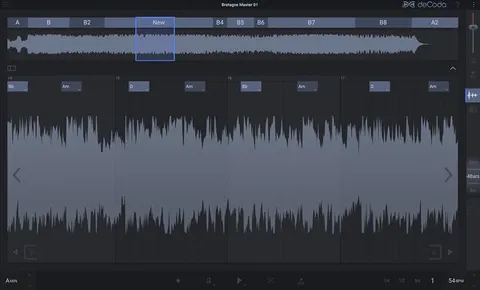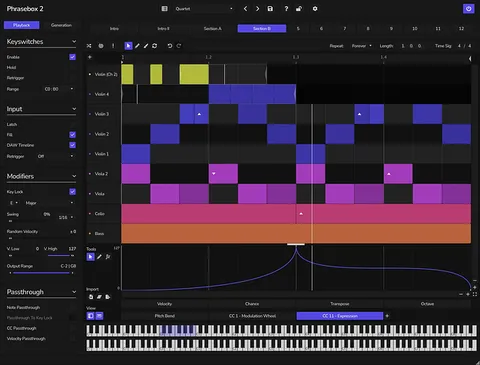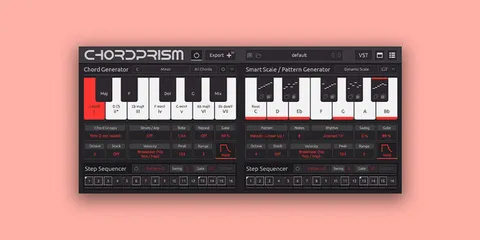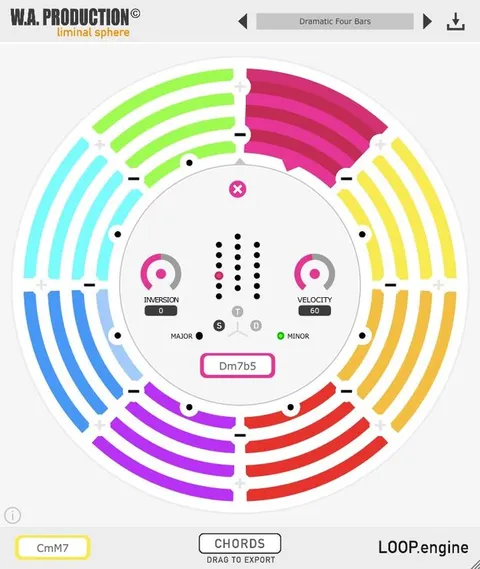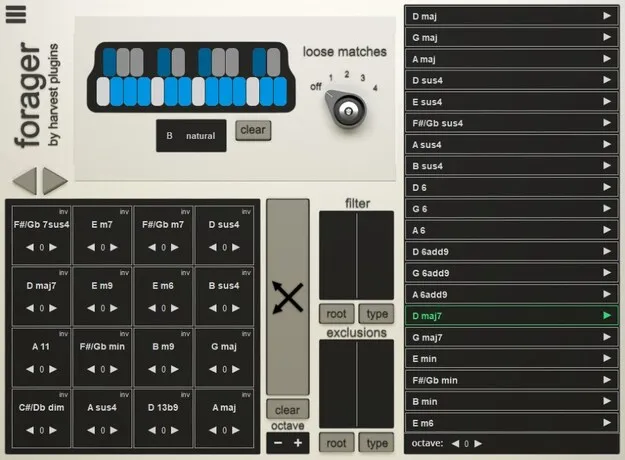
Forager chord progression plugin interface by Harvest Plugins

Forager: Chord Progression Generator Plugin by Harvest Plugins

Rated 4.4/5 on Plugin Boutique (274 ratings)

Forager is a studio tool plugin from Harvest Plugins that generates original chord progressions to inspire melodies, bass lines and drum patterns. It is available in VST2 and AU formats for Windows and macOS.

VST2AUWindowsmacOS64-bit
AVAILABLE ATPlugin Boutique
Opens the store in a new tab
01Overview

Forager is built for producers who fall into the same chord habits track after track. The plugin offers an alternative way to build progressions, so new harmonic ideas can feed melodies, bass lines and drum patterns. You can play chords from a MIDI instrument and route them to any sound or synth you already use. Harvest Plugins positions Forager as a way to take the creative lead from preset packs, since you build the progressions yourself.

Best for

  • Chord progression ideas
  • Melody writing
  • Bass line sketching
  • Drum pattern grooves
  • Harmonic experimentation
  • Any genre production
Store
Plugin Boutique
02Key features

What you get

  • Play all chords from an actual MIDI instrument
  • Element-of-surprise approach to exploring new chord vibes
  • Grid matrix and chord list for building progressions
  • Complexity control to stay in key or break out of it
  • Originality-centric workflow with no third-party packs
  • Works with any sound, instrument or synth
  • Compatible with most DAWs as VST2 or AU
  • Runs on Windows and macOS, 64-bit only
03In depth

How Forager Shapes Chord Progressions

Forager works as a chord-sequencing tool rather than a sound generator. Its panels include a note selection panel, a chord list, a grid matrix and a filter panel, which together let you define the harmonic space and move through chords in new patterns.

Harvest Plugins says the aim is to break out of usual patterns. You can control how complex your chords become, so a progression can stay simple or move further from the key when you want unexpected color. The developer notes that this lets you step out of key without creating chaos in the track.

Because the chords are played from a MIDI instrument, you keep control of timing and performance instead of dragging and dropping blocks into the arrangement.
Who Forager Is For

Forager suits producers in any genre who want to move past familiar chord shapes. The developer describes it as made for all genres of music, with complexity settings that can be adjusted for simple pop-style movement or denser harmony.

Typical uses include sketching a new progression to build melodies on, generating a chord sequence to drive a bass line, or finding a starting point for a drum pattern that follows the harmony. Forager also fits a workflow where you want to keep full creative credit for the ideas in your track.

04Specs

Will it run?

Formats, systems and requirements as listed by Plugin Boutique. Missing details are left out, not guessed.

DeveloperHarvest Plugins
TypePlugin
CategoryMusic Theory Tools
FormatsVST2, AU
Operating systemsWindows, macOS
Architecture64-bit
05FAQ

Questions, answered

What is Forager?

Forager is a studio tool plugin by Harvest Plugins that generates new chord progressions. You can use the chords to inspire melodies, bass lines and drum patterns.

Which formats and operating systems does Forager support?

Forager is available in VST2 and AU formats. It runs on Windows and macOS and requires a 64-bit DAW with VST or AU support.

What do I need to use Forager?

You need a 64-bit DAW with VST or AU support, a broadband internet connection for installation, and about 20 MB of free disk space. On Windows, Windows 7 with Service Pack 1, Windows 8 or Windows 10 is required. On macOS, the plugin supports Mac OS X 10.7 through macOS 10.15 on Intel Macs.

Can I play Forager's chords with my own synths?

Yes. Harvest Plugins says you can play the chords and progressions with any favourite instrument or synth, so you are not limited to built-in sounds.

07Developer

More from Harvest Plugins

All Harvest Plugins products →