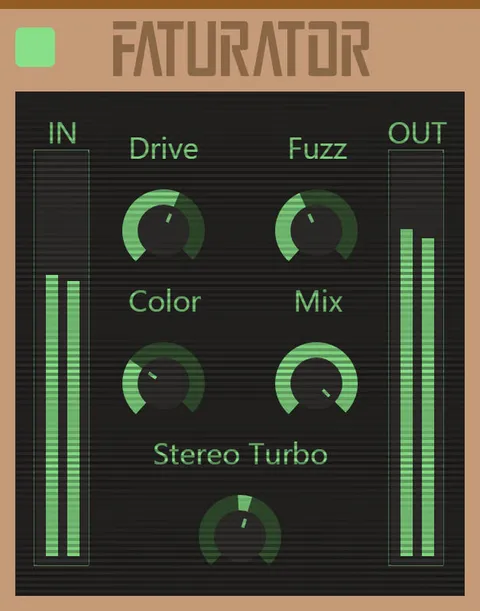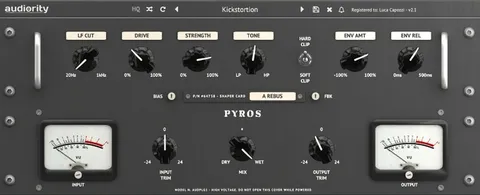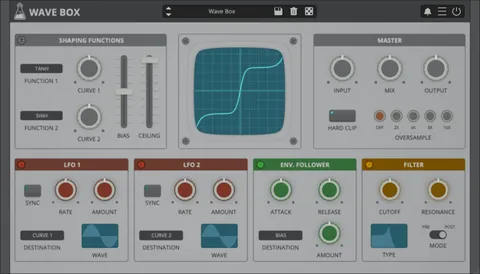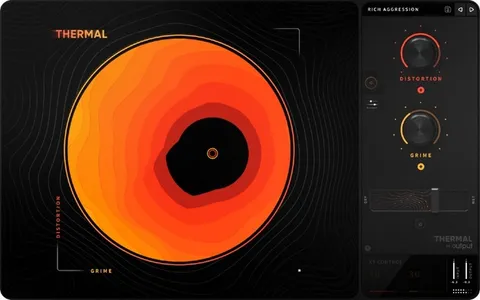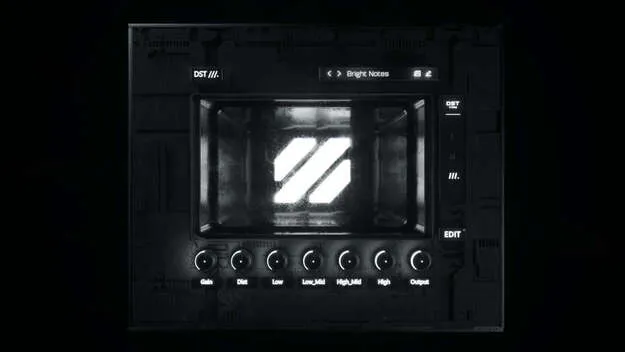
DST multi-band distortion plugin interface by Future Audio

DST: Multi-Band Distortion Plugin by Future Audio

Rated 4.5/5 on Plugin Boutique (14 ratings)

DST is a multi-band distortion plugin from Future Audio that splits your sound into four bands, each with its own distortion control. It runs as a VST3 or AU plugin on Windows and macOS.

VST3AUWindowsmacOS64-bit
AVAILABLE ATPlugin Boutique
Opens the store in a new tab
01Overview

DST is a distortion effect from Future Audio that works across four separate frequency bands. Each band has its own input and output gain and frequency range controls, so you can distort the low end, mids or highs differently instead of treating the whole signal the same way. The plugin offers three distortion modes, which the developer describes as ranging from subtle to extreme. It is available in VST3 and AU formats for 64-bit hosts on Windows 7 and later or macOS 10.11 and later, with native Apple M1 support.

Best for

  • Multi-band distortion
  • Bass saturation
  • Synth grit and drive
  • Sound design distortion
  • Mix-bus coloration
Developer
Future Audio
Category
Distortion
Store
Plugin Boutique
02Key features

What you get

  • Four independent bands with individual control
  • Input and output gain for each band
  • Frequency range controls for each band
  • Three distortion modes from subtle to extreme
  • Built-in EQ section for shaping the output
  • Presets for quick starting points
  • 3D user interface for editing
  • VST3 and AU formats, 64-bit only
03In depth

Four-Band Distortion Control

DST divides the signal into four bands that you can shape individually. Each band has input and output gain, plus frequency range controls to set where it operates. This makes it possible to drive a bass or a lead in one region while leaving other parts of the sound clean.

Because the bands are independent, DST works well for targeted saturation, such as adding grit to the midrange of a synth without pushing the sub frequencies into distortion.
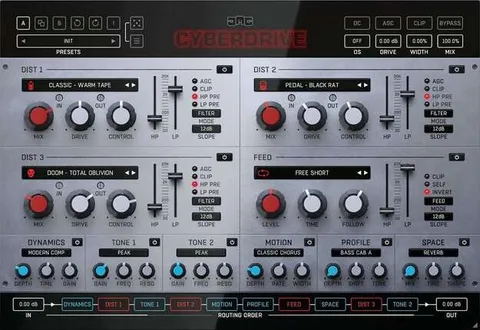
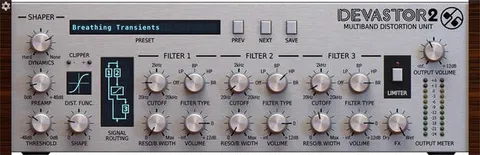
Three Distortion Modes and Interface

DST includes three distortion algorithms. Resonance Sound would say the modes range from subtle to extreme, with each one producing a different character and tone. That gives you a range of options from light warmth to heavy, aggressive drive.

The interface uses a 3D layout, which the developer presents as a way to make editing and tweaking easier. Built-in presets are also included to help you start from a sound and adjust it.

04Specs

Will it run?

Formats, systems and requirements as listed by Plugin Boutique. Missing details are left out, not guessed.

DeveloperFuture Audio
TypePlugin
CategoryDistortion
FormatsVST3, AU
Operating systemsWindows, macOS
Architecture64-bit
05FAQ

Questions, answered

Is DST available for Mac and Windows?

Yes. DST runs on Windows 7 and later and on macOS 10.11 and later, with native Apple M1 compatibility.

What plugin formats does DST support?

DST is available in VST3 and AU formats. It works only in 64-bit hosts.

What do I need to use DST?

You need a VST3- or AU-compatible host, 50 MB of free disk space, and a 64-bit system running Windows 7 or later or macOS 10.11 or later.