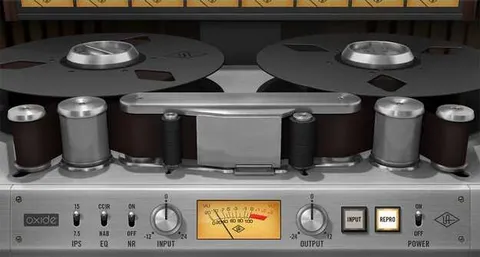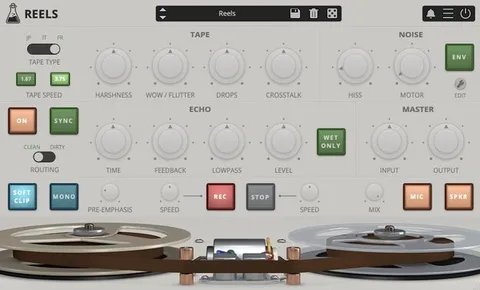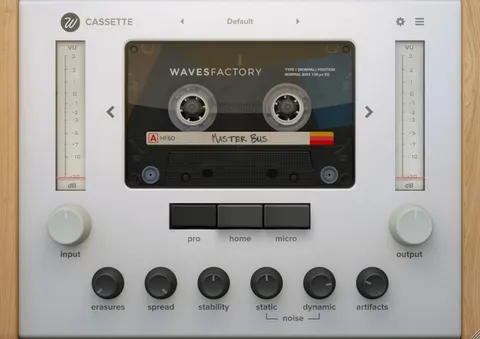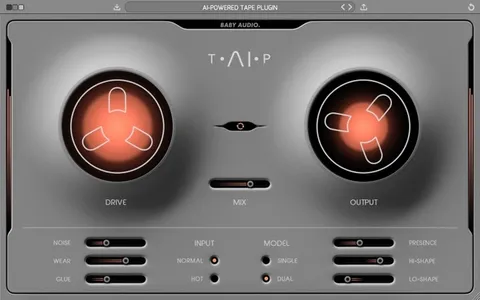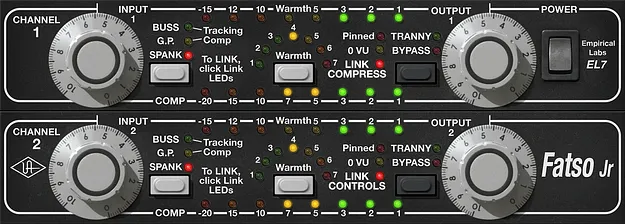
Emperical Labs FATSO Tape Simulator plugin interface by Universal Audio

Emperical Labs FATSO Tape Simulator

Emperical Labs FATSO Tape Simulator is a tape saturation and compression plugin from Universal Audio that combines tape warmth, four compressor modes and high-frequency smoothing in one set of controls.

VST3AUAAXWindowsmacOS64-bit
AVAILABLE ATPlugin Boutique
Opens the store in a new tab
01Overview

The FATSO Tape Simulator is built to add warmth, density and control to a mix in one stage. It puts tape saturation, compression and high-frequency smoothing under a single set of knobs, so a producer can run drums, bass, vocals or a full bus through one processor. Universal Audio distributes the plugin, which is developed with FATSO designer Dave Derr. The result is a tool for shaping color and dynamics rather than a general-purpose mixing utility.

Best for

  • Drum bus saturation
  • Bass warmth on small speakers
  • Vocal color and warmth
  • Mix bus glue
  • Heavy drum distortion
Store
Plugin Boutique
02Key features

What you get

  • Tape saturation and high-frequency smoothing in one plugin
  • Four compression modes: Buss, G.P., Tracking and Spank
  • Two versions: FATSO Jr for iconic tones, FATSO Sr for deeper compression
  • Sidechain filtering for compression control
  • Variable transformer saturation for adjustable harmonic color
  • Deeper compression parameters beyond the original hardware
  • Input drive from subtle clipping to heavy distortion
03In depth

Tape Saturation and Compression Modes

The plugin combines tape saturation with compression in one processor. Input drive is the main control for character. A moderate setting softly clips peaks and adds harmonics, while pushing past the pinned LED produces heavy, crushed distortion. Transformer and Warmth circuits blend in tape tone.

Four compression modes are included: Buss, a gentle 2:1 ratio with a soft knee for mix glue; G.P., a steady-level compressor; Tracking, an 1176-style compressor for vocals and instruments; and Spank, a limiter that recreates the squeeze of ’70s SSL talkback compressors.
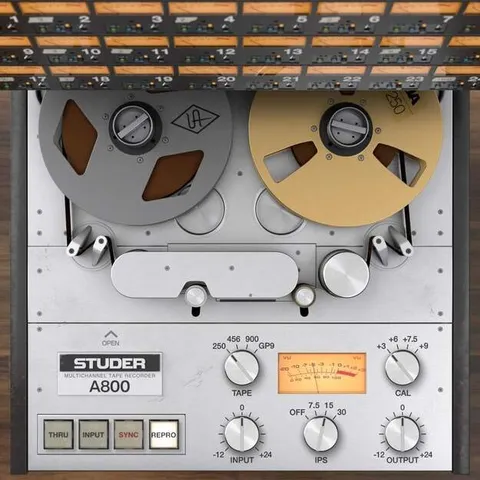
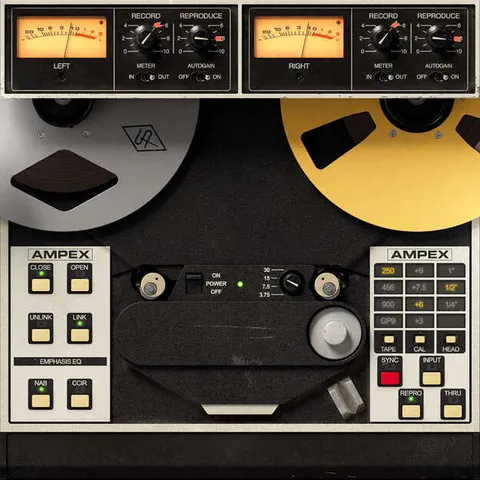
Two Versions and Advanced Controls

FATSO Jr provides the signature tones with a simpler interface. FATSO Sr offers deeper compression control. Both share the same tape and saturation character.

The plugin also includes sidechain filtering, variable transformer saturation and extended compression parameters, which are features that go beyond the original hardware.

04Specs

Will it run?

Formats, systems and requirements as listed by Plugin Boutique. Missing details are left out, not guessed.

DeveloperUniversal Audio
TypePlugin
CategoryTape Emulation
FormatsVST3, AU, AAX
Operating systemsWindows, macOS
Architecture64-bit
05FAQ

Questions, answered

What formats does FATSO Tape Simulator support?

FATSO Tape Simulator is available in VST3, AU and AAX formats.

Which operating systems can run FATSO?

The plugin runs on Windows and macOS. Windows 10 or Windows 11 (64-bit) and macOS Big Sur 11 through Tahoe 26 are supported, on Intel, AMD or Apple silicon processors.

What do I need to use FATSO Tape Simulator?

You need a supported DAW compatible with VST3, AU or AAX, an internet connection to download and authorize UAD Native plug-ins, and a free iLok account. A free UA Connect application manages the plug-ins. An iLok USB key is compatible but not required.

What is the difference between FATSO Jr and FATSO Sr?

FATSO Jr gives access to the iconic FATSO tones, while FATSO Sr adds deeper compression control.

07Developer

More from Universal Audio

All Universal Audio products →