Aligning a full vocal stack in one pass
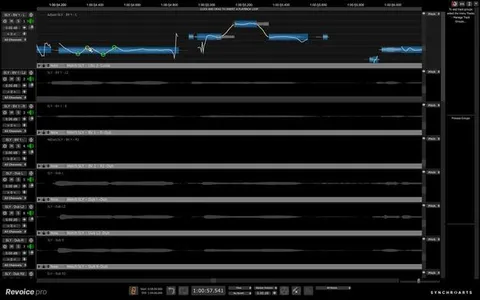
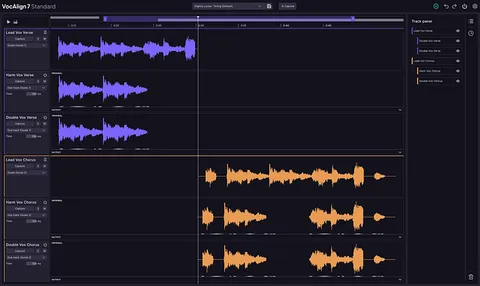
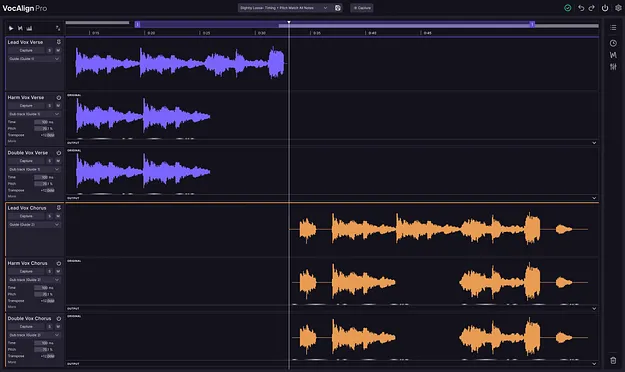
The multi-track view is the core change in this version. Each vocal sits in one workspace, so you choose the take that leads and assign the rest to follow it. The entire stack is then aligned in a single operation rather than track by track.
SmartAlign is designed to work out where alignment should start and end, and Sync Points let you set the exact positions manually. Protected Areas exclude selected regions from pitch and timing processing, which helps keep passages that already sound right untouched.
Visual energy analysis shows where alignment needs attention across every track, so you can find problem spots quickly.