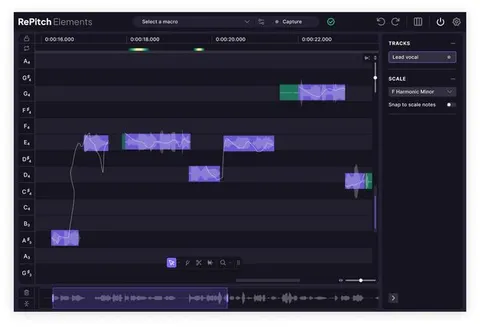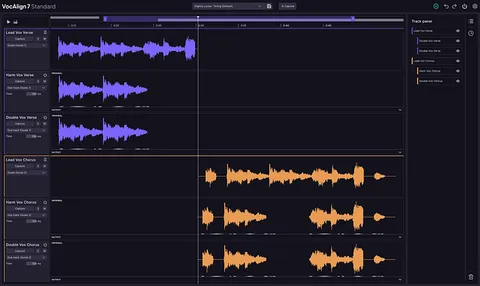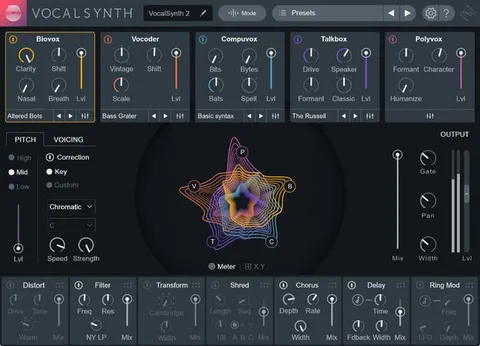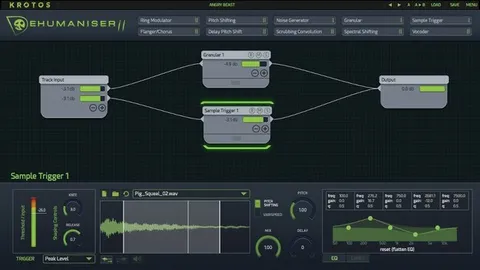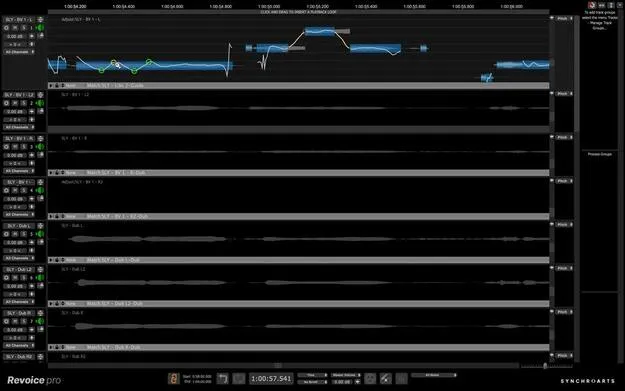
Revoice Pro 5 vocal editing plugin interface by Synchro Arts

Revoice Pro 5: Vocal Editing and Pitch Correction Plugin by Synchro Arts

Rated 4.3/5 on Plugin Boutique (23 ratings)

Revoice Pro 5 is a vocal processing plugin from Synchro Arts for editing pitch, time and level, aligning vocal stacks and matching performances across tracks. It runs on Windows and macOS inside supported DAWs and supports ARA workflows.

WindowsmacOS
AVAILABLE ATPlugin Boutique
Opens the store in a new tab
01Overview

Revoice Pro 5 focuses on vocal editing inside your session. Its pitch tools include the Shaper Tool, which places shape points on pitch or level curves, and SmartPitch, which decides when to match a vocal to a guide and when to leave it alone. SmartAlign chooses which part of a guide track your dubs should line up with, so you can build vocal stacks without pre-editing. Version 5 adds enhanced pitch, time and level editing as well as a formant shifting control.

Best for

  • Vocal pitch correction
  • Vocal stacking and doubles
  • Harmonies and backing vocals
  • Matching lead vocal performances
  • Sibilance control in vocal mixes
  • Vocal timbre adjustment
Developer
Synchro Arts
Store
Plugin Boutique
02Key features

What you get

  • Shaper Tool with automatically added shape points on pitch or level curves
  • SmartPitch for matching or preserving doubles and harmonies
  • SmartAlign for aligning dubs to the guide track without pre-editing
  • Automatic transfer of pitch, timing, vibrato and volume inflections
  • Vibrato length and speed editing without affecting other vocals
  • Process Groups adjustable from a single control panel
  • De-Esser with level display for pitched and unpitched notes
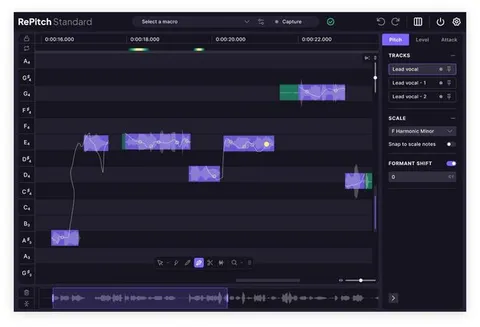
  • Formant Shifting to change timbre without changing pitch
03In depth

Pitch Correction and Vocal Matching Tools

The Shaper Tool lets you place shape points on a pitch or level curve for detailed control over correction. In this version, those points are added automatically, which speeds up the first pass on a take.

SmartPitch is aimed at doubles and harmonies. Synchro Arts says it recognizes when a part should match the lead and when it should keep its own pitch, so you do not have to override every note by hand.

Automatic Matching transfers pitch, timing, vibrato and volume inflections from one audio track to another. Vibrato Editing lets you lengthen or shorten vibrato and change its speed without affecting other vocals.
Stacking, De-Essing and Timbre Control

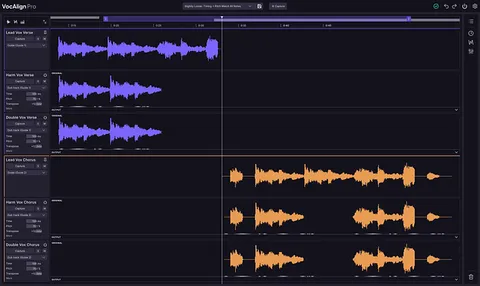
SmartAlign aligns your dubs to the most suitable section of the guide track, which removes the need for manual pre-editing before stacking. Process Groups let you combine several processes and adjust all their parameters from a single panel.

The De-Esser shows level for both pitched and unpitched notes, which helps you control sibilance in a clean mix. Formant Shifting changes the timbre of a performance while leaving its pitch unchanged.

04Specs

Will it run?

Formats, systems and requirements as listed by Plugin Boutique. Missing details are left out, not guessed.

DeveloperSynchro Arts
TypePlugin
CategoryVocal Processing
Operating systemsWindows, macOS
05Upgrades

Upgrade and crossgrade options

06FAQ

Questions, answered

What operating systems does Revoice Pro 5 support?

Revoice Pro 5 runs on Windows and macOS. The macOS requirements list an Intel processor and macOS 10.14 or higher.

Which DAWs work with Revoice Pro 5?

Supported hosts include Pro Tools, Logic Pro, Studio One Professional, Cubase Pro, Nuendo, Reaper and Digital Performer, and Ableton Live on Windows. Version support varies by host, so check the listed minimum versions for your DAW.

Does Revoice Pro 5 support ARA?

Yes. ARA support is available in compatible DAWs. Pro Tools requires at least version 2024.6 for ARA, and Logic Pro ARA support requires an Intel Mac or Logic running in the Rosetta Intel Compatibility layer on an M-series Mac.

What do I need to use Revoice Pro 5?

You need a supported DAW on Windows or macOS that meets the minimum version listed for it. Pro Tools users should note that AudioSuite workflows are affected by a bug in Pro Tools 2024.10.x, so use versions up to 2024.6 or 2025.6 and later for those workflows.

08Developer

More from Synchro Arts

All Synchro Arts products →